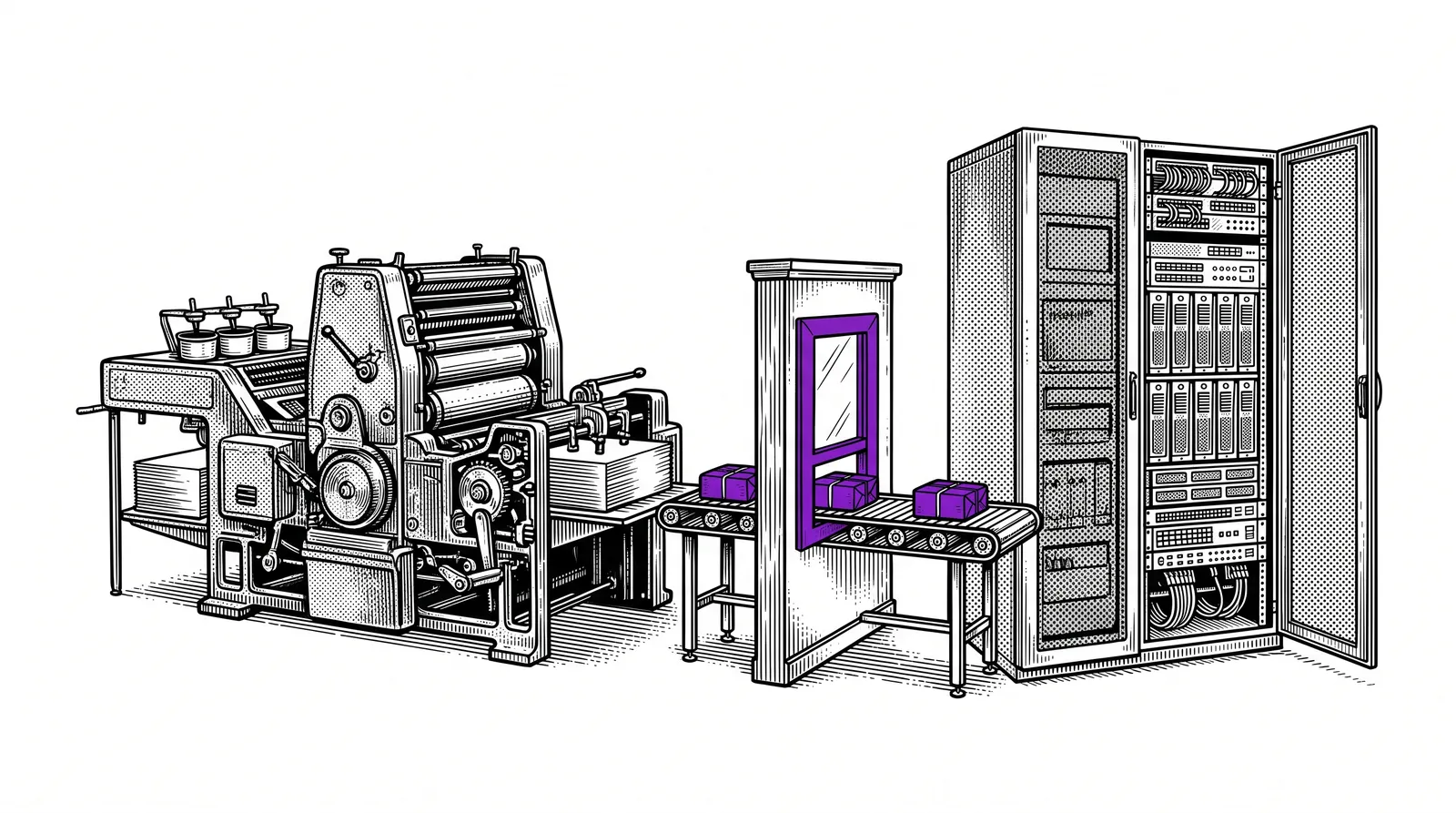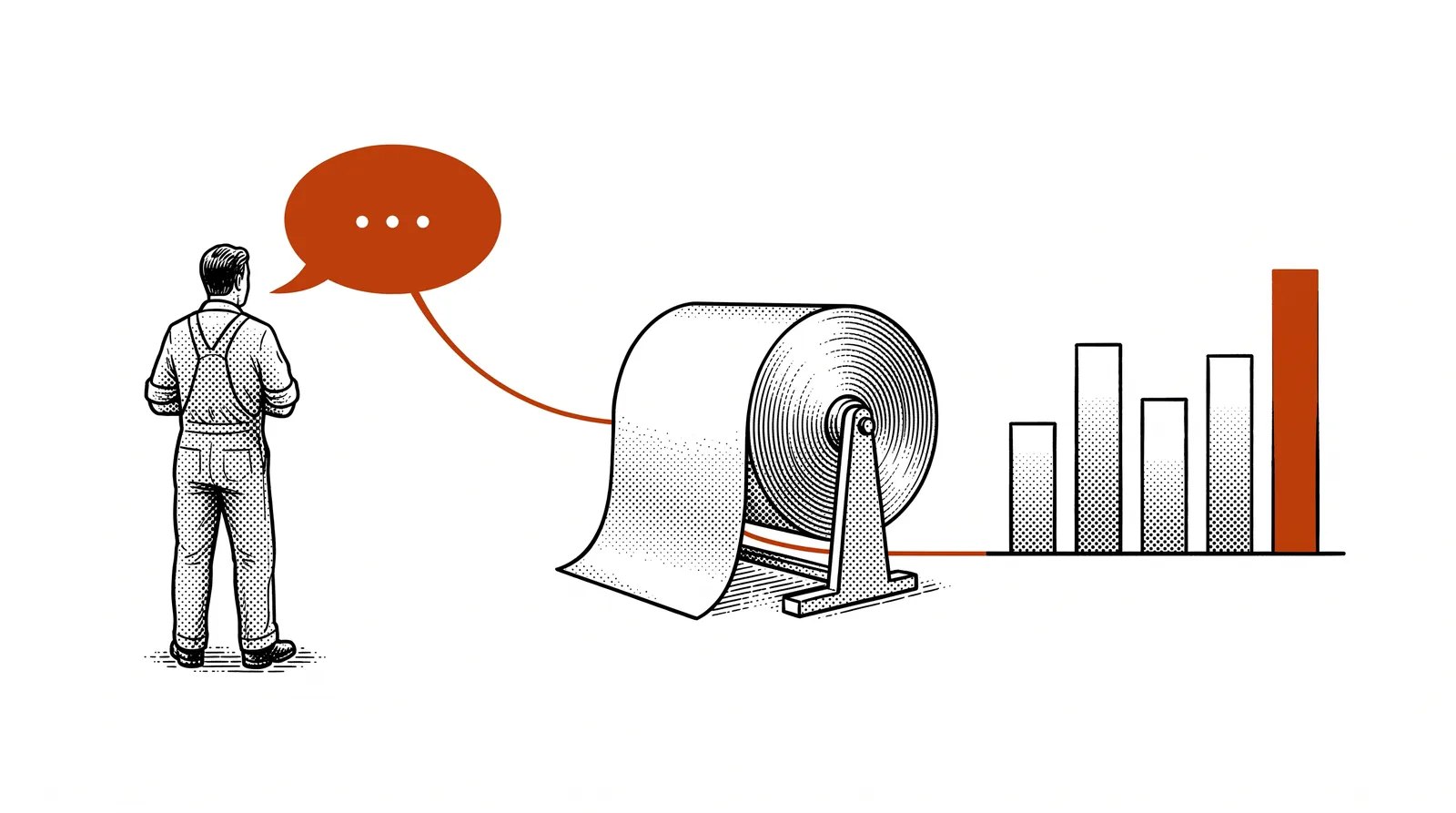
How many web breaks did we have this week? A shift leader wants an answer to a question like that without first requesting a report. At the second PRINTELLIGENCE steering group, the project team showed how AI translates that question into a calculation on your production data. This guide explains how that works and what you need for it.
A question in plain language instead of a query
Your production data sits in databases. Anyone who wants to get something out of them writes a query: an instruction in the language of the database.
Not everyone can do that. Often it is one person in the company. The others wait for a report or look at an export that is already a week old.
Talking to your production data turns that around. You ask your question the way you would ask a colleague. The AI works out which data is needed for it and writes the query itself. You get the answer back with the source attached.
In short: you ask the question and the AI writes the query. Then you check the source. The question from the floor remains the starting point.
Two questions from the shop floor
The project team worked out two questions that every printing company recognises. The first is a counting question. The second is a calculation question.


Question 1: how many web breaks did we have this week?
To be able to count, the AI needs to know four things.
- Where breaks are recorded. At Drukkerij Moderna the manroland web presses log every stop and every web break to the minute.
- What “this week” means. Does the week start on Monday morning or with the Sunday night shift?
- Which presses it is about. All presses together or each press separately?
- What a break is called in the data. That can be an error code or a type of stop.
With that knowledge the AI writes a query. It looks roughly like this. The names of the table and the columns are an example: in your system they are called something else.
SELECT pers, COUNT(*) AS aantal_breuken
FROM stilstanden
WHERE type = 'papierbreuk'
  AND start >= '2026-09-21'
  AND start <  '2026-09-28'
GROUP BY pers;
You do not need to be able to write such a query. It does help if you can read it. It says: count the stops of the type web break (papierbreuk) in the week of 21 September and show the number per press (pers).
Question 2: what percentage of actual waste compared with the calculated waste?
The formula is simple.
actual waste ÷ calculated waste × 100
A worked example with round numbers. The estimate allowed for 1,000 sheets of make-ready and 1,200 sheets were lost. 1,200 divided by 1,000 times 100 gives 120 percent. So you were 20 percent above the estimate.
The difficulty lies in the two sources. The calculated waste sits in the estimate or in the ERP. The actual waste comes from the press or from the production records. The AI has to be able to reach both sources and link them together, for example through the order number.
What you need
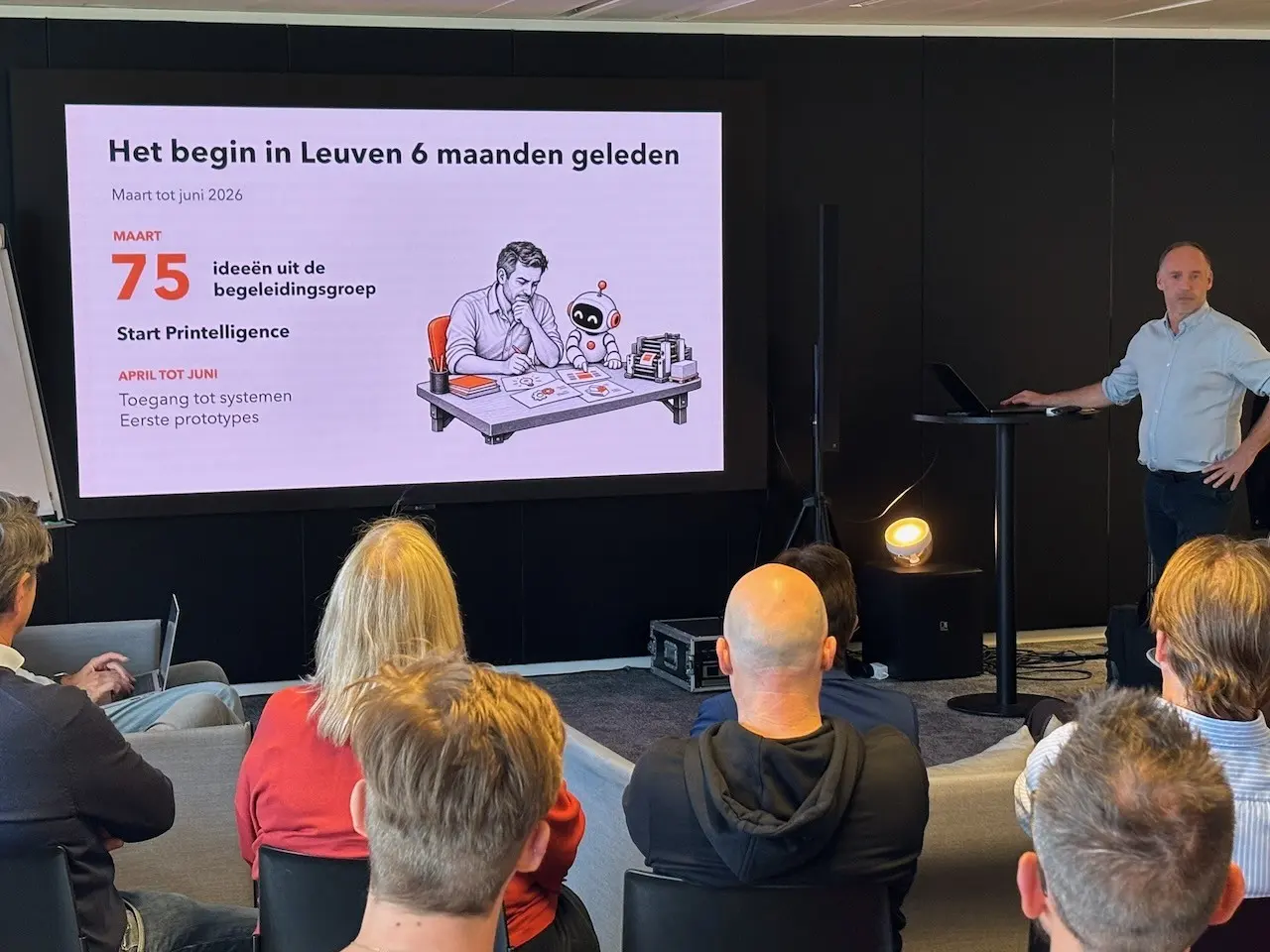
The first months of the project went mainly into the foundation: access to the data. That sounds simple. In practice it takes a lot of consultation.
Before the AI can say anything meaningful about your production, you arrange four things.
Make a list per source. The table below shows how the project team classifies them.
Sometimes that is your own IT manager. Often it is the supplier of the ERP or the machine builder. In the trial at Moderna it meant consultation with two machine builders: manroland and Heidelberg.
An export is a file you take out of the system. An API is a fixed connection through which the AI retrieves data itself. For the Heidelberg sheetfed press at Moderna that runs through the Prinect API.
The AI may look and change nothing. In the trial every connection was read-only. That way a wrong answer can never become a fault in production.
| Type of source | What it contains |
|---|---|
| Business | ERP and planning, job orders (JDF) |
| Production | Web press, sheetfed press, cutter, sensors |
| Experience | Operator reports |
Operator reports add the experience behind the figures. That is the subject of guide 13: the voice of the operator.

Good to know: at Moderna a feasibility study showed that a modern read-only API on top of the existing ERP database works. A switch to another ERP was not necessary.
Answer with source check
A language model can be mistaken and then sounds just as certain as ever. That is why every answer comes with a source.
The division of roles is simple. The AI looks up the relevant information through the connections that are available. The operator or the shift leader checks the source and judges the proposal.

A good answer shows four things.
The answer to the question, with the unit attached.
From when to when the count was made.
Which system and which table the data comes from.
The query or the formula, so that someone can check it.
Why the operator? He knows what the data does not know. The press was down on Tuesday for maintenance. A new paper grade was being tested. A figure without that context leads to wrong decisions.
Rule of thumb: do not believe a figure whose source you cannot open.
Starting small: an export in a spreadsheet is enough
You do not need an API to try this. An export and an AI assistant are enough.
Take a question that comes back every week. The two questions above are good candidates.
Request an export from your ERP or your press software as Excel or CSV. One month of data is enough to start.
Upload the spreadsheet and explain in two sentences what each column means. Does it contain customer names or prices? Then use a business account where your data is not used to train models. You can also work locally (see guide 11).
Do not ask only for the figure. Also ask which rows were counted and with which filter.
Count it yourself in the spreadsheet. Does it match? Then you can repeat the question every week. Does it not match? Then you learned something about your data or about your question.
This spreadsheet contains every stop of our presses in September. The column “type” says what happened. How many web breaks were there per press in the week of 21 September? Show which rows you counted and which filter you used.
Does that weekly question prove its worth? Only then does it pay to replace the export with a fixed connection.
Four pitfalls
The technology is rarely the problem. Things go wrong with agreements and with the data itself.
What exactly is waste? Do the make-ready sheets count and do you count in sheets or in kilos? If two colleagues give a different answer, the AI gets it wrong too. Write down the definition before you start.
A stop that nobody recorded does not exist in the data. The clocks of two systems do not always run in sync. The AI calculates with what is there and does not see what is missing.
One wrong figure in a meeting and nobody uses it any more. Start with questions whose answer you can check and always show the source. Also say what the figures are for: to improve production and not to monitor people.
Connecting all systems at once takes months. One question on one source delivers something this week already.
Building further: from export to connection
Does the approach with an export work? Then four other guides help you further.
How systems talk to each other and how you build a first connection.
The format in which most APIs return their data.
Showing your figures on one screen, built with vibe coding.
A live dashboard on machine data and APIs.
Do you want an AI assistant to connect to your systems itself instead of to an export? That goes through MCP. The MCP guide explains how.
The project is also continuing along this track. One of the four proposed follow-up trials is called “Bronnen koppelen” (connecting sources): querying the data from the ERP and the machine data together instead of each separately.
Try it yourself on 18 November. In Genk you see the results live at work in the morning. In the afternoon you build a dashboard on your production data yourself in a hands-on workshop.
Further reading and sources
This guide is based on the presentation “PRINTELLIGENCE: de eerste zes maanden” (the first six months) that the project team gave at the second steering group, on 24 September 2026 in Hasselt. The two shop floor questions and the division of roles between AI and operator come from that presentation. The examples on access come from the public story of the first proof of concept at Drukkerij Moderna.
The example query and the worked example were added by the project team as an illustration. They are not figures from the trial. The steps with a spreadsheet are advice from the team.
All 28 slides to browse or download as a pdf, with the report of steering group 2.
Which sources were connected and why everything stayed read-only.
The 75 ideas from the industry. “Making better use of APIs” and “bringing data from various sources together” were already among them.
What your operators' reports add to the figures.
The AI looks up the information and the operator checks the source. The question from the floor remains the starting point.