Why a quality dashboard?
Most printing companies have mountains of data but hardly use it. A quality dashboard makes that data visible and actionable.
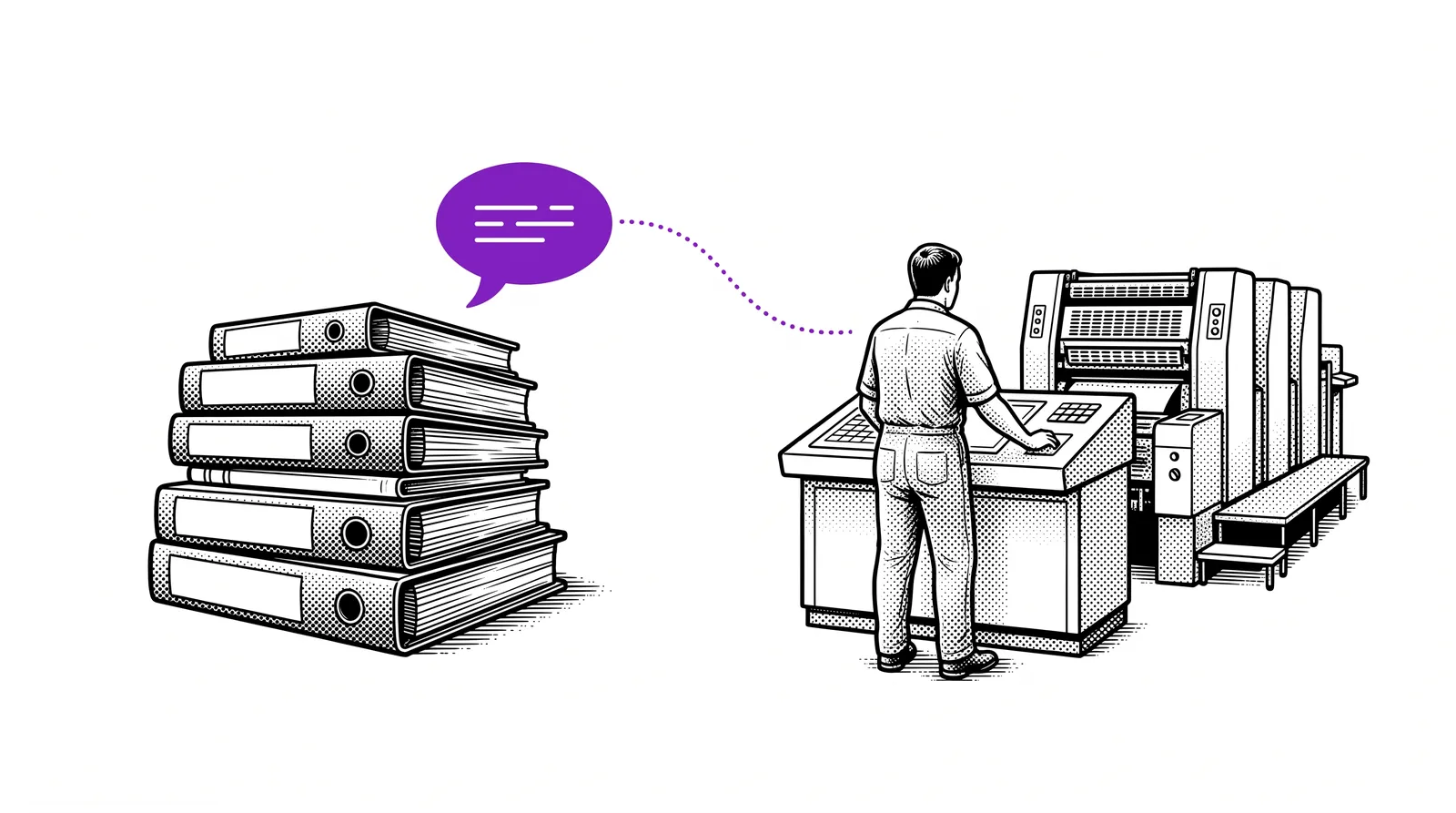
In a typical printing company dozens of production runs take place every day. Each run produces data: colour deviations, paper consumption, machine times, reprints and complaints. That information often stays scattered across Excel files, logbooks or even the memories of your operators.
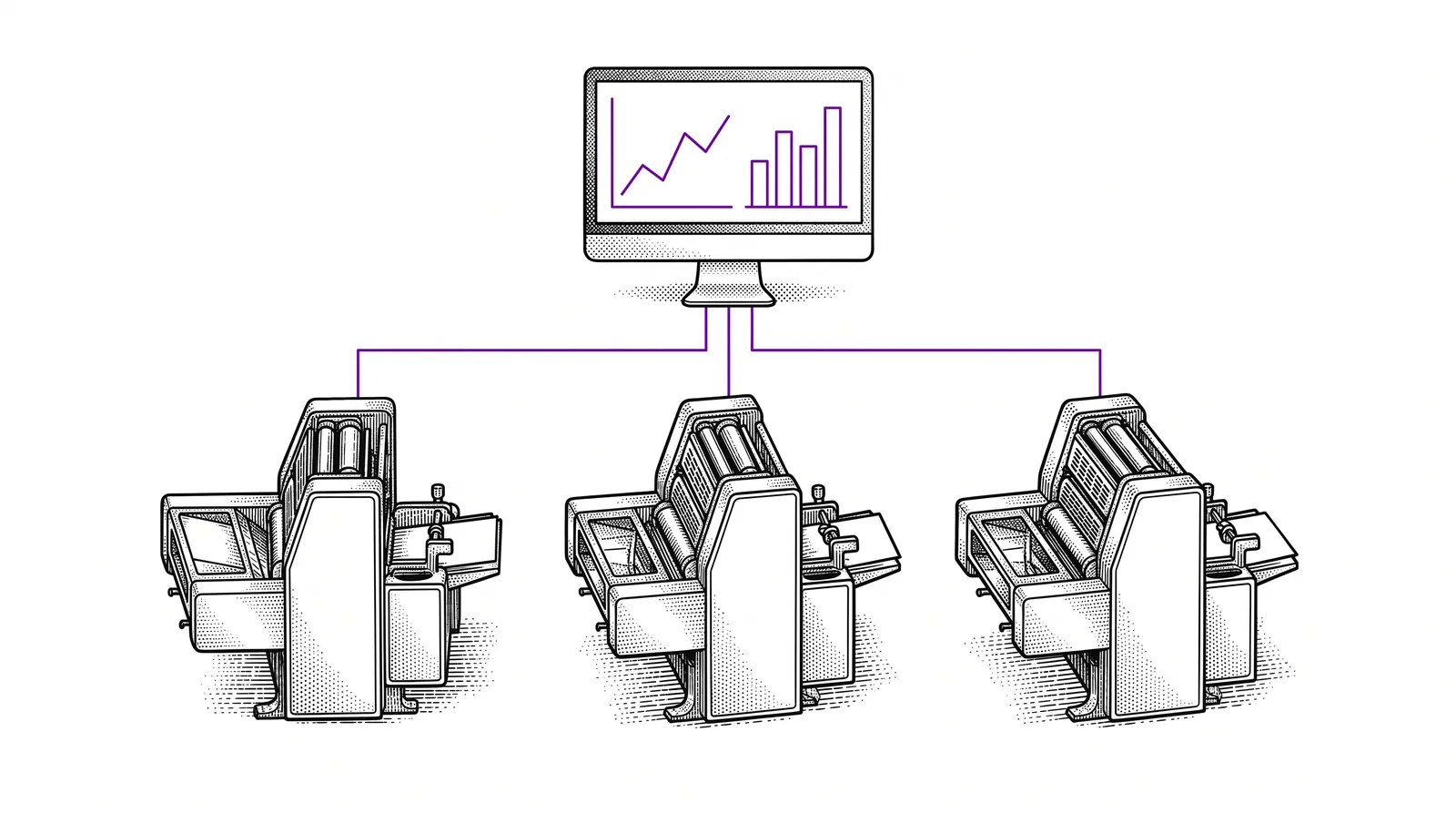
A quality dashboard brings all that information together on one screen. You see at a glance how your production is doing, where the bottlenecks are and which trends are emerging. That is not a luxury but a necessity in an industry where margins are under pressure.
The core idea: A quality dashboard replaces gut feeling with facts. You make decisions based on figures, not on assumptions. That leads to less waste, fewer reprints and higher customer satisfaction.
The benefits at a glance
Direct visibility of production quality. Faster intervention when something deviates. Objective data for customer conversations. Well-founded investment decisions. And not to forget: a culture of continuous improvement that the whole team supports.
Which data do you want to monitor?
Not all data is equally relevant. Focus on the KPIs that really affect your quality and profitability.
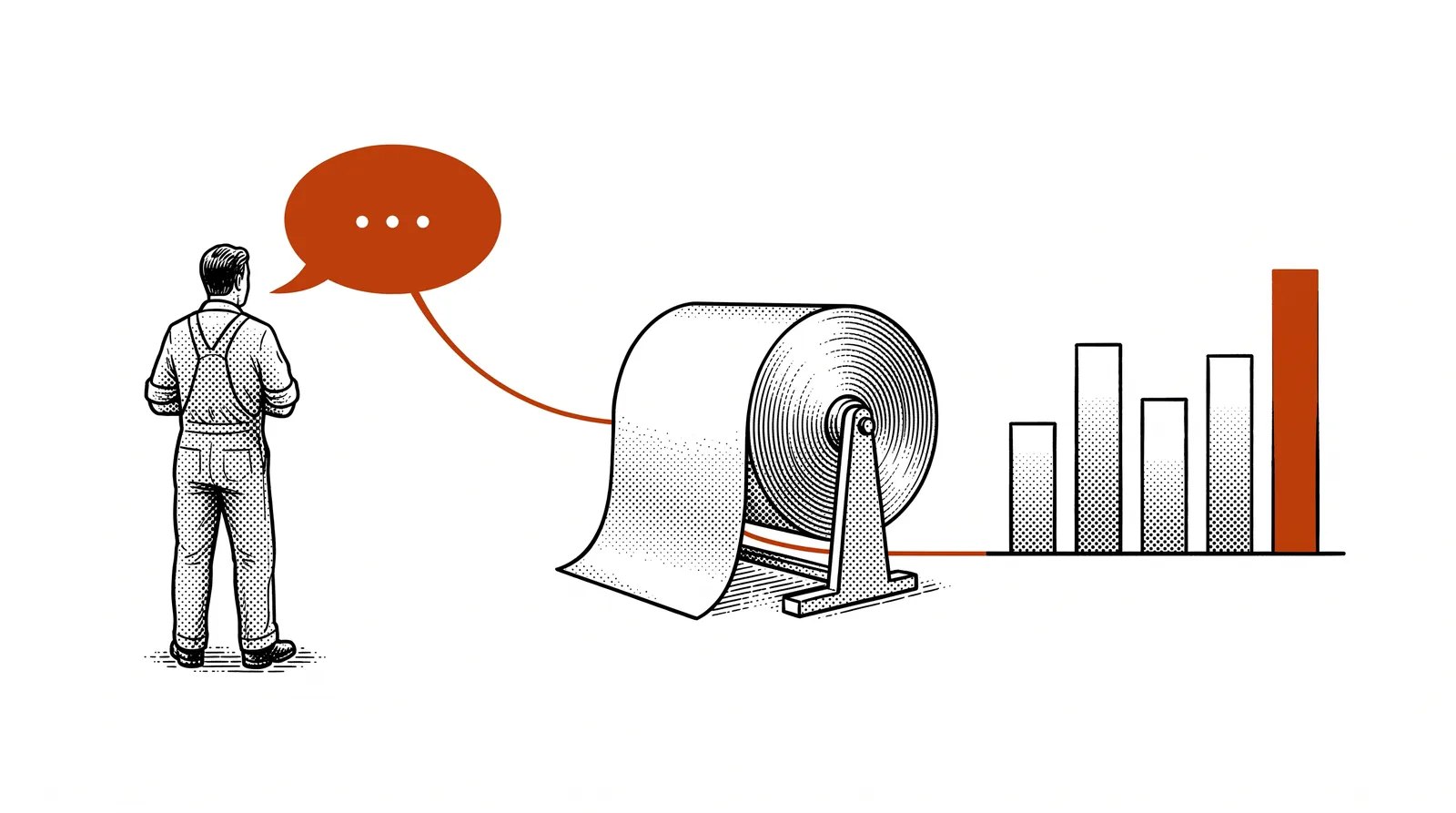
How much paper and ink do you lose per run? Measure the difference between expected and actual consumption. A falling waste percentage means direct cost savings.
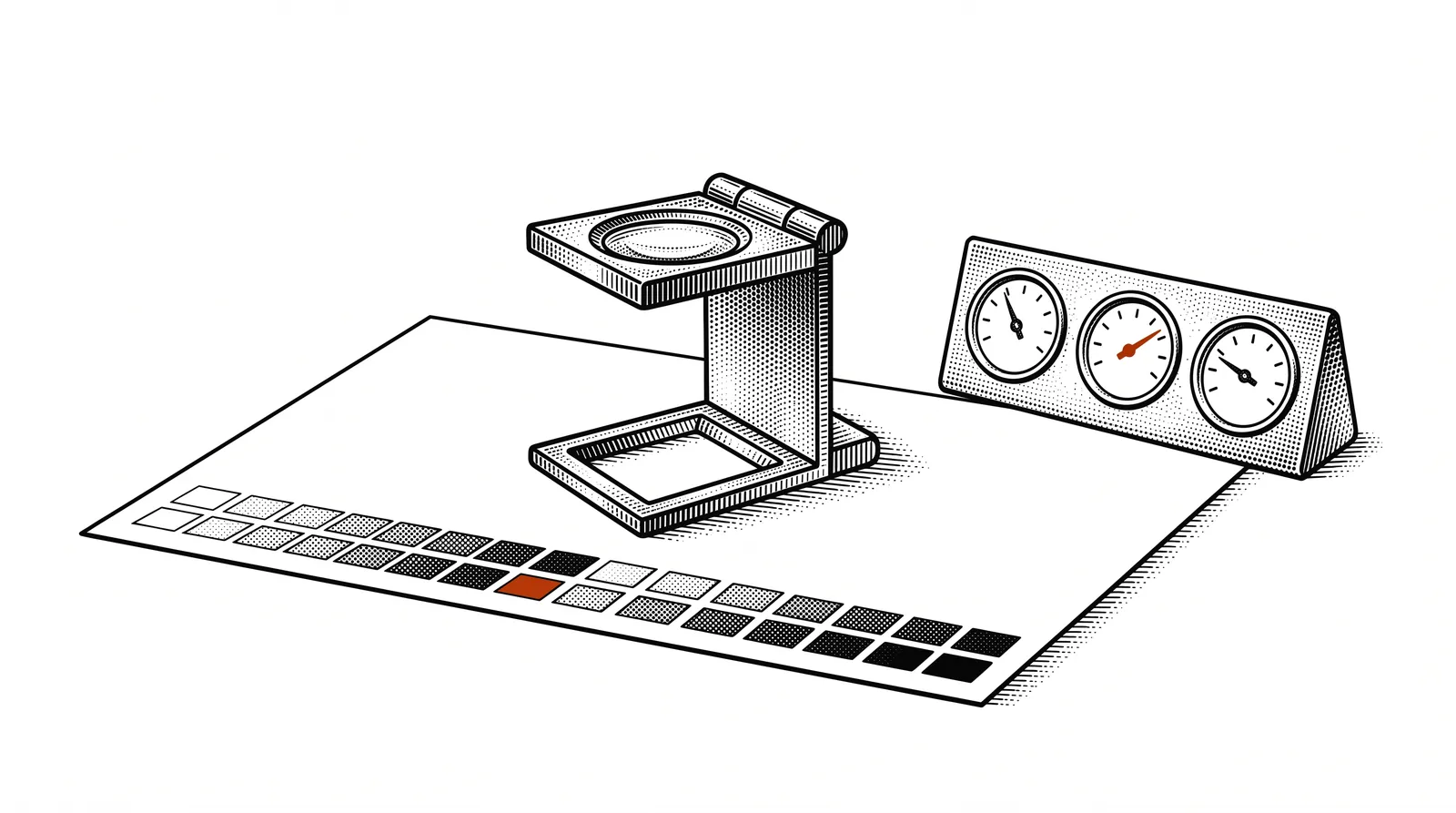
Measure Delta E values per job. How close are you to the customer specification? Structurally high values point to calibration problems.
Percentage of orders delivered on time. Break it down by customer, product type and machine to discover patterns.
Unplanned downtime per machine per week. High downtime can point to overdue maintenance or operator errors.
How many jobs have to be printed again? Record the cause: customer error, prepress error, machine error or material-related.
Number and type of complaints per period. Categorise them: colour, finishing, delivery, packaging. Trends in complaints are worth their weight in gold.
Start small: Begin with three to five KPIs that you can already measure today. You can always expand the dashboard later. Perfection is the enemy of progress.
Designing the dashboard with AI
With Vibe Coding you build a professional dashboard without writing a line of code. Describe what you want and AI does the rest.
Step 1: The briefing
Start with a clear description of your dashboard. Which KPIs do you want to show? Who will use it? On which screen will it be viewed? A good briefing produces a better result.
Step 2: The prompt
Use a tool such as Bolt or Claude Code and describe your dashboard. For example: "Build a production dashboard for a printing company. At the top four KPI cards: waste percentage, delivery reliability, reprints this month and average Delta E. Below that two charts: waste per week and delivery times per month. Use a dark theme with teal accents."
Step 3: Iterating
Look at the result and refine. "Add a filter per machine." "Make the KPI cards clickable so you can see the details." "Show a red indicator when the waste percentage goes above 5%." Each adjustment is a new request in plain language.
Our advice: First make a sketch on paper of what your dashboard should look like. That helps enormously when formulating your prompt. Think about the layout: what goes at the top, what at the bottom, which data is most important?
Collecting and structuring data
A dashboard is only as good as the data in it. Here you learn how to collect your production data in a structured way.
Where is your data now? MIS system, Excel, logbooks, CTP software, measuring equipment? Make a list of all the places where relevant information is stored.
Convert everything to one consistent format. A simple spreadsheet with fixed columns is a good starting point: date, machine, job ID, waste, Delta E, delivery time, remarks.
The easier it is to enter data, the more consistently it happens. Build a simple input form with Vibe Coding or use a shared spreadsheet that operators fill in on a tablet.
Some data can come in automatically. Think of API connections with your MIS, CSV exports that you read in periodically, or sensor data from your machines.
Important: Do not wait until your data is perfect. Start with what you have, even if that is a manual Excel file. You can always automate and refine later. The first step is: start measuring.
Charts and visualisations
The right visualisation makes the difference between data that gathers dust and data that leads to action.
KPI cards
At the top of your dashboard you show the most important figures in large, clear cards. Think of the current waste percentage, this month's delivery reliability, the number of reprints and the average Delta E. Use colour codes: green when everything is fine, orange when a value needs attention, red when a limit is exceeded.
Line charts for trends
Show how your KPIs develop over weeks or months. A falling line for waste is positive. A rising line for complaints calls for action. Trends are often more valuable than isolated figures because they indicate direction.
Bar charts for comparison
Compare performance per machine, per operator or per product type. Which press has the lowest waste percentage? Which product type generates the most reprints? Bar charts make those comparisons visual and immediately understandable.
Rule of thumb: Every chart must answer a question. "How is our waste developing?" "Which machine performs best?" If you cannot formulate the question, the chart does not belong on your dashboard.
Advanced visualisations
Once your basics are in place, you can expand your dashboard with more powerful visual elements.
Statistical Process Control charts show measured values with upper and lower limits. Ideal for seeing whether your process is stable or whether a trend is emerging that requires intervention.
Show the main causes of quality problems. The 80/20 rule applies in printing companies too: a few categories often cause the majority of the problems.
Visualise performance per day and per hour. When do your machines run most efficiently? Are there patterns in errors at certain times of the day or week?
Show real-time values as speedometers. Perfect for the shop floor: operators see at a glance whether they are working within tolerance.
Tool tip: With libraries such as Chart.js or Recharts (which AI generates for you) you can make all these visualisations. Simply describe the type of chart you want and AI writes the code.
Setting up real-time monitoring
A dashboard that only shows historical data is useful, but real-time monitoring takes your quality control to a higher level.
Automatic data refresh
Have your dashboard automatically fetch the latest data every few minutes. Through Vibe Coding you simply ask: "Refresh the data every 5 minutes." The AI handles the technical implementation, including polling or websockets.
Alerts and notifications
Set thresholds for your KPIs. When the waste percentage goes above 6%, a red warning appears. When the Delta E goes above 3, the shift leader gets a notification. That way you can intervene proactively instead of solving problems reactively.
Screen on the shop floor
Hang a large screen in the production area that shows the dashboard. Operators continuously see the current figures and become aware of their impact on quality. This alone often leads to measurable improvement.
Practical experience: Printing companies that put a live quality screen on the floor report a drop in the waste percentage of 10 to 20% within three months. Visibility creates responsibility.
Tips and best practices
Learn from the experiences of other printing companies that have successfully implemented a quality dashboard.
Do's
Let operators and shift leaders help decide which data they want to see. A dashboard that fits their daily work actually gets used.
Less is more. Five well-chosen KPIs on a clear screen are more valuable than thirty charts nobody looks at.
Discuss the dashboard figures in your monthly team meeting. Which KPIs are improving? Where do we need to take action? Data without discussion does not lead to change.
Don'ts
Every KPI must be linked to an action. If you do not know what you will do when a number is too high or too low, it does not belong on your dashboard.
The dashboard is there to improve, not to point out culprits. A culture of blame kills any willingness to record honestly.
From dashboard to action
A dashboard is not a goal in itself. The real goal is making better decisions and improving continuously.
Weekly quality round
Plan a short weekly moment when you go through the dashboard figures with your core team. Fifteen minutes is enough. Discuss the most striking figures, decide on concrete actions and assign owners. Follow up on the actions in the next meeting.
Setting goals with data
Use your historical data to set realistic goals. If your waste percentage now averages 7%, set a goal to bring it down to 5.5% in three months. Track the progress on your dashboard and celebrate successes with your team.
Generating reports
Have your dashboard automatically generate weekly or monthly reports as PDF. Useful for management meetings, customer conversations or ISO audits. With Vibe Coding you add an "Export report" button to your dashboard.
Link with customer satisfaction
Make the connection between your internal KPIs and customer satisfaction. A drop in complaints after an improvement in your Delta E proves that your investments pay off. That data tells a powerful story to your management.
The next step: Once your dashboard is running and your team works with it, you can think about automation. An AI agent that analyses your figures daily and proposes improvements. That is the advanced Builder level.
Further reading and sources
Useful sources to learn more about quality management and dashboard building.
Browser-based Vibe Coding platform. Ideal for quickly building a first version of your dashboard without installation.
Open-source JavaScript library for charts. AI generates the code, you choose which charts you want.
AI assistant that builds complete dashboards from a description. Ideal for refinement and integration with data sources.
The international standard for colour reproduction in the printing industry. Essential for determining your Delta E target values.
More guides, masterclasses and practical AI applications for the printing industry.
What you do not measure,
you cannot improve.A good dashboard turns
data into a compass
for your printing company.