At every press there is someone who notices what no sensor measures. In many printing companies operators have been writing that down in a logbook for years. At Drukkerij Moderna that logbook turned out to be the richest data source of the whole pilot. This guide shows what such entries are worth and how you get started with them yourself.
What is an operator log entry?
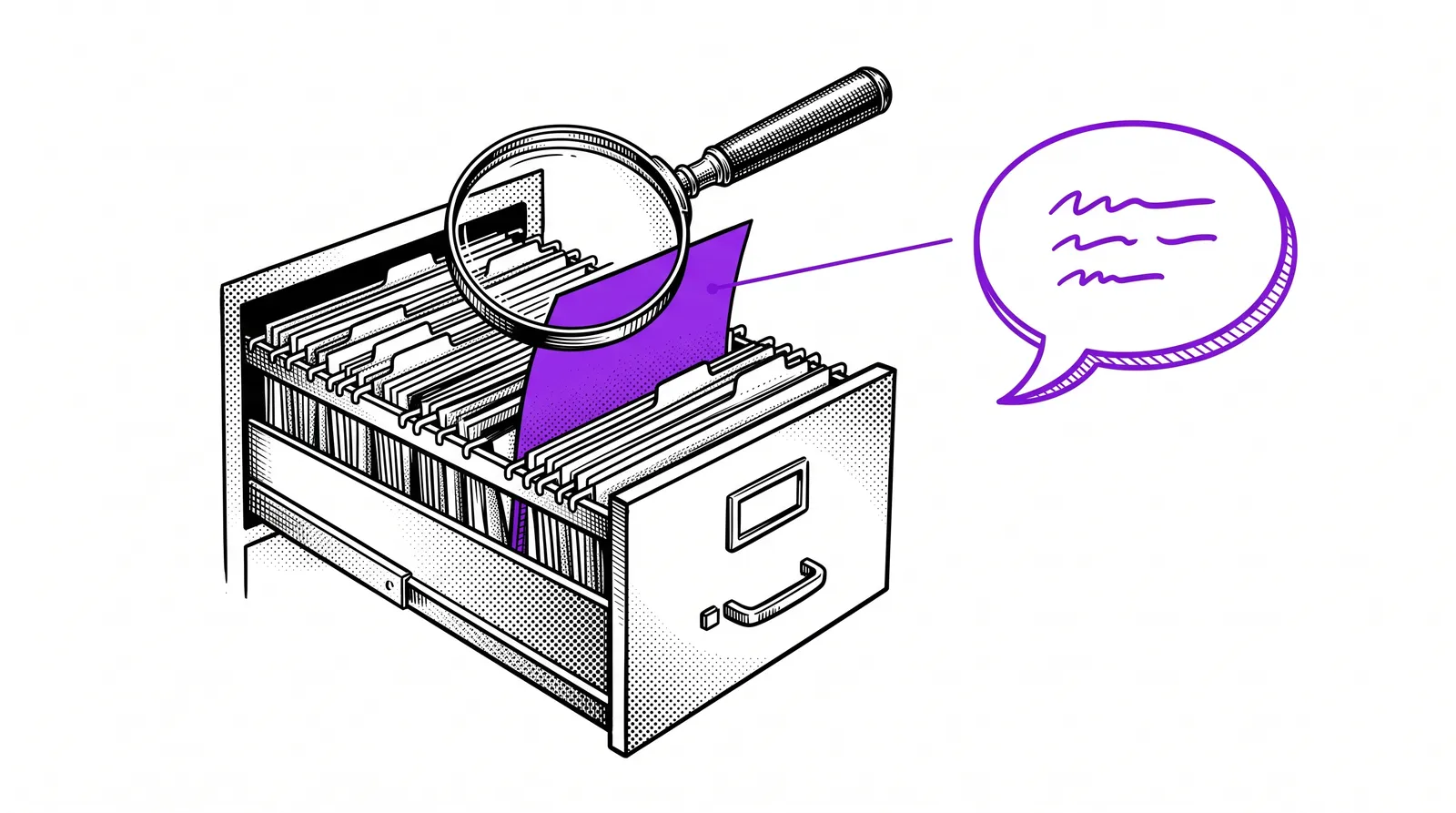
An operator log entry is a short note by the press operator about what went wrong during a production run. Free text, typed at the press.
You find them in many places: in a logbook next to the press or in the shift handover book. Sometimes they sit in an Excel file or in a shared mailbox.
At Drukkerij Moderna the press operators noted down what went wrong at every production run from 2001 onwards. The logbook holds more than a hundred thousand entries from dozens of operators. This is what one from 2017 sounds like:
“washing the blanket by hand, Baldwin washing unit not working”
One line and you know what was broken and how the operator solved it. No measuring system records that second part.
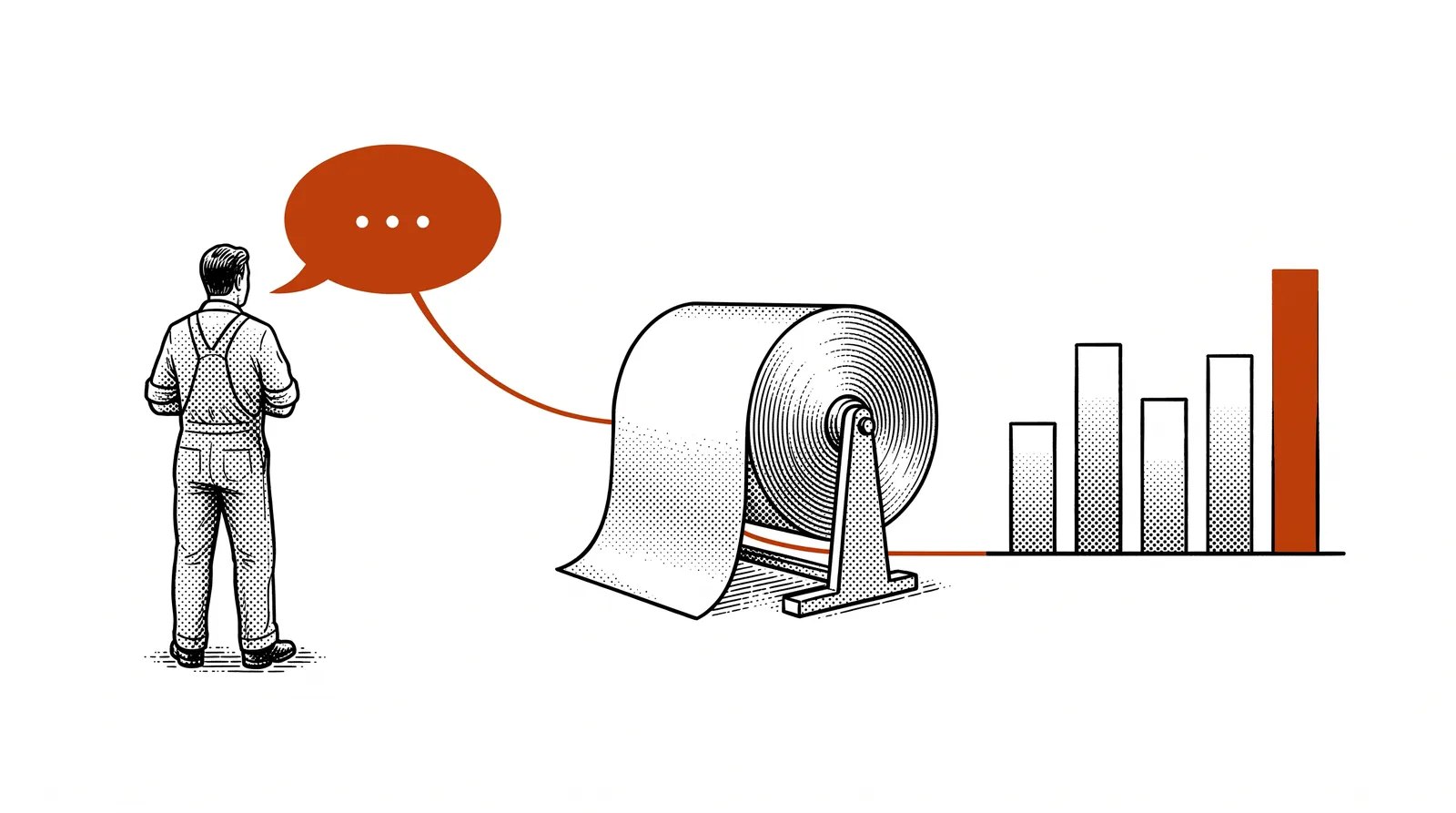
The project team sums up the value like this: operator entries add the experience behind the figures. The press knows how long it stood still. The entry tells you why.
Sensor versus human
The same fault sounds very different depending on who describes it.


| The same fault | The machine | The operator |
|---|---|---|
| What it says | “fault: overtemperature zone 31” | “every single time it is warm outside” |
| What you get | An error code with a timestamp | A description in their own words |
| Strong in | Completeness: every fault is logged | Context: what they saw and what they did about it |
| Weak in | Does not say how bad it was | Depends on time and on the mood to write |
Sensors register what happens. Operators describe what they see.
Neither is better. The error code says where and when it went wrong. The entry says that the fault returns every time it is warm outside. Whoever reads only the error code misses the pattern. Whoever reads only the entry does not know where it went wrong.
What AI can do with log entries
Nobody reads through a hundred thousand entries. A language model does.
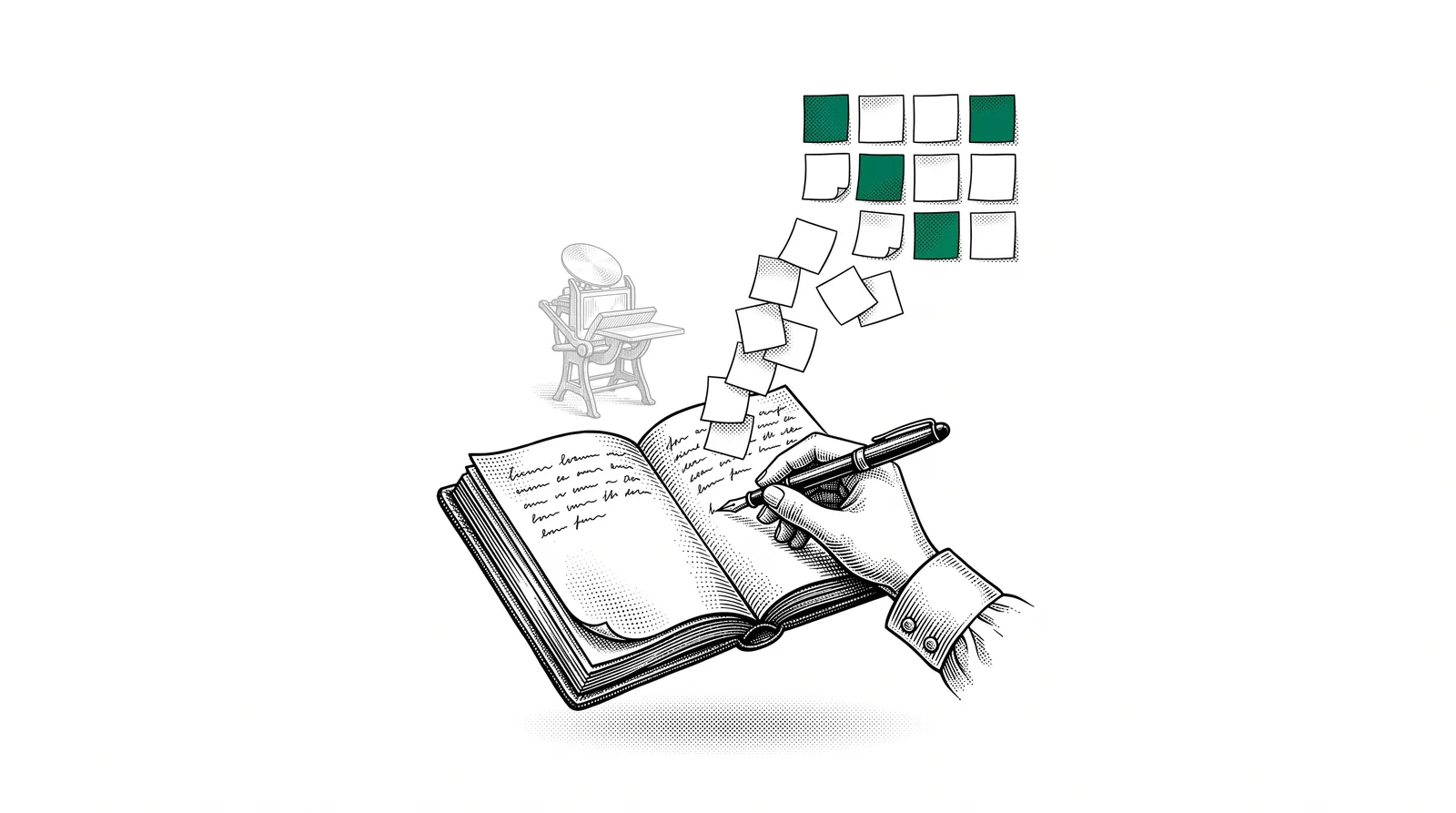
Free text used to be unusable for analysis. Every operator writes differently: with abbreviations and typos, sometimes dry and sometimes with a lot of humour. A language model does not trip over that. In the pilot the AI did four things.
The AI read all entries in full, including the short and the sloppy ones.
The same fault appears in very different wording. The AI brings together entries that are about the same problem.
Per press a list emerges of problems that keep coming back.
Each group was compared with the machine data and with the data from the ERP.
Note: the AI groups and counts. What a problem costs and what you do about it remains a judgement by people. The result is a list of hypotheses that you test on the shop floor.
What the pilot at Moderna taught us
Two lessons stood out. The first is good news. The second is a warning.
The operators were right
The machine data did not contradict the operators' entries anywhere. What the operators wrote down for years was correct. So a logbook is more than a collection of complaints. It is a reliable source.
The analysis produced an action plan of more than fifty pages, with priorities and an expected return per action. These are proposals and hypotheses. The printing company tests them in practice itself and no saving has been realised yet. Five recommendations stand out.
- Restore the tray roller control on the press where it produces the most machine events.
- Optimise the washing unit. On one press the blanket washing unit is the biggest source of downtime.
- Shorten makeready time with a fixed approach to setting up.
- Improve the reel change where web breaks still peak right after splicing.
- Follow up every entry with a weekly triage and an answer back to the operator.
The 2017 entry at the top of this guide was already about washing the blanket.
The logging stopped
In 2025 the logging stopped. Whoever reports without ever getting an answer gives up after a while.


The loop between shop floor and office was broken. That is the most important lesson for every printing company, with or without AI. An entry without follow-up eventually costs you the entry itself.
Closing the feedback loop
An entry deserves an answer. That is not a data question. It is an agreement on the shop floor.
A feedback loop has four links. Someone reports and someone reads. Someone decides and the reporter hears what was decided. In many companies that last link is missing.
Four agreements close the loop.
Go through the entries every week at the same time. In the action plan for Moderna that is called a weekly triage.
One person makes sure every entry gets an answer. That does not have to be the person who solves the problem.
Every entry gets one of four answers: solved, scheduled, under investigation or deliberately not now. The last one comes with a reason.
Put the overview up at the press or discuss it at the shift change. The operator must see the answer without having to ask for it.
AI can make the preparation lighter. An assistant summarises the week's entries and groups them per press. The decision and the answer remain human work.
At Moderna the team itself went a step further with digital shop floor logging. The operator gets something back immediately: he sees how far the run has progressed and how fast the press is running compared with the estimate. If the press stands still for five minutes without an entry, the screen asks what is wrong.
Closing the feedback loop is also the first of the four follow-up pilots the project team proposed to the steering group.
Start yourself with what you have
You do not need twenty years of data. A few months of entries are enough for a first picture.
A paper logbook, an Excel file, a shared mailbox or a group chat of the shift. Ask the operators. They know where they write it down.
Take the last few months. A paper logbook you type out or photograph. Most AI assistants read handwriting, though you had better check the result. Take out the names of operators: it is about the machines and not about the people.
Give the file to an AI assistant with the question below. Does it contain sensitive information? Then use a business account or a local model (see guide 11).
Show the five biggest groups to the operators and the maintenance department. Do they recognise it? Is anything missing? They also know what has been solved in the meantime.
Pick one problem to tackle and tell the shift. Then fix the regular moment from the previous chapter.
These are the log entries of our operators from the past months. Group them per press and per type of problem. For each group give the number of entries and two literal examples. Do not make anything up. Put any entry you do not understand in a separate group.
What makes an entry useful?
Starting to log again? Then keep it free and short. Nobody fills in a long form at a running press. Four things are enough.
Which press and which order.
What the operator saw or heard, in their own words.
The fix of the moment, even if it did not help.
Solved or still open.
The humour can stay. An entry written with pleasure gets read too.
Want to set the entries next to your machine data afterwards? Then read guide 12: talking to your production data.
From entry to measurement: OEE
An entry tells you why a press stood still. A figure tells you how often and how long.
Connect the machine and build a dashboard and you see those figures every day. That does not get you there yet. A dashboard changes nothing if nobody knows what the figures mean and what to do with them.
That is what OEE is for. OEE stands for Overall Equipment Effectiveness and says in one figure how effectively a machine really runs: availability times performance times quality. The entries of your operators then tell you why that figure drops.
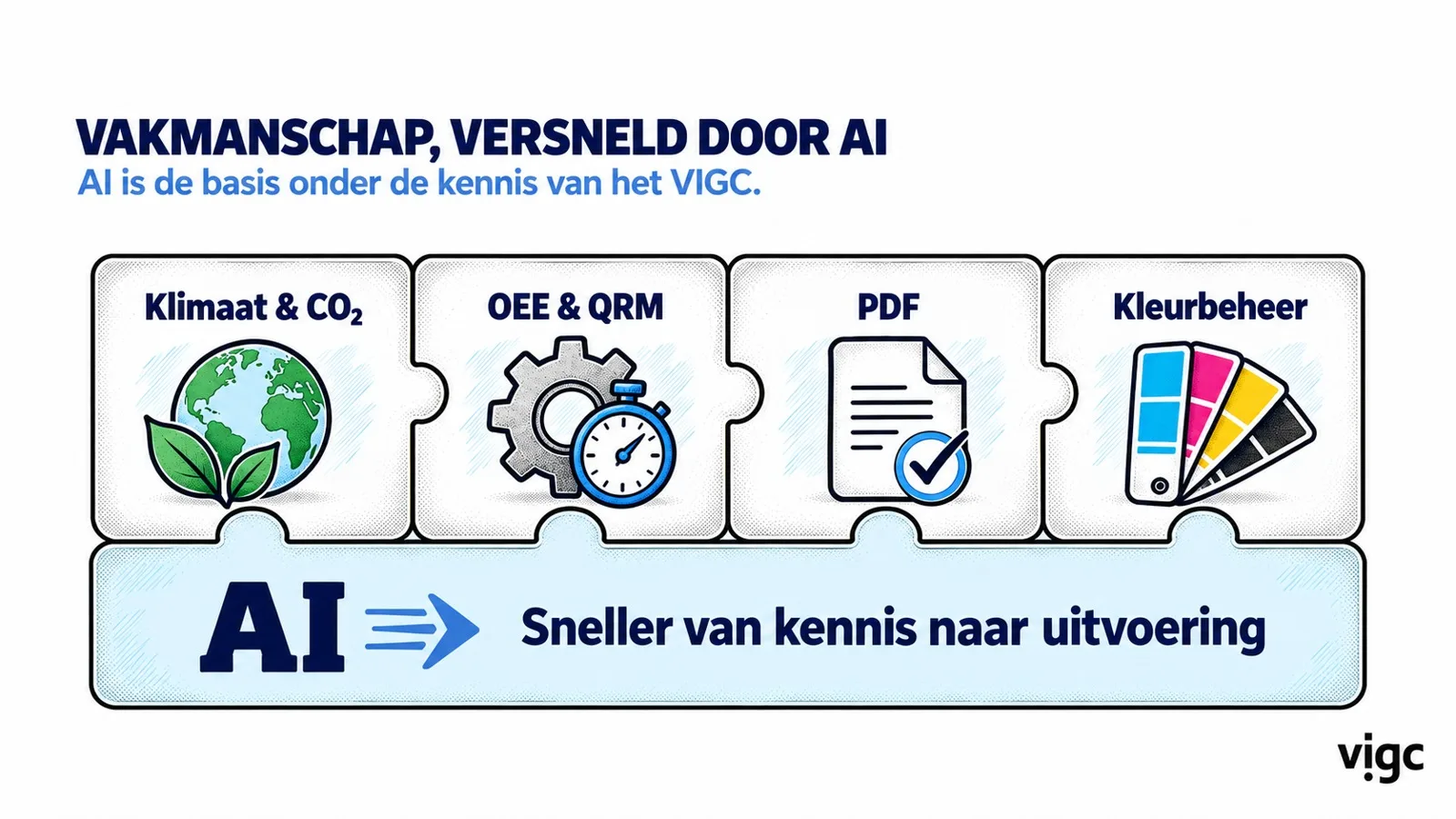
Study day: Druk slimmer, niet harder (print smarter, not harder). Carl Van Rooy of VIGC teaches you how to calculate the OEE of a machine yourself and how to recognise the six big losses in your own printing company. You go home with a step-by-step plan to start on a pilot machine. No prior knowledge needed.
With that knowledge you then build your own OEE dashboard on your machine data, for example with Grafana.
Tuesday 20 October 2026, from 9:00 to 16:00, at Kongsberg in Ghent.
Further reading and sources
This guide rests on two public sources. The first is the presentation “PRINTELLIGENCE: the first six months” by the project team at the second steering group, on 24 September 2026 in Hasselt. The second is the story of the first proof of concept at Drukkerij Moderna on this site.
The two operator quotes were shown at the steering group. We do not name operators. The agreements around the feedback loop and the five steps to start yourself are advice from the project team and not a result of the pilot.
The full story of the pilot, with what the printing company built itself.
All 28 slides to browse or download as pdf, with the report of steering group 2.
Asking your production data a question in plain language.
The results of the pilot live at work, in Genk.
Listen to your operators. An entry without follow-up eventually costs you the entry itself.