Why live monitoring?
Many printing companies still work with paper logbooks or daily Excel reports. By the time you spot a problem, it is already hours or days old.
A production dashboard changes that fundamentally. Instead of reporting after the fact, you see in real time what is happening on the shop floor. Which machines are running, which are standing still, where there is a fault and how your OEE (Overall Equipment Effectiveness) is doing.
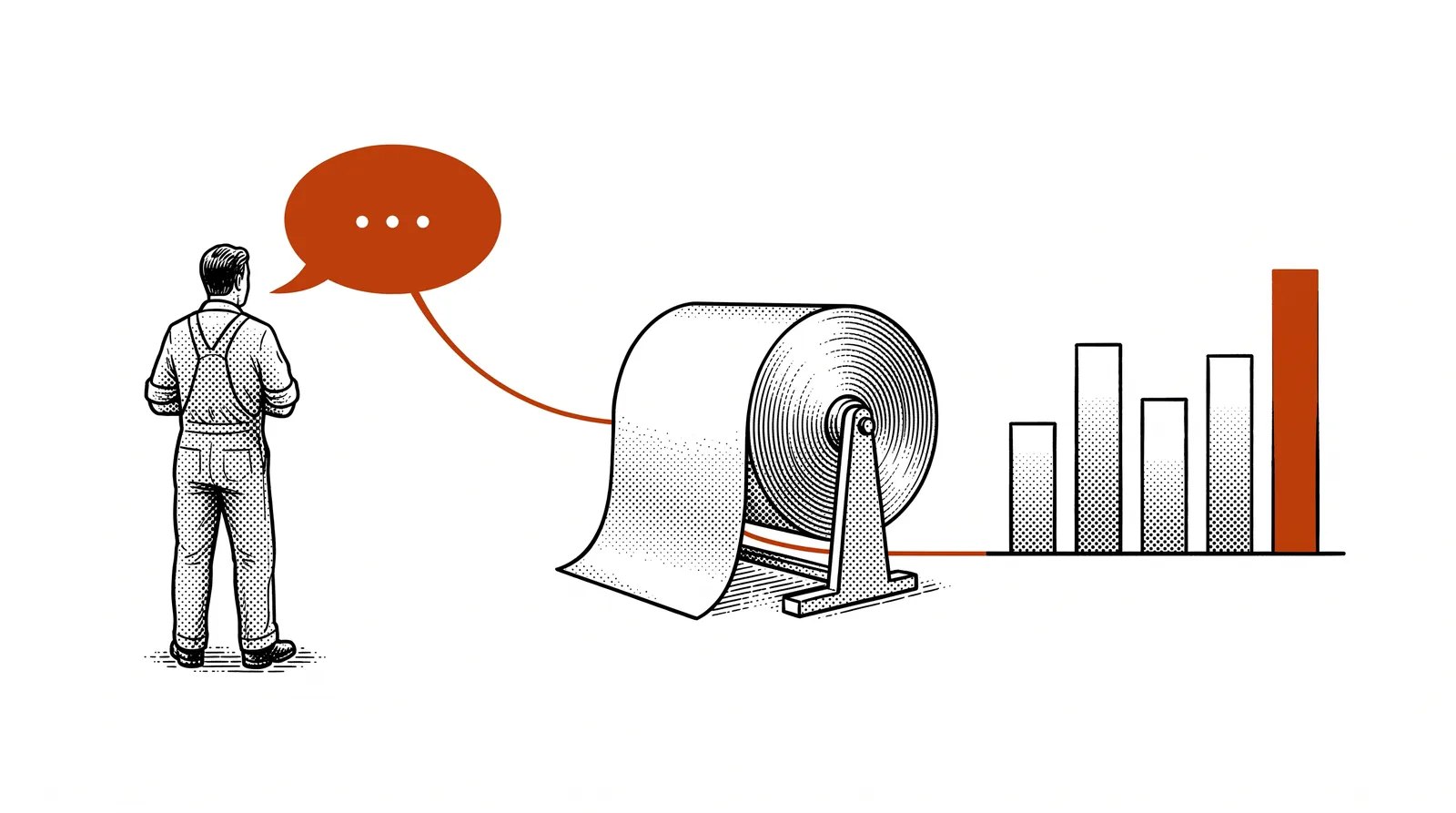
This is not just convenient, it is a competitive advantage. Printing companies that monitor their production live respond faster to problems, reduce downtime and increase their output. The difference between working reactively and proactively.
The benefits at a glance
You see immediately when a machine stops or slows down. No waiting hours for a report, but intervening straight away.
By measuring and adjusting continuously, you raise the availability, performance and quality of your machines.
With current production data you can plan more accurately and give customers reliable delivery times.
Instead of gut feeling, you base investment decisions on hard figures about machine performance.
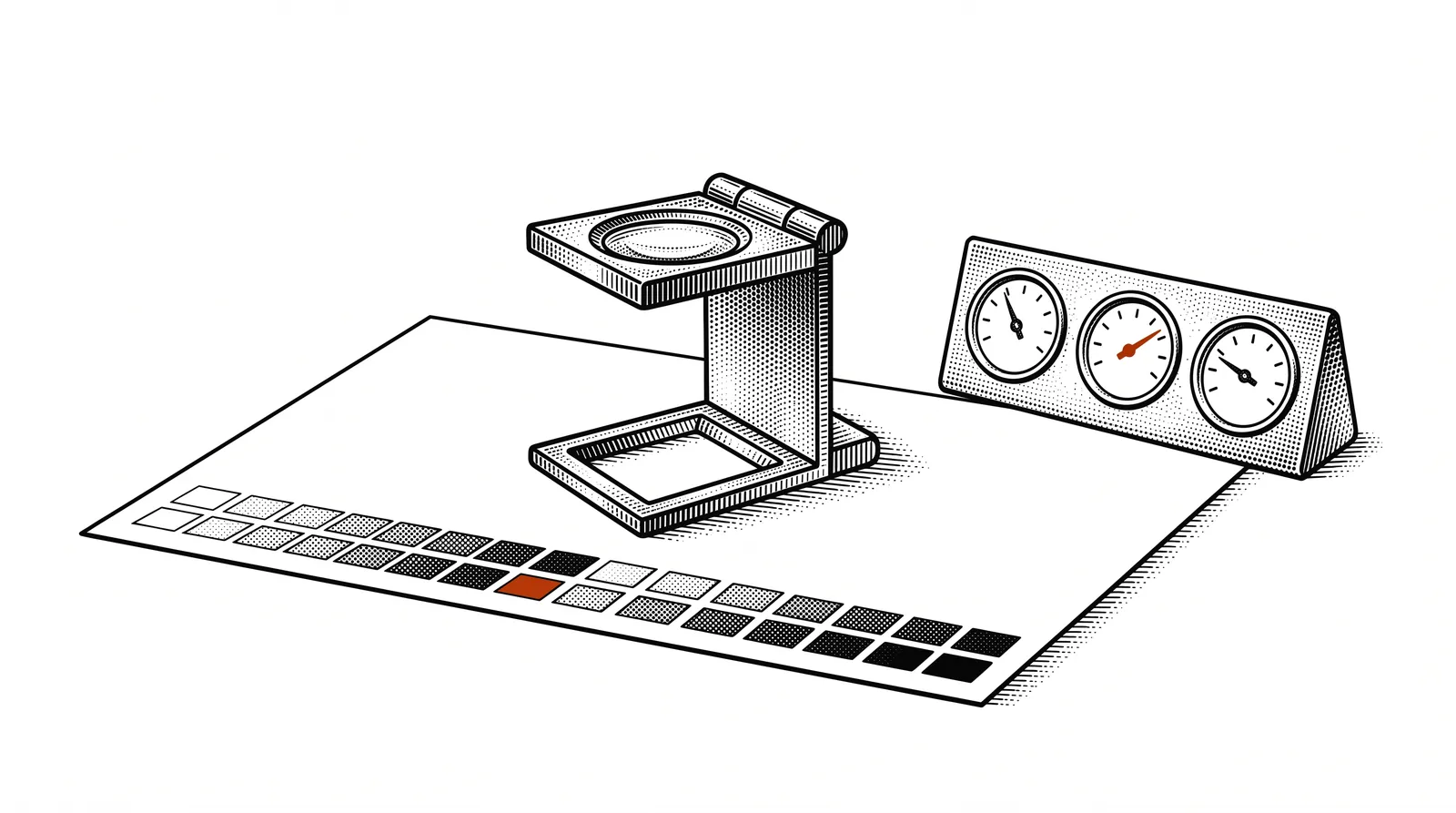
OEE explained: Overall Equipment Effectiveness measures three factors: Availability (is the machine running?), Performance (is it running at full speed?) and Quality (how much is approved?). OEE = A x P x Q. World-class OEE is 85% or higher.
Which machine data can you use?
Modern presses generate a wealth of data. The art is to choose the right data points for your dashboard.
| Data point | What it tells you | Source |
|---|---|---|
| Machine status | Running, stopped, in setup, fault | PLC / OPC UA |
| Speed | Sheets/hour or metres/minute vs nominal | Machine interface |
| Counters | Number of printed sheets, approved/rejected | Sensors / MIS |
| Ink consumption | Consumption per colour per job | Ink system API |
| Temperature | Dryer, rollers, ambient temperature | IoT sensors |
| Energy consumption | kWh per machine per hour | Smart meters |
| Order progress | Which order is running, what % is done | MIS |
Start small, think big
You do not have to measure everything at once. Start with the basics: machine status and counters. That already gives you insight into availability and output. Then add more data points step by step: speed for performance analysis, temperature for preventive maintenance, energy for cost optimisation.
Tip: Ask your machine supplier which data interfaces are available. Many modern machines already have OPC UA or REST API connectivity built in. Older machines can be fitted with IoT sensors that still deliver data.
Collecting data: sensors, APIs and MCP
The data has to get from the machine to your dashboard. There are several ways to do that.
Small devices you attach to machines to measure temperature, vibration, speed or status. They send data over wifi or ethernet to a central server. Ideal for older machines without a digital interface.
Modern presses offer REST APIs or OPC UA interfaces. You can request data directly on speed, counters and status. This is the most reliable method because the data comes straight from the machine controller.
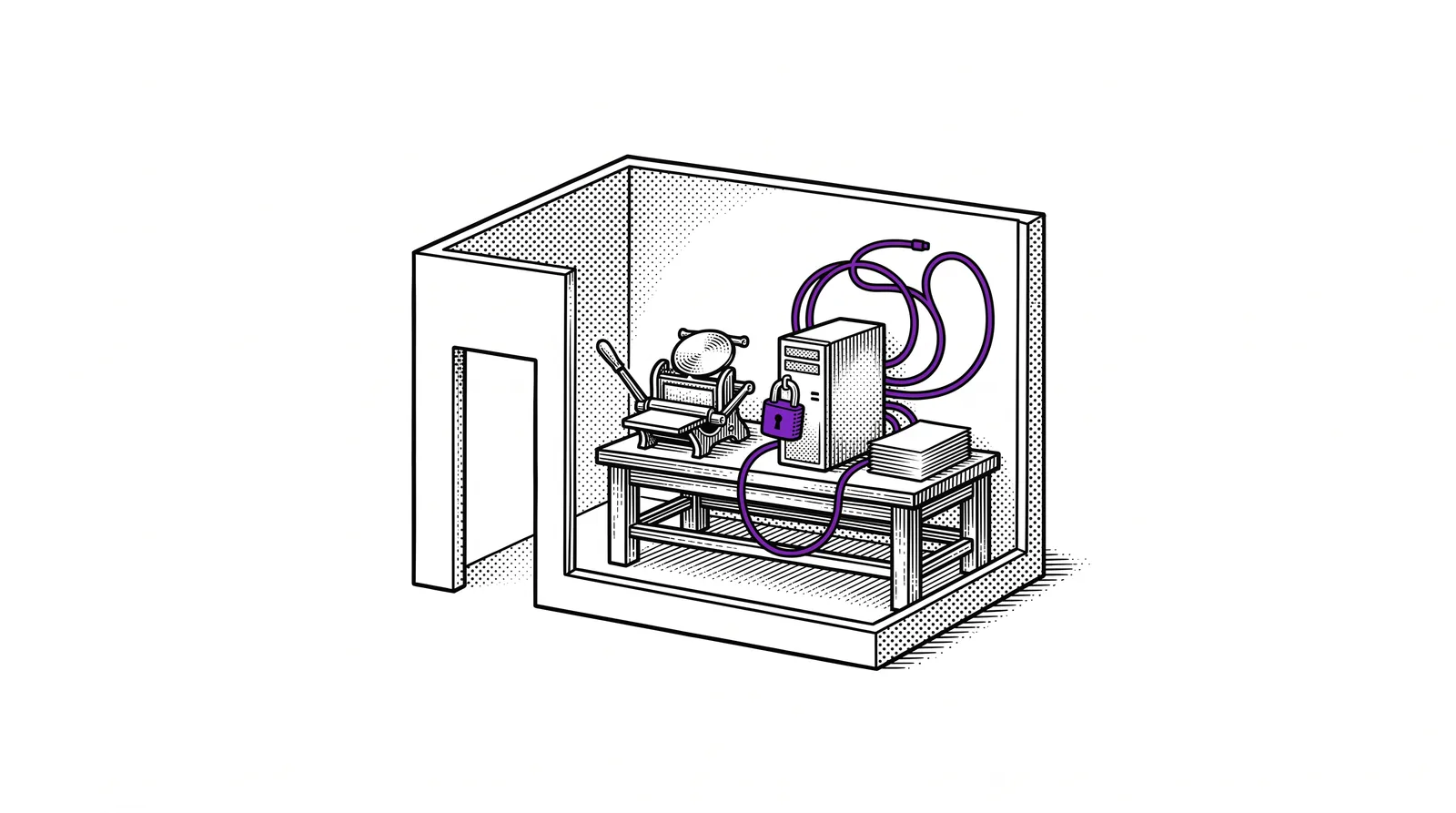
With the Model Context Protocol you build a bridge between your machine data and AI agents. An MCP server exposes your production data so that Claude or other agents can query it, analyse it and take action on it.
Your MIS (such as Prinect, EFI Pace or Callas) holds order data, planning and production status. Through the API of your MIS you retrieve this information and combine it with the live machine data.
Architecture: The ideal setup combines several sources. IoT sensors deliver real-time machine data, the MIS API delivers order context, and an MCP server makes everything available to AI agents that recognise patterns and make predictions.
Designing the dashboard
A good dashboard shows the right information at the right moment, without overwhelming the user.
The three layers of a production dashboard
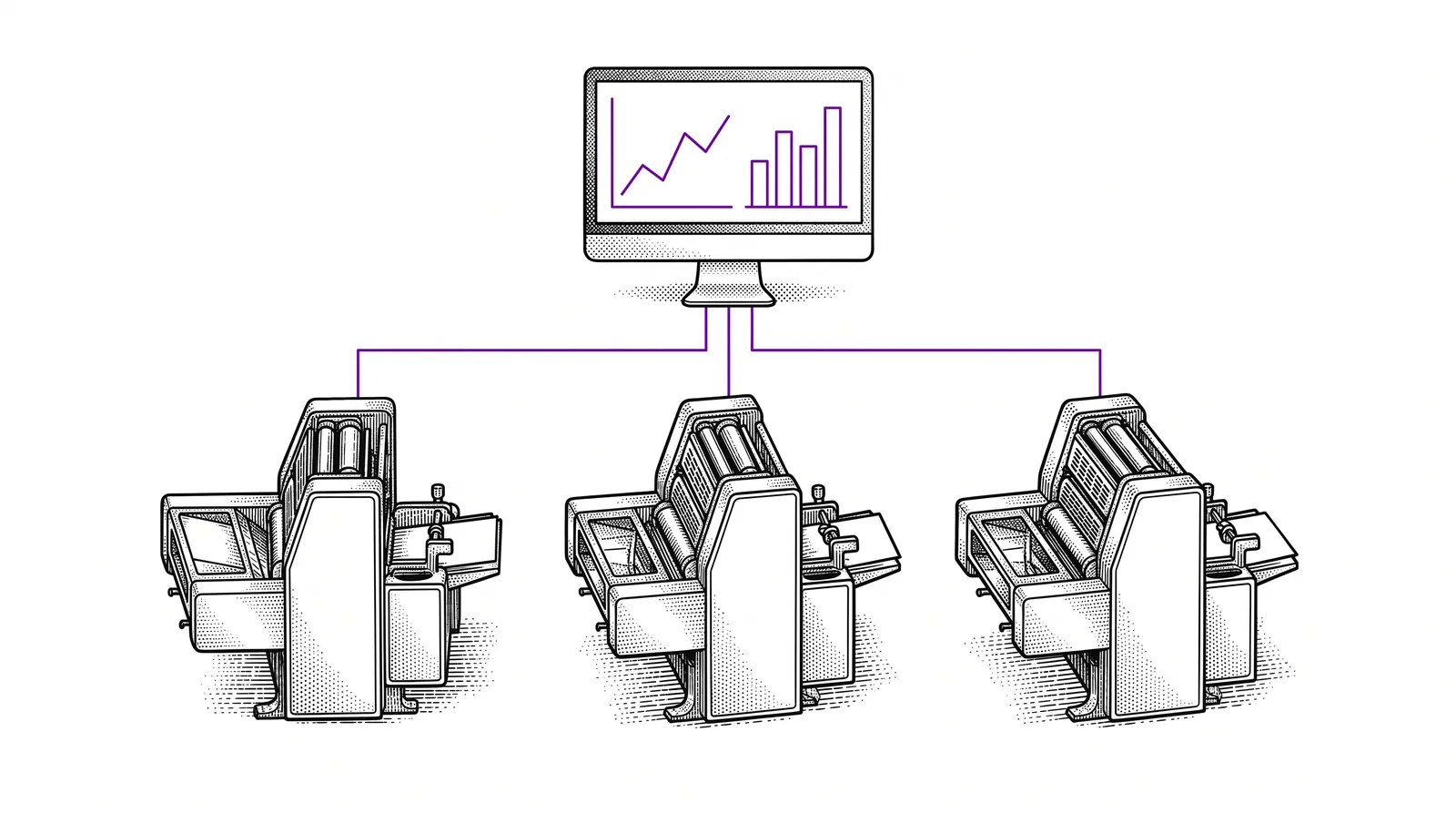
The top level shows KPIs in a row: total OEE, number of active machines, orders in production and the day's output as a percentage of the target. At a glance the business owner sees whether everything is on track.
Each machine gets a card with status (green/orange/red), current speed, active order and progress percentage. The production planner sees immediately where the bottlenecks are and where capacity is free.
Clicking through to a machine shows detailed charts: speed over the day, reasons for downtime, ink consumption per job and maintenance history. This level is for technicians and operators.
Design principles
Use colours with meaning: green for machines that are running, orange for setup or warnings, red for faults. Keep the dashboard readable from a distance if it hangs on a screen in the production hall. Avoid charts with too much detail at the overview level.
Tools: You can build your dashboard with vibe coding (through Bolt or Claude Code), or use specialised tools such as Grafana, Metabase or Google Looker Studio. The choice depends on your technical knowledge and specific requirements.
Setting up real-time data flows
Your dashboard is only truly valuable when the data streams in continuously and automatically. Here are the three common methods.
Polling
The simplest method: your dashboard requests the latest data every X seconds through an API call. Easy to implement, but it loads the server and your data is always a few seconds old. Suitable for dashboards that refresh every 10 to 30 seconds.
Webhooks
The source system automatically sends a message to your dashboard when something changes. More efficient than polling because there is only traffic when there is actually something new. Ideal for status changes and events (machine starts, machine stops, order ready).
WebSockets
A permanent connection between the data source and your dashboard. Data flows through in real time, without delay. This is the best option for dashboards that have to update second by second, such as speed gauges or live counters. Slightly more complex to set up, but it delivers the fastest result.
Our recommendation: Start with polling (every 15 seconds) through n8n. This is the easiest to set up and more than enough for most printing companies. Move to webhooks or WebSockets if you notice you need faster updates.
The data flow in practice
The machine sends data to an IoT gateway or API. An n8n workflow retrieves that data, processes and normalises it, and stores it in a database (for example Supabase or PostgreSQL). Your dashboard reads from that same database and shows the current values. That gives you a reliable pipeline from machine to screen.
Alerting and notifications with n8n
A dashboard alone is not enough. You also want to be warned when something goes wrong, even when you are not looking at the screen.
How n8n alerting works
n8n (n8n) is an automation platform for building workflows that respond to events. You define a trigger (for example: machine status becomes "fault"), a condition (only if the machine has been standing still for more than 5 minutes) and an action (send a notification to the production team).
Machine stops unexpectedly? n8n immediately sends a message to the production manager via Slack, Teams or email with the machine name and the time.
Is a machine running below 70% of its nominal speed? n8n detects the pattern and warns the operator that there may be a problem.
Ink stock or paper stock below the threshold? An automatic message to purchasing with the exact quantities that need to be reordered.
Machine has run 10,000 hours? n8n sends a maintenance notification to the technical department based on the counter data from your dashboard.
Escalation: Build escalation into your alerts. First notification to the operator, after 15 minutes without action to the production manager, after 30 minutes to the business owner. That way problems never fall through the cracks.
Agents that watch over your production
AI agents take your dashboard to the next level: from showing data to understanding data and acting proactively.
What is a production agent?
An AI agent is a piece of software that carries out tasks independently based on instructions and data. A production agent connects to your machine data through an MCP server and can analyse it, recognise patterns and take action. The difference from a simple alert is that an agent understands context and makes smart decisions.
Examples of production agents
Analyses your OEE data daily, compares it with historical trends and sends a report with points for improvement. Flags when your OEE drops below a certain threshold and suggests improvements.
Monitors temperature, vibration and running hours. Recognises patterns that point to wear and warns before a machine actually fails. Preventive instead of reactive.
Analyses current production rates and compares them with the planning. Warns when an order is at risk of running late and proposes alternative schedules based on available machine capacity.
Craft Agents + MCP: With Craft Agents you build these production agents without programming. You describe what the agent should do, connect an MCP server to your production data, and the agent gets to work. You orchestrate, the agent executes.
Building a production agent
Step by step: how to build an AI agent that produces your daily production summary.
Every evening at 18:00 the agent has to retrieve that day's production data, analyse it and send a summary to the management team.
Build an MCP server that gives access to your production database. The server offers tools such as "get_daily_output", "calculate_oee" and "list_faults".
In Craft Agents you describe the instructions: which data to retrieve, how to analyse it, what to report. Connect the MCP server as the data source.
Use n8n or a cron job to trigger the agent daily. The agent runs, retrieves data, analyses it and sends the report automatically.
Review the first reports and adjust the instructions. Add extra analyses, refine the layout, or add comparisons with previous weeks.
The result: Every evening your team receives a clear report with that day's OEE, an overview of faults, the top 3 best-performing machines and recommendations for tomorrow. Without anyone having to do manual work for it.
Implementation roadmap
You do not build a production dashboard in a day. Here is a realistic approach in four phases.
Phase 1: Pilot (weeks 1-2)
Choose one machine and measure the basics: status and counters. Build a simple dashboard with vibe coding that shows these two data points. Hang a screen next to the machine. The goal is to prove that the concept works and to build support within the team.
Phase 2: Expansion (weeks 3-6)
Add more machines and extend the data points with speed and OEE calculations. Set up the first n8n alerts for faults. Integrate the data from your MIS so that you have order context alongside the machine data.
Phase 3: Analysis (weeks 7-10)
Add historical charts and trend analyses. Build comparisons per machine, per shift, per week. Implement your first production agent that generates daily reports. This is the moment the dashboard really starts to deliver value.
Phase 4: Optimisation (ongoing)
Add predictive maintenance, optimise your alerting rules based on experience, and extend your agents with planning advice. The dashboard evolves from a viewing window into an intelligent production system.
Budget: A basic setup with IoT sensors, n8n and a vibe-coded dashboard is possible for less than EUR 2,000 per machine. The ROI is often visible within months through less downtime and higher output.
Further reading and sources
Useful sources to develop your production dashboard and monitoring further.
Open-source dashboarding platform specialised in real-time data and time series. The standard for production monitoring.
Open-source automation for data flows, alerting and integrations. The engine behind your notifications and data pipelines.
Build MCP servers that expose your machine data to AI agents. The bridge between production and intelligence.
Build AI agents without code that watch over, analyse and report on your production. Building tools for everyone.
More guides, masterclasses and practical AI applications for the printing industry.
The factory of tomorrow
will not be faster,but smarter.
And that starts with
visibility.