What is MCP?
MCP stands for Model Context Protocol. That may sound complicated, but the idea behind it is actually very simple.
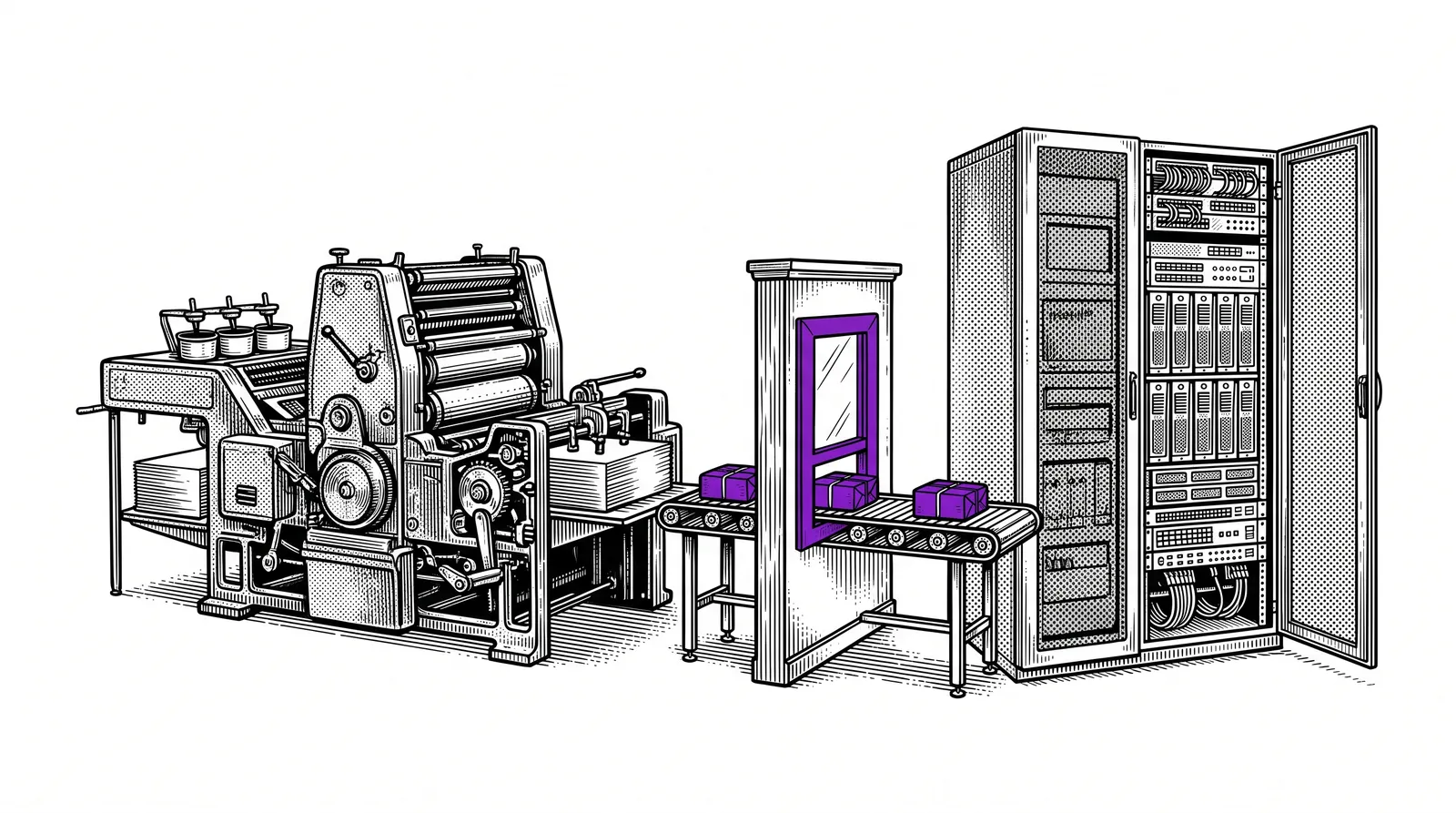
Imagine you have a smart AI assistant, such as Claude. That assistant is very good at talking, answering questions and writing texts. But on its own the assistant cannot access your email, your calendar, your files or other apps. The assistant is, as it were, sitting in a closed room.
MCP is the door you open so the AI assistant can safely connect to the outside world: your tools, your data and your systems.
In short: MCP is a universal standard that lets AI assistants communicate safely with external tools and services. Think of it as a kind of USB port for AI: a standardised way to plug things in.
What can an AI assistant do with MCP?
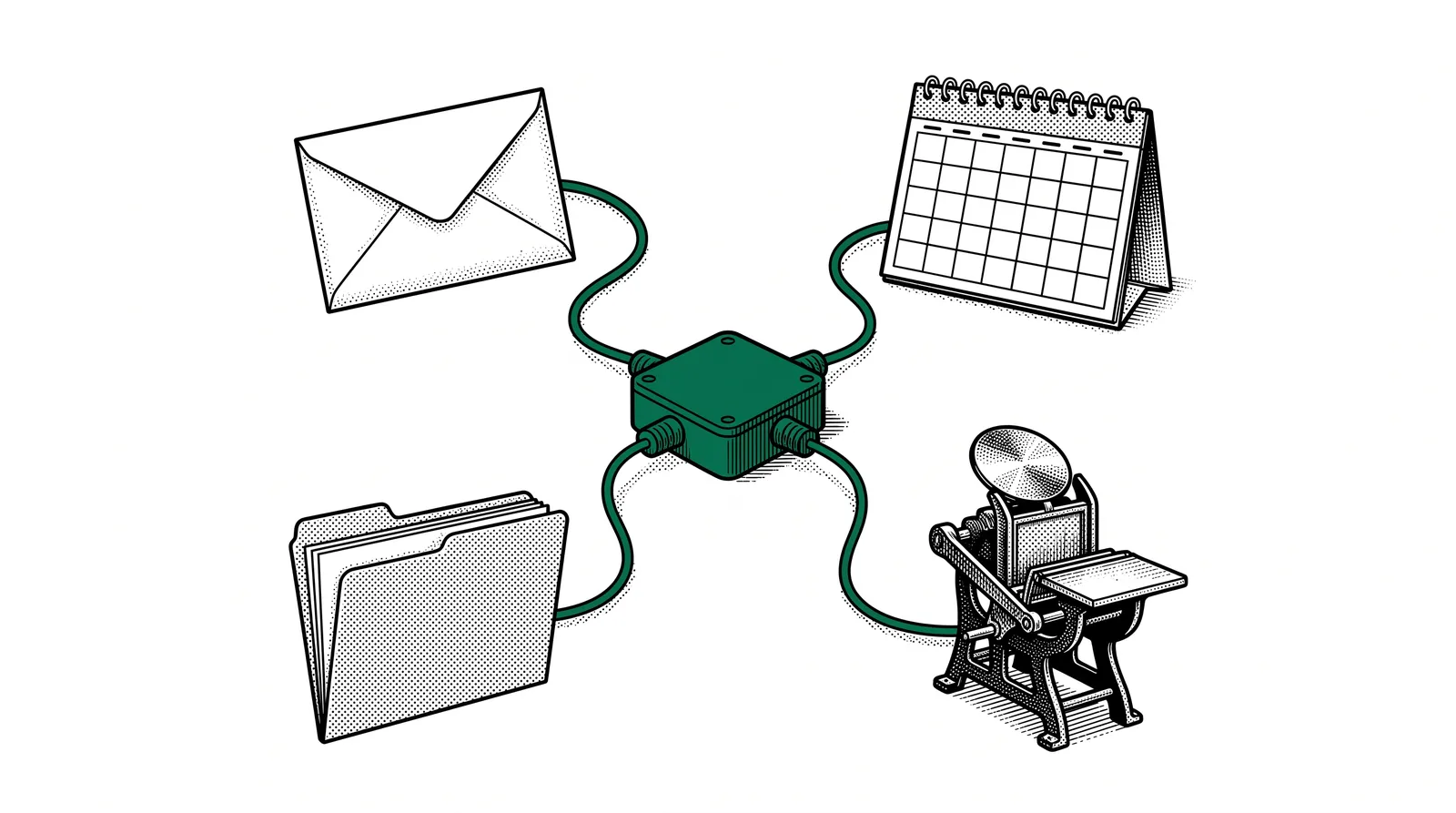
With MCP your AI assistant can do things that used to be impossible: search and answer your email, read and create files, manage your calendar, send messages through Slack, and much more. All from the same chat window where you ask your question.
The most important part? You always stay in control. The AI does nothing without your permission. You decide which tools the AI may use and which it may not.
Why does MCP exist?
AI assistants have become incredibly smart at understanding and generating text. But they live in a kind of bubble.
They only know what is in their training data. They cannot see what is in your inbox, which appointments you have, or what is on your hard drive.
Imagine you have a brilliant colleague who knows everything about every subject, but who has no access to the internet, your email, or the company system. However handy that colleague is, without access to the right information it stays at general advice.
The problem before MCP
Every AI tool had its own way of talking to external services. That meant developers had to build again for every combination. Connect Gmail to Claude? Separate code. Connect Gmail to another AI? Separate code again.
The solution: MCP provides a universal standard. Once an MCP server has been built for Gmail, it works with every AI assistant that supports MCP. Compare it with how USB works: you do not need to design a separate port for every printer.
The benefits
With MCP, AI only really becomes useful in your daily work. Instead of copying and pasting text between apps, your AI assistant can access your tools directly. That saves time, reduces errors and makes AI far more practical.
How does an MCP server work?
Let us keep it simple with an analogy everyone knows: a restaurant.
You are sitting at the table and you are hungry. You know what you want to eat, but you cannot go into the kitchen yourself.
The waiter understands exactly what you want and can translate it into an order for the kitchen.
Every kitchen is specialised: one makes pasta (reads your email), the other bakes cake (manages your files).
The standardised language the waiter uses to communicate with every kitchen, whatever its speciality.
Just as a waiter can serve several kitchens with the same order slip, an AI assistant can communicate with all kinds of tools through MCP using the same protocol.
The process step by step
What exactly happens when you ask a question to your AI assistant that uses MCP?
For example: "What is in my latest email from the accountant?"
Claude recognises that you want to know something from your email and that an MCP server is needed for that.
The AI sends a standardised request to the Gmail MCP server.
The Gmail server searches your inbox and finds the email from your accountant.
The content of the email goes back to Claude.
Claude summarises the email and gives you exactly the information you need.
MCP in practice
Concrete examples of MCP servers that already exist and are in use today.
Your AI searches your inbox, summarises emails, drafts replies and sends messages with your approval.
Access to your Slack channels. Ask: "What was discussed today in the project channel?"
Let the AI read, create and organise files on your computer or in the cloud.
Your AI manages your calendar: planning appointments, checking availability, sending invitations.
Reviewing code, creating issues, managing pull requests, all from your chat window.
Retrieve data from your database without having to know SQL. The AI translates your question.
And this is only the beginning. New MCP servers are added every day. From CRM systems to accounting packages, from project management tools to social media: everything can be connected to your AI assistant through MCP.
How MCP connects to tools
The beauty of MCP is that it works as a universal language between AI assistants and external tools.
The three components
| Component | What is it? | Example |
|---|---|---|
| MCP Host | The application in which you talk to the AI | Claude Desktop, a chat window |
| MCP Client | Translates requests into the MCP protocol | Built into the AI app |
| MCP Server | Carries out actions in a specific tool | Gmail server, Slack server |
Example in action
Say you type to Claude: "Send an email to Jan with the summary of the report." Then the following happens behind the scenes:
Claude recognises that two MCP servers are needed: the file server to read the report, and the Gmail server to send the email. Claude first reads the report, writes a summary, drafts the email and sends it (after your approval) to Jan.
Important: The user only talks to the AI assistant, not directly to the MCP servers. The AI acts as a smart intermediary that knows which server is needed when.
The architecture
A visual overview of how all the components work together.
PROTOCOL
What stands out?
The user only talks to the AI assistant, not directly to the MCP servers. The AI assistant acts as a smart intermediary that knows which server is needed when. You can connect several MCP servers at the same time, just as you have several apps on your phone.
Security
Every MCP server asks for permission before it carries out an action. You can revoke access at any time. The AI can only access the tools you explicitly allow. This gives you full control over what the AI may and may not do.
Compare it with app permissions on your phone: you decide whether an app may access your camera, contacts or location.
Frequently asked questions
Yes. The AI assistant only gets access to the tools you explicitly allow. You can revoke access at any time. Most implementations ask for permission before they carry out an action.
No! Apps such as Claude Desktop take care of everything for you. You only need to switch on the connections you want, comparable to installing an app on your phone.
No. MCP is an open standard developed by Anthropic, but anyone can use it. More and more AI tools support MCP.
No. For sensitive actions (such as sending an email or deleting a file) the AI always asks for permission first. You always stay in control.
The MCP community is growing fast. Hundreds of MCP servers are already available. If no server exists yet for your tool, a developer can build one relatively easily thanks to the open standard.
MCP itself is free and open source. The costs are in the AI assistant you use (such as a Claude subscription) and possibly in specific third-party MCP servers.
MCP for the printing industry
How can MCP be specifically useful for printing companies and graphic businesses?
An AI assistant connected to your order system through MCP can automatically process new orders and give status updates.
Connect your AI to Gmail and your CRM. Answer customer questions faster with context from earlier correspondence.
Connect your AI to your planning tool and calendar. Ask: "When can I schedule this order?" and get an answer straight away.
Let your AI search your technical documentation. "What are the specs for our Heidelberg?" Instant answer.
The future: As more MCP servers become available for specific graphic tools (such as MIS systems, prepress software and production monitoring), AI becomes an ever more powerful assistant in your daily work.
Further reading and sources
Want to know more about MCP? Here are useful sources to read on and explore.
The full technical documentation of the MCP protocol.
The open-source code and example servers.
The company behind Claude and the MCP protocol.
Learn more about Claude and how you can use it with MCP.
More guides, masterclasses and practical AI applications for the printing industry.
MCP makes AI more powerful, more useful and more personal.
And the best part?
You always stay in control.