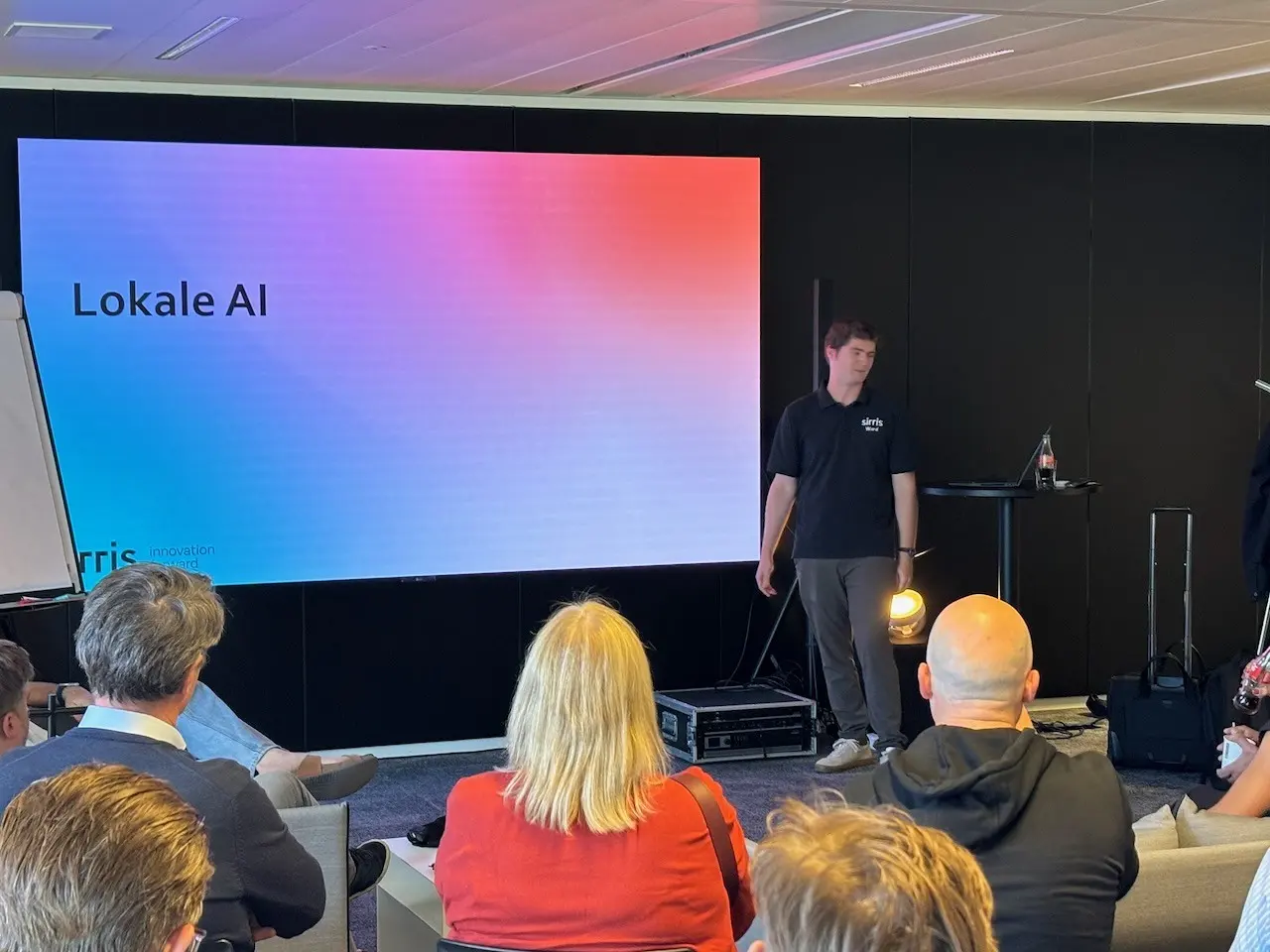
A language model does not have to run in the cloud. You can download one and let it work on your own device, without your data leaving the building. At the second PRINTELLIGENCE steering group, Sirris showed what that takes today. This guide summarises it and helps you decide whether it is something for your printing company.
Why would you run AI locally?
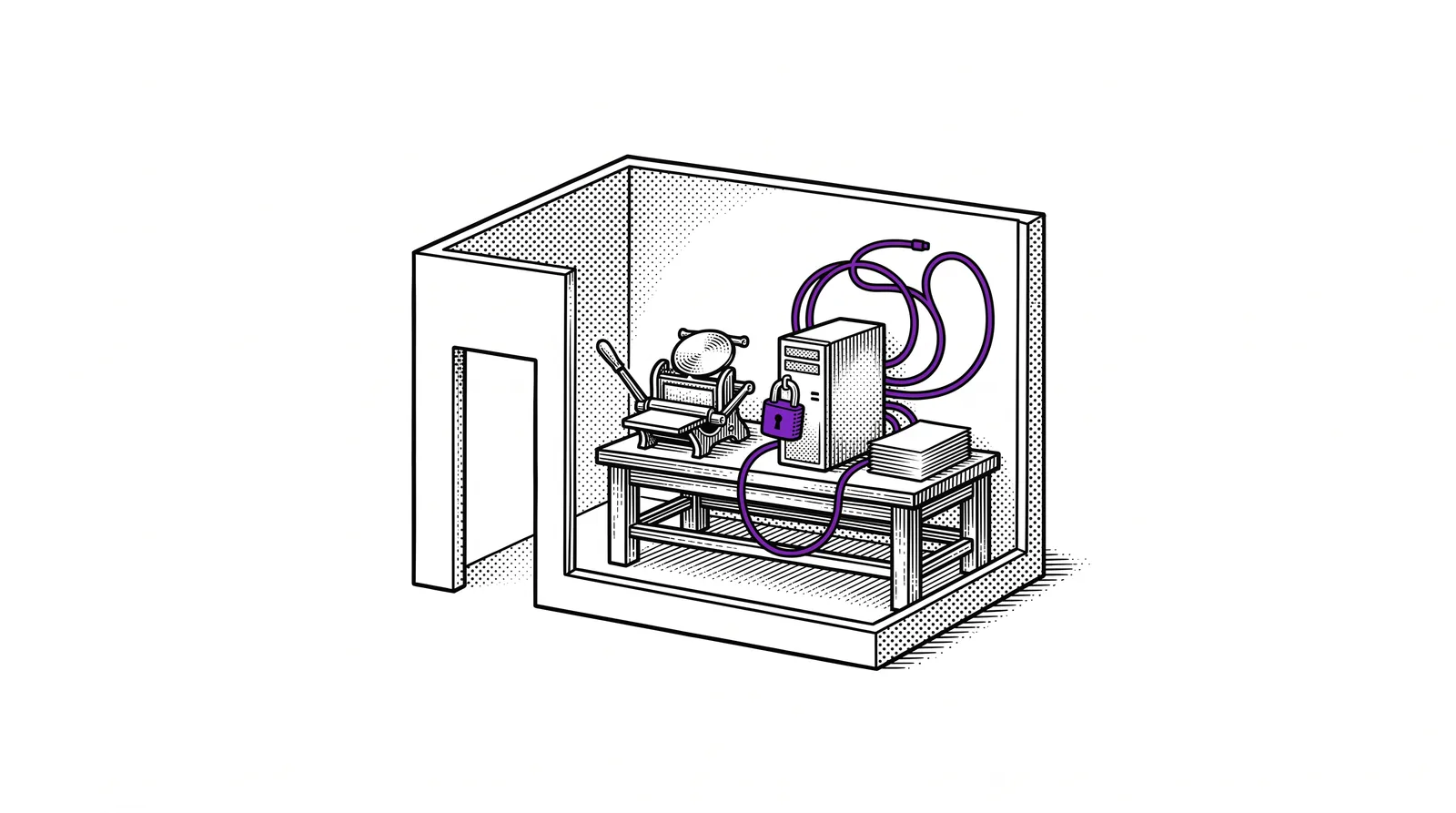
With ChatGPT or Claude your question travels to a data centre of the provider. With local AI the model sits on a device inside your own company.
For many tasks the cloud is fine. You pay a subscription and you get the smartest model there is. For some data you would rather not. There are four reasons to bring a model in-house.
Estimates and customer files do not leave your network. You do not have to ask anyone what happens to your text.
You buy hardware and pay for electricity. There is no invoice per question or per user on top, not even for a task that reads thousands of documents every night.
A cloud service can change its price or its model. A model you downloaded yourself stays the same until you replace it.
If the connection drops, a local model simply keeps running. That counts for an application at the press.
Staying honest: local AI is not free and not the smartest thing there is. You trade a piece of intelligence for control. The rest of this guide shows how big that trade is.
Open-weight is not the same as local
A model you are allowed to download is not yet a model that can run at your place.
A language model consists of billions of numbers: the parameters, also called weights. With an open-weight model the maker makes those numbers available for free. You may download them and run them yourself. Such models come from companies and from research groups all over the world.
| Region | Well-known open-weight models |
|---|---|
| United States | GPT-OSS, Gemma, Llama |
| China | Qwen, DeepSeek, GLM, Kimi |
| Europe | Mistral |
They sit on Hugging Face, a kind of library for AI models. There are now more than three million of them. The ranking of the best models changes every month. What you choose today is quickly overtaken. That is no disaster: downloading a newer model is little work.
The largest open models require one to three terabytes of working memory. That is fifty to a hundred times more than an average laptop has. The hardware for that costs at least a hundred thousand euros.
Local AI is what fits on affordable hardware. Usually that means models that require less than a hundred to two hundred gigabytes. They perform below the largest ones. Sirris compares them with the top models of about a year ago.

For much of the work on the shop floor that is more than enough. Summarising a notification or answering a question about a manual does not require a top model.
More than language models
Open-weight is about more than chatting. There are also models that convert speech to text and text to speech. Others read in documents or create embeddings, the building block for searching your own documents (see guide 14 on local RAG). Such a specialised model is small. It often does its one task better than the general model of a large AI lab.
Memory decides: how big and how fast
A language model writes its answer token by token. A token is a piece of a word. For each token the computer has to go through all the parameters of the model.
That is why working memory (RAM) is the limiting factor. Two properties count.
Determines how large the model may be. If the model does not fit in memory, it does not run.
Determines how fast the model answers. Slower memory gives fewer tokens per second.
From the Sirris example you can take two rules of thumb. Count roughly one gigabyte per billion parameters. Then divide the speed of the memory by the size of the model: that gives the number of tokens per second.
| Example 1 | Qwen 3.5 9B | Qwen 3.5 27B |
|---|---|---|
| Number of parameters | 9 billion | 27 billion |
| Size in memory (8 bit) | about 10 GB | about 30 GB |
| Fits in 16 GB RAM | yes | no |
| Fits in 64 GB RAM | yes | yes |
| Memory at 100 GB/s (ordinary laptop) | 10 tokens/s | 3.3 tokens/s |
| Memory at 450 GB/s (graphics card for gamers) | 45 tokens/s | 15 tokens/s |
| Memory at 1800 GB/s (professional graphics card) | 180 tokens/s | 60 tokens/s |
For comparison: GPT and Claude reach 40 to 80 tokens per second in the cloud. With the large model on an ordinary laptop you see the words appear one by one. For a task that runs overnight that is no problem. For a conversation at the press it is.
Not every model uses all its parameters
Newer models are built more cleverly. Qwen 3.6 35B A3B has 35 billion parameters and uses only 3 billion of them per token. You still need memory for the whole model. The speed depends only on the active part.
| Example 2 | Qwen 3.6 27B | Qwen 3.6 35B A3B |
|---|---|---|
| Parameters in total | 27 billion | 35 billion |
| Active parameters per token | 27 billion | 3 billion |
| Size in memory (8 bit) | about 30 GB | about 38 GB |
| Fits in 16 GB RAM | no | no |
| Fits in 64 GB RAM | yes | yes |
| Memory at 100 GB/s | 3.3 tokens/s | 33 tokens/s |
| Memory at 450 GB/s | 15 tokens/s | 150 tokens/s in theory, 50 to 100 in practice |
| Memory at 1800 GB/s | 60 tokens/s | 600 tokens/s in theory, 120 to 150 in practice |
At those high speeds memory is no longer the brake. The computing power of the chip then becomes the limiting factor again. Hence the difference between theory and practice.
The tables count 8 bits per parameter. Apps such as LM Studio also offer more heavily compressed versions of a model. Those need less memory and lose a little quality.
Remember: a larger model is smarter and slower. A model with few active parameters gives you the knowledge of a large model at the speed of a small one.
Which hardware do you choose?
Hardware for local AI is always a compromise between capacity and speed. The price decides how much of each you get.
Ordinary working memory next to the processor (CPU) is cheap and you get many gigabytes for your money. It is slow, though. The memory of a graphics card (GPU) is very fast. It is also expensive and you get little of it. Those who want more capacity put several graphics cards together.

Sirris pointed to two kinds of devices with a good balance: the DGX Spark from Nvidia and the Mac mini or Mac Studio from Apple. The table also includes a separate graphics card for comparison.
| Device | Memory | Memory speed | GPU type | Indicative price |
|---|---|---|---|---|
| DGX Spark | 128 GB | 273 GB/s | Nvidia CUDA | from EUR 4,500 |
| Mac mini M5 Pro | 64 GB | 307 GB/s | Apple | EUR 3,200 |
| Mac Studio M5 Max | 128 GB | 614 GB/s | Apple | EUR 5,900 |
| Mac Studio M5 Ultra | 256 GB | 1200 GB/s | Apple | EUR 11,000 |
| Nvidia RTX 5090 (separate card) | 32 GB | 1800 GB/s | Nvidia CUDA | about EUR 5,500 |
Mind the date. The prices and specifications come from the Sirris presentation and date from September 2026. They age quickly. Ask for a current price before you decide.
How to read the table:
- The DGX Spark gives a lot of memory for its price and has the slowest memory of the five. It works with Nvidia CUDA. According to Sirris that has the best compatibility with AI software.
- The Mac mini and the Mac Studio are faster. They work without CUDA. So check beforehand whether the software you want to use runs on Apple.
- The Mac Studio M5 Ultra combines a lot of memory with high speed. You pay for that too.
- The RTX 5090 is the fastest and has the least memory. It is a separate card: you still need a computer around it.
A worked example with the rule of thumb from the previous chapter. A 30 GB model on a DGX Spark: 273 divided by 30 gives about 9 tokens per second. On a Mac Studio M5 Max you get to about 20. These are rough estimates. Test with your own task before you buy.
Start on your laptop in four steps
You do not need to buy anything to find out whether local AI is for you. Start on the laptop you have.
LM Studio is a user-friendly app for downloading models and chatting with them. You do not need a command line for it.
Sirris recommends starting small: Qwen 3.5 4B (about 4 GB) or Gemma E2B (about 5 GB). Those fit on an ordinary laptop.
Take a text from your own company, for example a work instruction or a complaint email. Ask for a summary or ask questions about it. Everything stays on your laptop, so you may use real texts. Note where the answer is good and where it goes wrong.
Does it work for your task? Then it pays to look at hardware. For a server that serves several colleagues at once there are vLLM and SGLang. Those are more technical to set up and offer more models.

Those who want to experiment further can also add MCPs in LM Studio. That gives the local model access to your files or to other tools. How that works is explained in the MCP guide.
Where local falls short and how hybrid working helps
Not every task fits on a local model. Sirris distinguishes between operational and strategic AI.
Daily questions about machine data and planning. A question-and-answer helper at the press belongs here too. A local model fits well here.
Data analysis across the whole company or the management of your infrastructure. Here you want the smartest model and that runs in the cloud.
That is where it pinches. Strategic questions are often about your most sensitive data, such as margins and cost prices. That is exactly the data you want to keep in. The smartest model sits outside and a local model is often too weak for such an analysis.

There are four ways to deal with that.
You invest in heavier hardware or you wait. What today only runs in the cloud may later run locally too.
A local model first anonymises your data: names and other identifiable details disappear. The anonymous version goes to a cloud model for the analysis or for a prototype.
You use a cloud model through an API and choose deliberately. That can be a European model such as Mistral or a model through an intermediary service such as OpenRouter. Look at two things: in which region your data is processed and whether the provider keeps your questions (logging).
You rent hardware by the hour and run your own model on it. You get the capacity of a large server without the purchase.
Hybrid in one sentence: local for what is sensitive or comes back every day, the cloud for what requires the smartest model.
Checklist: is local AI something for my printing company?
Answer these six questions with yes or no.
- Do you work with data that may not leave the building, such as estimates or customer files?
- Do you have a task that comes back every day and processes a lot of text?
- Is a model at last year's level good enough for that task?
- Is there someone in-house who wants to manage a server, with updates and backups?
- Do you have a budget of a few thousand euros for hardware?
- Do you want to depend less on a single provider?
Four or more yes: do the laptop test from chapter 5 and then work out which hardware you need.
Two or fewer yes: a cloud service with clear terms on region and logging is simpler.
Somewhere in between? Start with the laptop test. It only costs time.
Further reading and sources
The content of this guide comes from the presentation “Lokale AI en lokale RAG” (local AI and local RAG) that Sirris gave at the second PRINTELLIGENCE steering group, on 24 September 2026 at the Corda Campus in Hasselt. The tables and the prices are taken from the slides. The explanation around them and the checklist are by the project team. The worked examples with tokens per second are estimates, not measurements.
All 25 slides to browse or download as a pdf, with the report of steering group 2.
Querying your own documents with a model that runs in-house.
How an AI assistant safely connects to your files and tools.
Building an assistant on your own documentation.
The printing company built small applications on its own in-house server that only read from the ERP and the machine data.
What a token or an embedding is, in plain language.
What runs on affordable hardware reaches roughly the level of the top models of a year ago. For many tasks on the shop floor that is more than enough.