What is an API? A simple explanation
API stands for Application Programming Interface. It is the way two software systems communicate with each other, without a human in between.
Imagine you place an order in a web shop. The moment you click "order", the web shop sends a message to the payment system, the warehouse and the order system. All of that happens through APIs. The web shop does not need to know how the warehouse system works internally. It simply sends a standardised request and gets a reply back.
An API is therefore an agreement: a set of rules that defines how systems can exchange information. Just as a wall socket is a standard that lets any device draw power, an API is a standard that lets any application retrieve or send data.
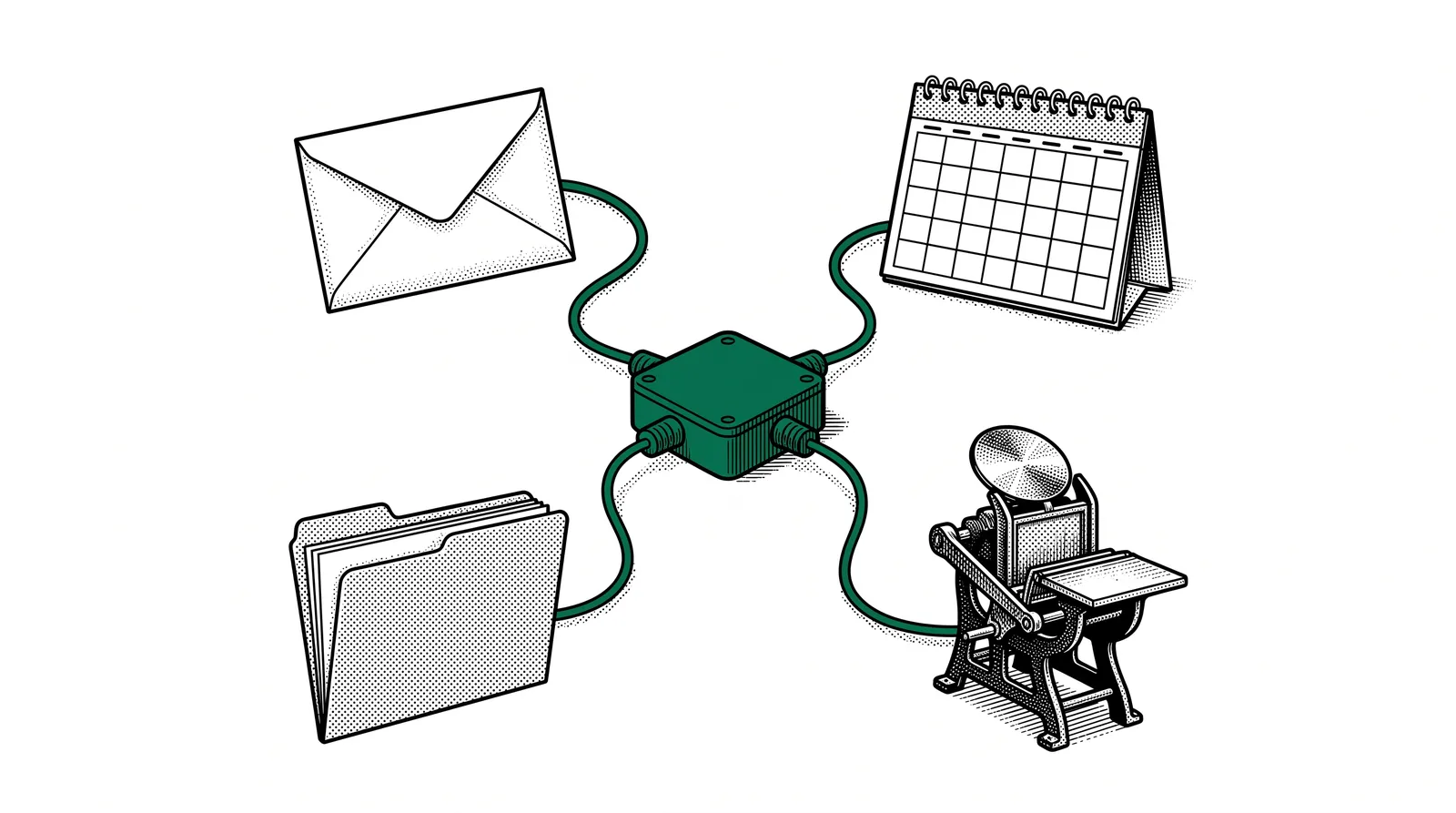
In short: An API is a digital intermediary. System A sends a request, the API translates it into something system B understands, and sends the reply back. Without APIs every system would be an island.
What makes an API different from an export?
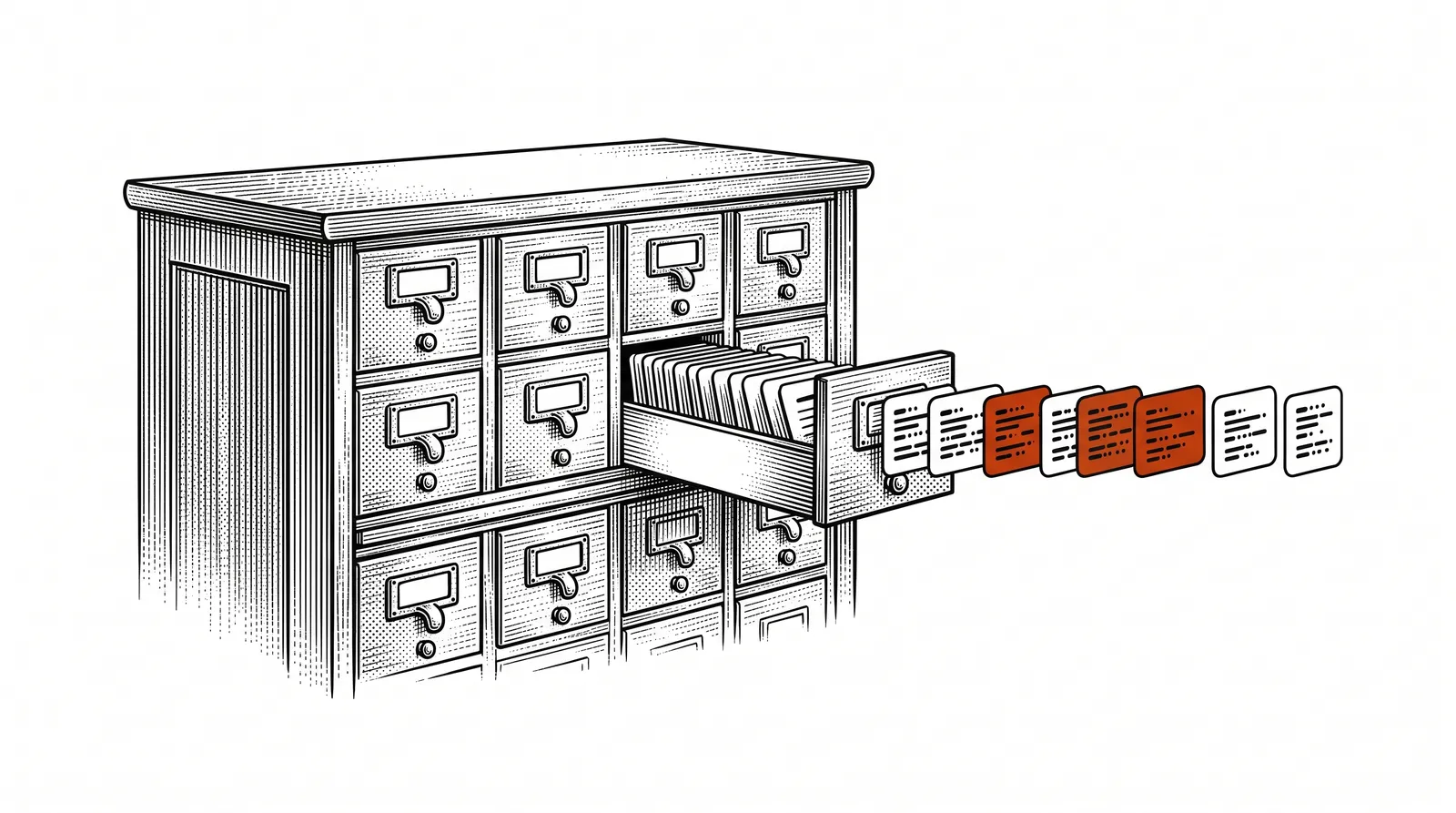
With an export you generate a file (such as a CSV or XML) that you import manually into another system. That takes time, is error-prone and does not work in real time. An API does the same thing, but automatically, instantly and without human intervention. Data flows continuously between systems, exactly when it is needed.
Why are APIs important?
APIs are the invisible backbone of the modern digital world. Without APIs hardly any online system works.
Automation
Copying data between systems by hand costs hours every week and is error-prone. With APIs information flows automatically. A new order in your web shop appears in your MIS straight away, without anyone having to retype anything.
Real-time information
APIs work in real time. You do not have to wait for a daily export or a manual synchronisation. As soon as something changes in system A, system B knows about it too. That means you always work with current data.
Scalability
As you grow, the complexity of your systems grows with you. APIs make it possible to add new tools and services without overhauling your entire infrastructure. A new CRM system? Connect it to your existing order system through the API.
The reality: Companies that do not connect their systems through APIs spend up to 30% of their time on manual data processing. That is time you could invest in customers, quality and innovation.
The restaurant analogy
The best way to understand APIs is through a comparison everyone knows: a restaurant.
When you sit in a restaurant, you do not walk into the kitchen to fetch your food yourself. You give your order to the waiter, the waiter takes it to the kitchen, and the kitchen prepares the dish. Then the waiter brings the food back to your table.
You want something: a dish (data or an action). You speak the language of the menu, not that of the kitchen.
The waiter takes your order, brings it to the kitchen in the right format, and delivers the result. He is the intermediary.
The kitchen processes the order and delivers the result. How that works internally is not something you need to know. You simply get your plate.
The menu = the API documentation. Just as a menu tells you what you can order and in what format, API documentation describes which requests you can send and which replies you get back. Order something that is not on the menu? Then you get an error message.
APIs in the printing industry
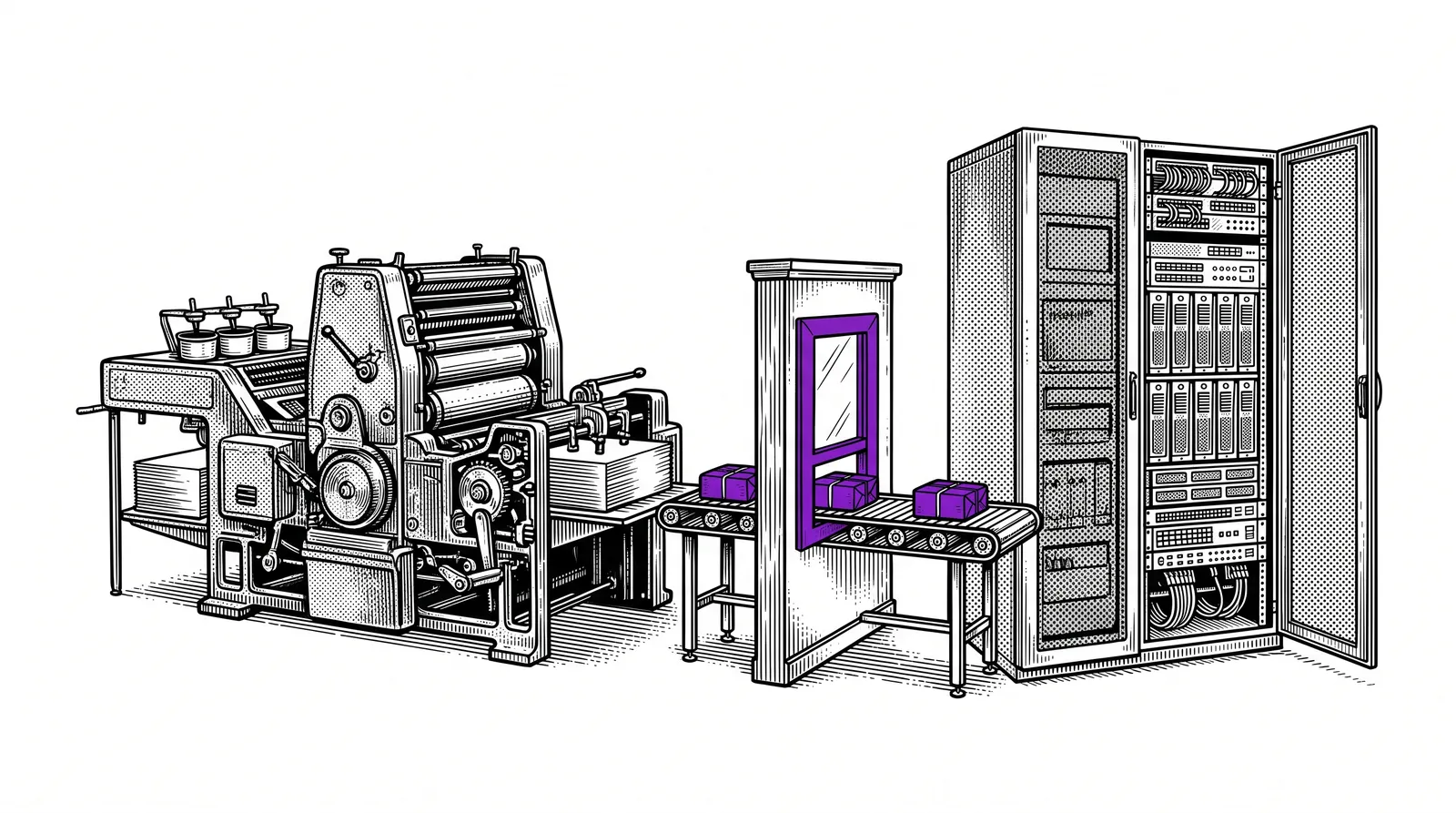
In printing companies and graphic businesses, APIs are the key to a connected production environment.
A customer places an order in your web shop. Through an API that order lands in your MIS automatically, including specifications, run length and delivery address.
As soon as an order is approved in the MIS, an API forwards the job to your prepress workflow. The file is prepared for production automatically.
Your production system reports through an API that an order is ready. The customer automatically receives an email with track-and-trace information.
Your paper supplier offers an API that lets you check stock levels in real time and reorder automatically when your stock drops below a threshold.
The big picture
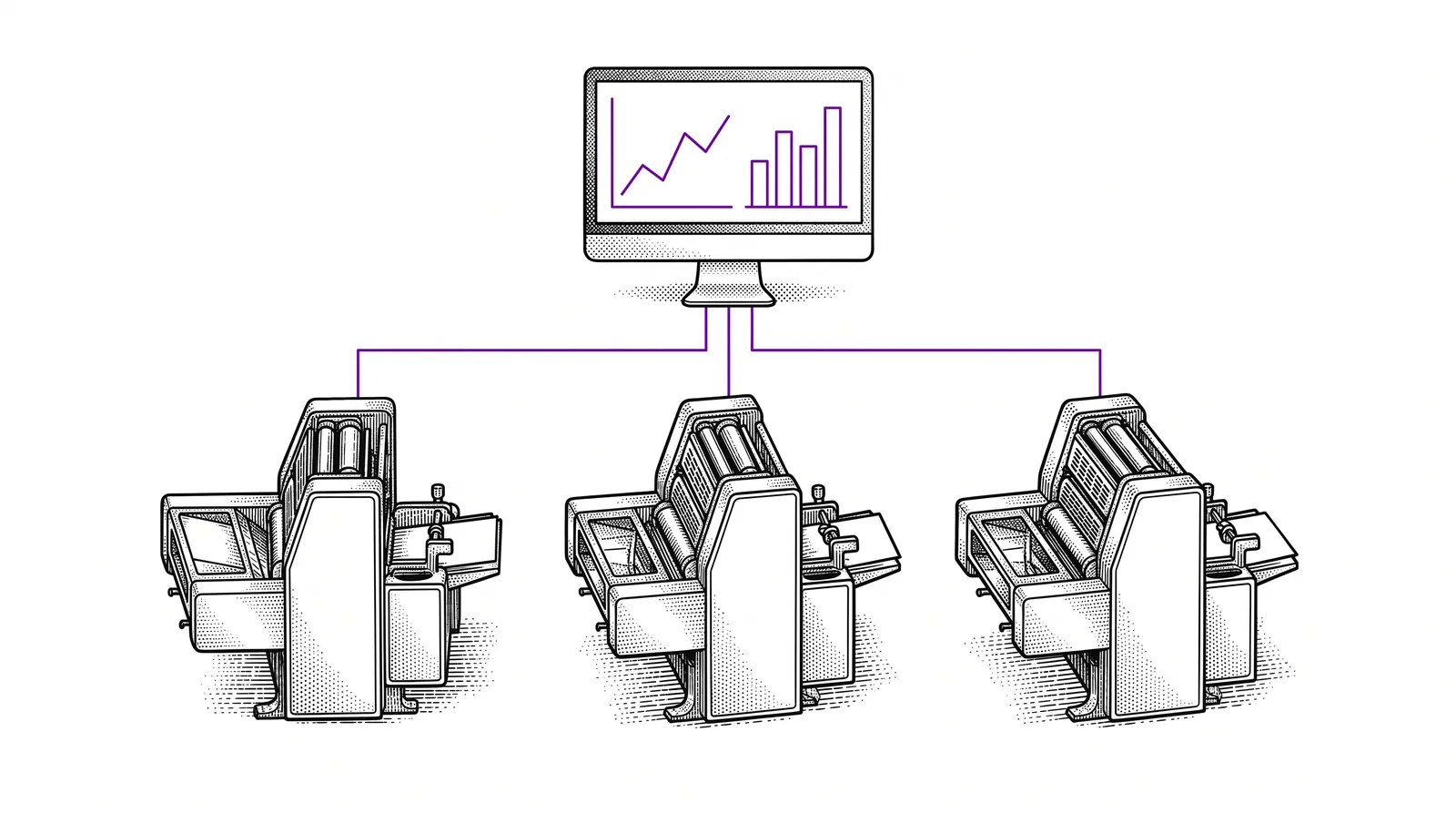
In a modern printing company dozens of systems are active: MIS, prepress, presses, finishing, shipping, accounting, CRM. APIs are the glue that connects all these systems. Without APIs every link is a separate silo. With APIs it becomes a streamlined whole.
JDF and XJDF are standards in the printing industry designed specifically to exchange production data between systems. They work as specialised APIs for the print industry.
REST, webhooks and JSON explained
Three terms you come across everywhere when APIs are discussed. Here is what they mean.
REST API
REST stands for Representational State Transfer. It is the most widely used style for APIs on the web. A REST API works with simple HTTP requests: GET to retrieve data, POST to send data, PUT to change data and DELETE to remove data. Each action has its own URL (endpoint) and a standard format.
JSON
JSON (JavaScript Object Notation) is the format in which most APIs send and receive their data. It is readable by both humans and machines. An example: if you request the status of an order, you get a JSON reply back with fields such as order number, status and expected delivery date, neatly structured.
Webhooks
With an ordinary API you have to send the request ("What is the status of my order?"). A webhook turns that around: the other system sends you a message as soon as something changes. You do not have to poll, you are notified automatically. Ideal for notifications and real-time updates.
Comparison: A REST API is like phoning to ask whether your parcel has been shipped yet. A webhook is like the courier automatically sending you a message as soon as the parcel is on its way.
Building your first API integration
You do not need to be a developer to set up an API integration. With the right tools it is surprisingly accessible.
Tools such as n8n, Make (Integromat) or Zapier let you set up API integrations without code. You drag blocks onto a canvas and connect them.
Most services give you an API key in your account settings. This is your access pass. Store it safely and never share it publicly.
Choose the endpoint (the URL), the type of request (GET, POST) and any parameters. In a no-code tool you fill this in through form fields.
Send a test request and check whether you get the expected reply back. Most tools show the result directly in the interface.
Everything works? Switch the integration on. From now on data flows automatically between your systems, without manual work.
Tip: Start with a simple integration, such as retrieving orders from your web shop. Once you understand the principle, you can build increasingly complex workflows.
Security and authentication
APIs give access to your systems and data. That is why security is crucial.
API keys
The simplest form of authentication. You get a unique key that you send along with every request. The system checks whether the key is valid. Simple, but vulnerable if the key leaks. Treat your API key like a password.
OAuth 2.0
A safer method in which users give permission without sharing their password. You know it from "Sign in with Google": the application receives a temporary token with which it can act on your behalf, without knowing your login details.
Best practices for API security
Never send API requests over an unsecured connection. HTTPS encrypts all data in transit.
Give each API key only the permissions it needs. A key for reading orders does not need write access.
Renew your API keys periodically. If an old key leaks by accident, the damage is limited.
Keep track of which API calls are made. Unusual patterns (too many requests, odd times) can point to abuse.
Common mistakes
These pitfalls are common at companies working with APIs for the first time.
Never store your API key in your source code, especially not if it sits on GitHub or another public place. Use environment variables or a secrets manager.
APIs can fail: the server is offline, your quota is reached, or you send an invalid request. Always build in error handling so your system does not grind to a halt.
Most APIs have a limit (rate limit) on the number of requests per minute. Exceed it and you are blocked temporarily. Build pauses in between your requests.
APIs change over time. If you build an integration on version 1 and the provider switches to version 2, your integration can break. Always use a specific version in your URL.
Rule of thumb: Test your API integration thoroughly before you put it into production. Start with a test environment (sandbox), check the replies and only go live when everything runs stably.
APIs and AI: the perfect combination
APIs become even more powerful when you combine them with AI tools and agents.
MCP servers as an API bridge
MCP (Model Context Protocol) is a standard that enables AI agents to use APIs. An MCP server translates the communication between an AI agent (such as Claude) and an external API. This lets an agent retrieve orders from your MIS, check production status or send notifications automatically.
Automation with n8n
n8n (n8n) is an open-source automation tool that lets you build API integrations visually. You connect nodes on a canvas: a trigger (for example a new order), an API call (retrieving customer data) and an action (sending an email). No code needed, but you can extend it with JavaScript if you want to.
Craft Agents
With Craft Agents you can build AI agents that communicate with your systems through APIs. An agent can, for example, retrieve your production data every morning through the API of your MIS, write a summary and send it to your team. The agent does the work, the API delivers the data.
The future: In the near future AI agents will set up, test and optimise API integrations on their own. You describe the goal, the agent handles the technology. That is the power of thinking like an advanced Builder.
Further reading and sources
Useful sources to learn more about APIs and integrations.
The most popular tool for testing and documenting APIs. Ideal for sending your first requests and inspecting the replies.
Open-source automation platform. Build API workflows visually, without code. Self-hosted or as a cloud service.
No-code integration platform with hundreds of ready-made API connectors for popular services.
The official documentation on the Model Context Protocol. Learn how AI agents communicate with APIs through MCP.
More guides, masterclasses and practical AI applications for the printing industry.
The strength of a company
lies not in separate systems,but in how well they are
connected to each other.