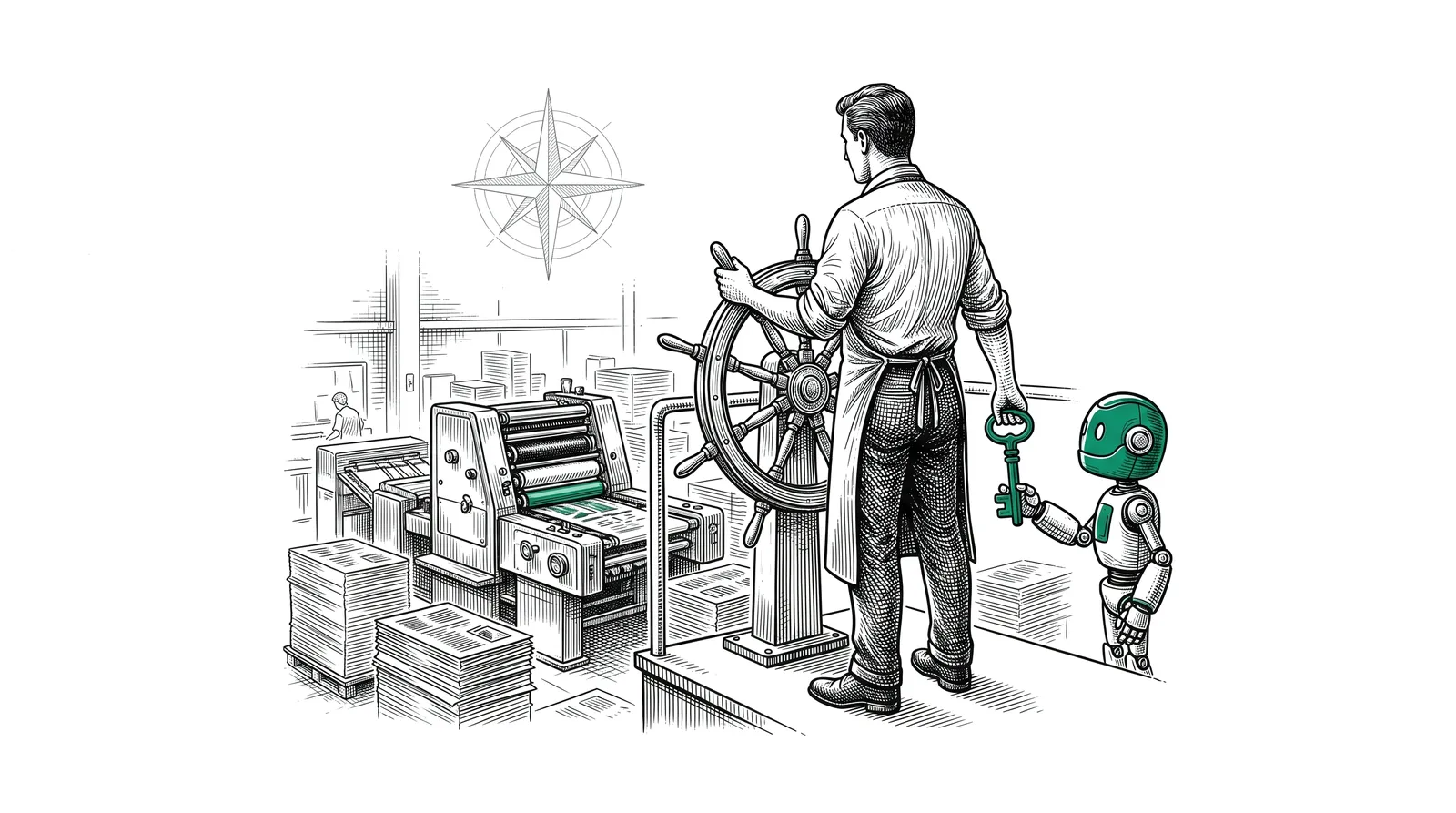
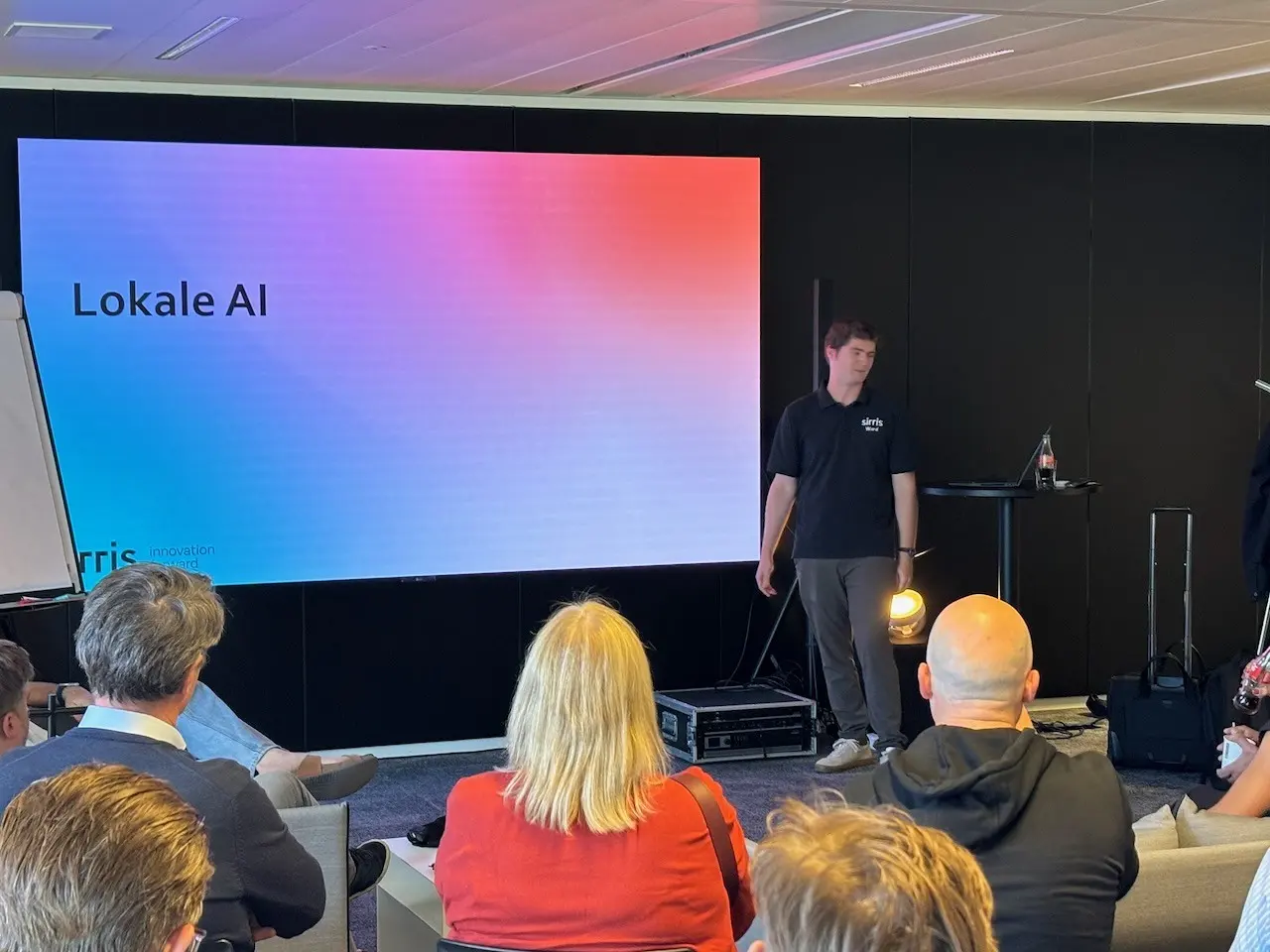
A language model knows a lot and does not know your company. With RAG you let it search your own documents first and only then answer. Do that on your own hardware and no manual or procedure ever leaves your network. At the second PRINTELLIGENCE steering group Sirris showed how such a system is put together.
What is RAG?
RAG stands for Retrieval Augmented Generation. In plain language: search first, then answer.
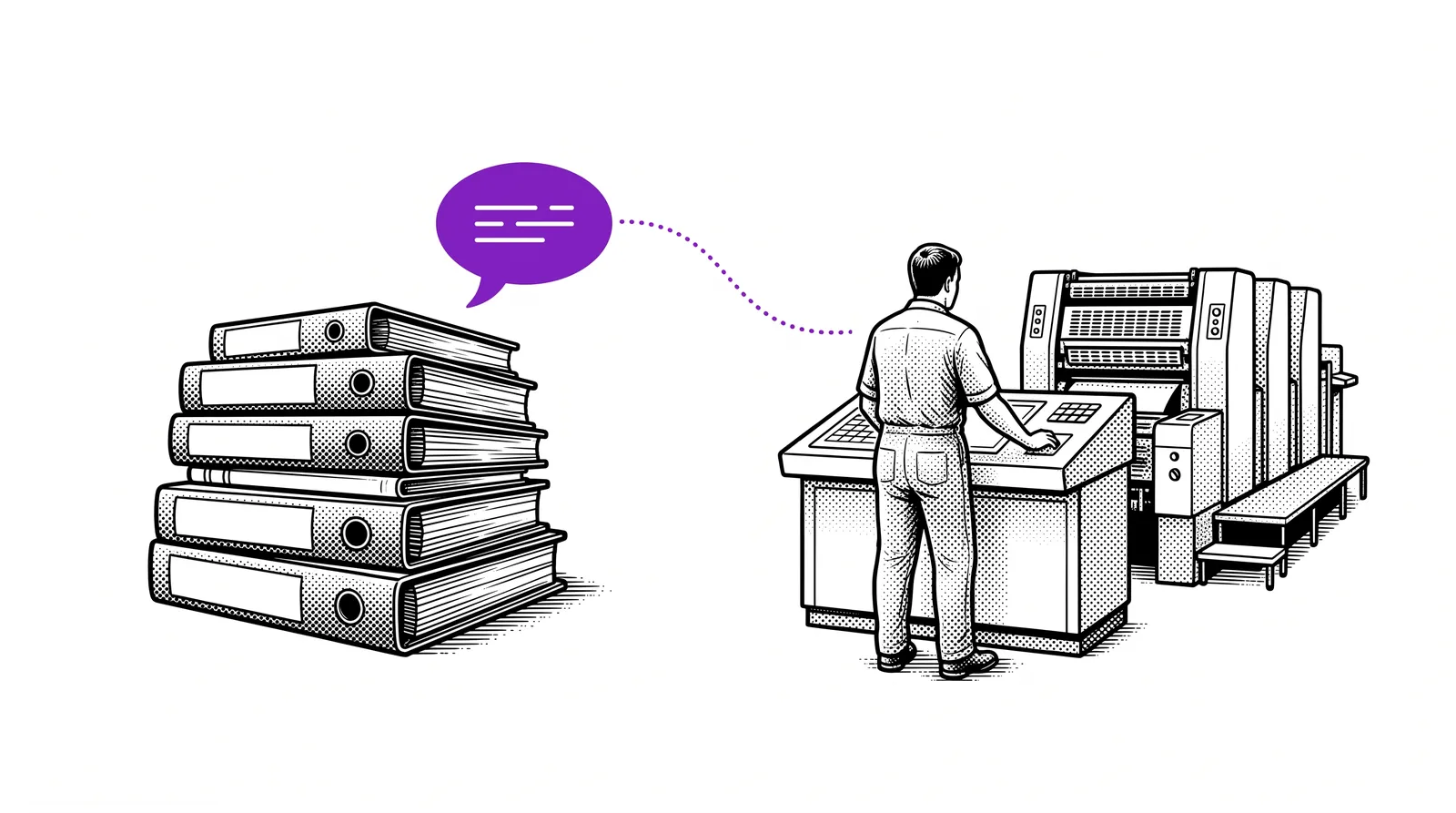
An operator asks how to copy an ink profile to another colour. A language model without RAG answers from its general knowledge. That answer sounds good and may be wrong for your press.
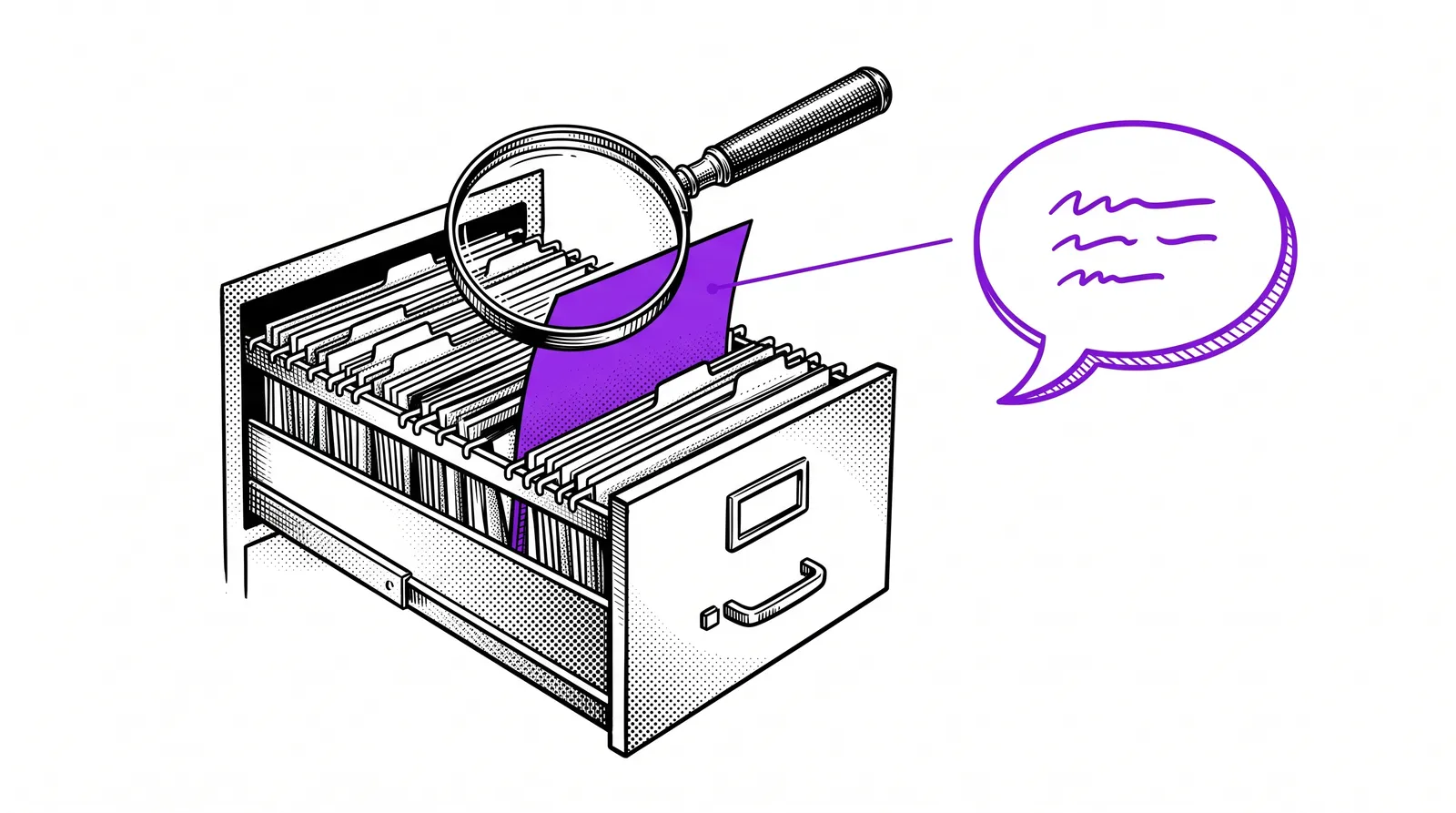
A system with RAG first finds the right page in the manual of that press. It hands that page to the language model together with the question. The answer then rests on your own document and you can check where it came from.
Documents are the best-known source. RAG can also search machine data (for example via MCP) or the web.
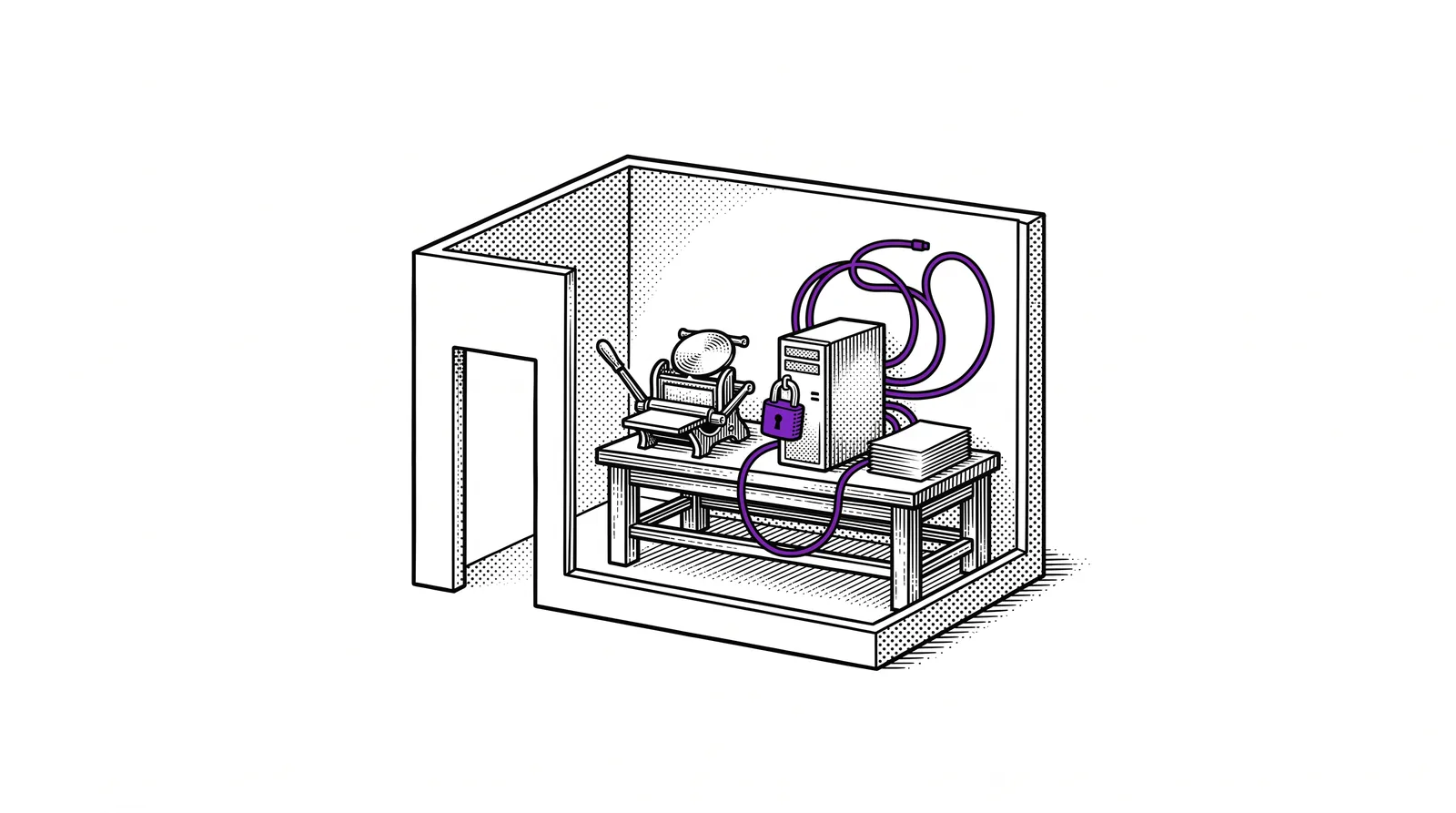
Local means everything runs on your own hardware. Your documents and the search index sit on your own server and the language model runs there too. Which hardware you need for that is covered in guide 11 on local AI.
Difference with guide 08: the guide on your own printing company assistant builds an assistant with ready-made services. This guide looks under the bonnet and keeps everything within your own walls.
Upload a document or RAG?
You can also simply upload a document in a chat. So when do you need RAG?
When uploading, the full text goes to the model. With RAG only the pieces that match the question go along. Sirris set the two side by side.
| Comparison | Uploading a document in a chat | RAG |
|---|---|---|
| What the model reads | The full text | Only the relevant pieces (chunks) |
| Set-up | Little work | More technical set-up |
| Accuracy | The most accurate | Depends on how it is built |
| Computing power | Expensive: the whole text goes along with every question | One-off processing of the documents |
| Scale | Limited scalability | Scales well for many documents |
Uploading is the most accurate as long as the text fits in the model's context window. That window is the amount of text a model can take in at once. On local hardware you hit that limit sooner.
Rule of thumb: one document and the occasional question? Upload it. A cabinet full of manuals and questions from the shop floor every day? Then RAG pays off.
The building blocks in plain language
A RAG system does five things one after the other. The first three happen once per document. The last two happen with every question.

A pdf is made to be printed and not to be searched. A parser extracts the text and the tables and recognises the subheadings. Sirris uses Docling for that, an open-source tool from IBM. Docling reads pdf and Office files and converts everything to one uniform format.
The document is split into pieces, called chunks. The naive way cuts into equal pieces and sometimes slices right through an explanation. Cutting per chapter works better: each piece stays within its subheading. That is what the subheadings recognised by Docling are for.
A specialised AI model converts each piece of text into a series of numbers: a vector. The meaning is preserved in the process. Pieces that are about the same thing get vectors that lie close together. All vectors go into a database.
The user's question becomes a vector in the same way. The system looks for the pieces whose vector most resembles that of the question. So it searches on meaning and not on exact words.
The language model receives the question together with the pieces found and writes an answer. A good system adds the source.


Without cutting: agentic RAG
There is also an approach without chunks. The documents sit in an ordinary folder structure. The AI itself chooses which file and which chapter to open, like a colleague who knows which folder to look in. Sirris calls that chunkless or agentic RAG.
An existing platform or build it yourself?
You do not have to put the five building blocks together yourself. There are open-source platforms that offer the whole chain.
RAGFlow and Dify are two well-known platforms. You install them and upload documents. Then you ask questions. LlamaIndex is a toolkit for those who program themselves.
You decide every step of the process yourself and build a screen that fits your shop floor. You add extra functions when you need them. It takes more time and knowledge.
In the demo Sirris showed a custom solution. The screen held the manuals of a Speedmaster XL 106. The question was: “how can I use an ink profile for another colour?” The answer came in four steps with the sources below it. Next to it the right page of the operating manual opened, a document of 650 pages.

Our advice: start with an existing platform. You learn what works with your own documents without building for months first. Building it yourself comes later, when you run into the limits of the platform.
Good applications in a printing company
RAG works best on documents that are consulted often and rarely change.
Hundreds of pages per press, often in a folder nobody opens. The operator asks his question at the press and gets the right page.
How do you set up the folding machine for this format? A new employee finds the answer without disturbing a colleague.
What do you do with a colour deviation? The procedure already exists. Now someone also finds it at the moment it counts.
Which surcharge applies for rush jobs? The estimator gets the rule with the source alongside and does not have to dig through old emails.
Those applications come from the industry itself. At the first steering group in March, “making machine manuals digitally searchable” and a “chatbot at the machine” were already among the 75 ideas.
A question about figures is not a question for RAG
RAG on documents answers questions such as “how do I do this?” or “what does the procedure say?”. A question such as “how many web breaks did we have this week?” is about figures. For that you let the AI run a calculation on your production data. How that works is covered in guide 12: talking to your production data.
Where it goes wrong
A RAG system is only as good as the documents you put into it. Four problems keep coming back.
A scanned manual is a photo of text. Without text recognition the system finds nothing in it. Tables and diagrams often get lost. Test the reading in on your most difficult document first.
The system does not know which version applies. If the old procedure is still in there you get the old answer with just as much conviction. Appoint someone to manage the documents.
An answer without a source cannot be checked. Demand the document and the page with every answer. In the Sirris demo the sources were listed under the answer.
If the answer is not in your documents a language model sometimes starts guessing. Set the system up so that it only answers with what it found. If it finds nothing it has to say so.
Starting in four steps
Start small and with real questions from the shop floor.
Take the manuals of one press or the procedures of one department. Collect ten questions operators really ask.
Upload one document in a chat and ask your ten questions. Are the answers good? Then you know the document is usable.
Install RAGFlow or Dify on a test machine and upload your set. Want to keep everything in-house? Then connect a local model (see guide 11).
Let operators ask the same ten questions. Check the source with every answer. Note what went wrong and improve the documents first.
Further reading and sources
The content of this guide comes from the presentation “Local AI and local RAG” that Sirris gave at the second PRINTELLIGENCE steering group, on 24 September 2026 at the Corda Campus in Hasselt. The comparison table and the building blocks are taken from the slides. The applications in a printing company and the pitfalls are an addition by the project team, as are the four steps to start.
All 25 slides to browse or download as pdf, with the report of steering group 2.
An assistant on your own documentation, with attention to the knowledge base and testing.
Which model and which hardware you need to run everything in-house.
How an AI assistant reaches your systems as well as your documents.
The 75 ideas from the industry, including searchable manuals and knowledge retention.
What an embedding or a context window is, in plain language.
RAG in four words: search first, then answer.