
Your knowledge sits on your own disk and your agents are connected to the systems your company already uses today. You know exactly what goes out and what does not.
Who it is for
Made for business owners and production people without an IT department. Also for prepress and job preparation who see the same chain come back every day, and for IT people who want to roll this out neatly and securely.
You do not have to be an IT person: every technical step is explained in plain language. Linux, Docker and open source are not a subject of study here but simply the tools your machine runs on.
The problem we solve
An employee builds a dashboard, a script or an agent with his own account. It works, everyone uses it, and then he leaves: account gone, dashboard gone, and nobody knows any more how it was put together.
In this training you set an internal server against that, with a deploy agent that rolls everything out automatically and publishes it internally. What gets built sits on the company's machine, at a fixed internal address, and keeps running when the builder is no longer there.
What you learn
Fourteen steps in three days. On day one you set up your own server and publish on it straight away. On day two you connect your knowledge and your systems. On day three you let it run real work.
With examples you recognise: files that are checked overnight, orders that are fetched and verified, hundreds of variants that are rendered, a monthly report that comes out of your MIS by itself.
Day 1: your own server
Setting up your own machine
A Mac mini or an AI PC, the size of a lunchbox, in your server cabinet or simply on a shelf. Why you want this, what it costs in power (less than the coffee machine) and where best to put it. Above all: why this is not your laptop. That goes home in the evening, this machine stays put and keeps working.
Obsidian as a second brain
The first thing that goes on it. All your notes, quotes, standards, procedures and customer agreements in plain text files on your own disk: no database, no subscription, no vendor deciding that your export no longer works. You start with a canvas on which you draw out what your machine should become, and from there the agent installs the rest along with it. Later it searches the same folder, so everything you ever wrote down becomes usable knowledge instead of dead documents.
Installing Linux, and getting in with SSH
An operating system like Windows or macOS, but without a licence and without anyone deciding when your machine has to restart. You install it together with us and you operate the machine through SSH, a secure connection from your laptop, from the office or from home. So there never needs to be a screen or keyboard attached again.
Docker, or trying things without breaking anything
A sealed box in which a program runs. What is inside cannot break the rest of your machine. If you do not like it, you throw the box away and start again. So you can experiment freely, because your machine always stays in a clean state.
Publishing internally with a deploy agent
Dashboards, reports and tools end up on your own server, at a fixed internal address, rolled out by an agent instead of by hand. Nothing hangs on a personal account any more, and colleagues look along without anyone having to open up their laptop.
Shared files on your AI server
A shared folder that everyone in the office simply sees in their file explorer, instead of files that stay stuck on someone's laptop or in a personal cloud. Your agents read the same folder, so people and agents work on exactly the same files.

Day 2: agents on your systems
Open source, and making the most of it
What it is, why it can be free without a catch, and how you judge in five minutes whether a project is reliable enough for your company. That is how you build a working environment instead of taking out another subscription for every piece.
Connecting your agents to your own systems
You lay a thin bridge (an MCP layer) between your agents and your MIS, ERP, DAM or web shop, so they work with real data from your company and not with what they make up. We deliberately start with read-only rights: looking is allowed, changing not yet.
Agents with a clear role
One agent for quotes, one for preflight questions, one for your monthly report. Each with a defined task, its own tone and only the access it needs. That is the difference between a working system and fifty loose prompts nobody can find any more.
From asking to responding by itself
Scheduled tasks and hooks: instead of you asking for something, the system responds by itself. An agent that does its rounds every night at three, or that starts as soon as an order comes in. You set one up yourself and really let it run.
Day 3: running the work
A personal assistant that watches your calendar
An agent that keeps an eye on your calendar and your tasks and warns you in time via WhatsApp or Telegram, so you no longer forget anything. All with open source on your own server, so without an extra subscription and without your data ending up at a service you have no view of.
Running models locally
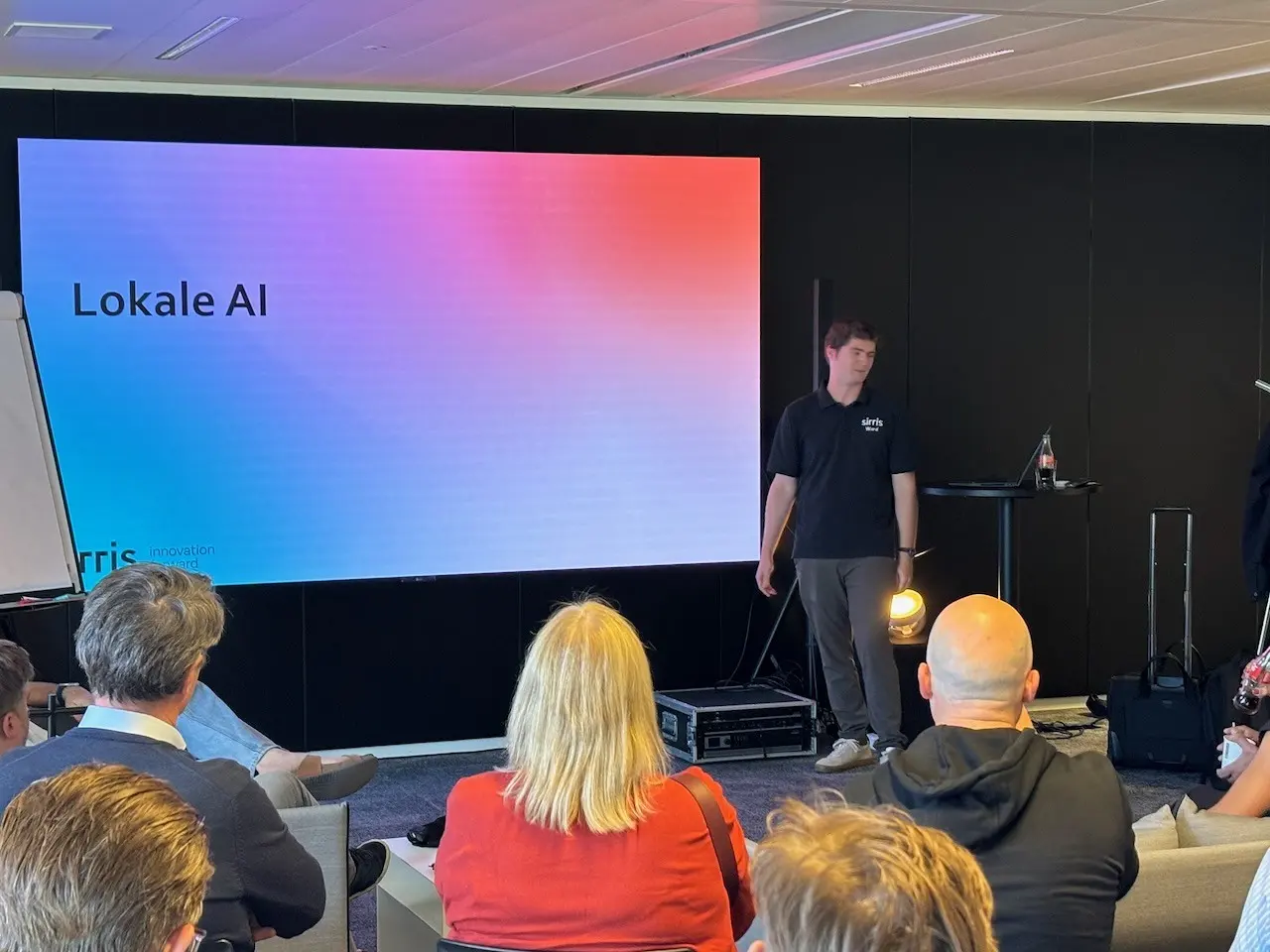
An AI model on your own machine, without a single byte of customer data going out. What that can really do today (searching documents, summarising texts, extracting data from files) and where the limit lies: when you work locally and when you are still better off using a large model in the cloud.
Security, management and testing for failure
As few rights as possible per agent, a database user that may only read, a log in which you can trace what happened, and a ceiling on your costs. Then we let your chain fail on purpose: a file that is wrong, a system that does not answer. You make sure it stops cleanly instead of quietly running on.
Arranging the handover
You write down what runs, where it runs, who has rights to what and what has to happen if you are away for two weeks. Usable for your IT partner, your colleague or your customer, and it keeps working when someone leaves.

What you can do afterwards
After this training you can:
- set up your own machine with Linux and Docker, and operate it remotely through SSH, from the office or from home
- house your knowledge in a second brain in Obsidian, filled with your own documents and searchable by your agents
- let an agent work on a real system of your company, with only the rights it needs
- let a scheduled agent keep working when you are not there, at night and at the weekend
- publish dashboards and tools internally on a company server instead of on someone's personal account
- set up a shared folder on your AI server where colleagues and agents use the same files
- let a personal assistant watch your calendar and nudge you in time via WhatsApp or Telegram
- fall back on a lasting reference work, plus a sheet with your rights, your logging and your costs
This training does not stop
Most trainings are over the moment you walk out the door. Not this one. Every step is written out in the reference work, from the first installation to the last scheduled task, so you can do it again in three months without guessing. The material grows along, because the tools move fast and what is the best way today may no longer be in six months.
The most important thing: your machine stays put and keeps running. What works on day three is not an exercise you wipe afterwards, it is the base you build on. If you get stuck, or want to add a second or third agent, you can come back to us. After this training you understand how AI lifts you to a higher level, and you work the right way.
Your virtual employees keep working, even when your laptop is closed.
Practical
- Duration
- 3 days, each from 09:00 to 17:00.
- The machine
- We agree one thing in advance: an AI PC or a Mac mini. You buy it yourself or you use a device you already have, and you really build on it during the training.
- Approach
- Hands-on: you build everything along on your own machine, and every technical step is explained in plain language.
- Entry level
- You join if you have followed the basic training or have already built something yourself with Claude Code, Codex or Antigravity.
- Location
- In-company at your premises or as an open session at VIGC, in groups of 6 to 10 participants. Ask for the next dates via the form.
Read ahead in the knowledge base: the guides Local AI and Local RAG.