What is a custom chatbot?
A custom chatbot is an AI assistant that is not only smart but also knows your company. It answers based on your documentation, prices and processes.
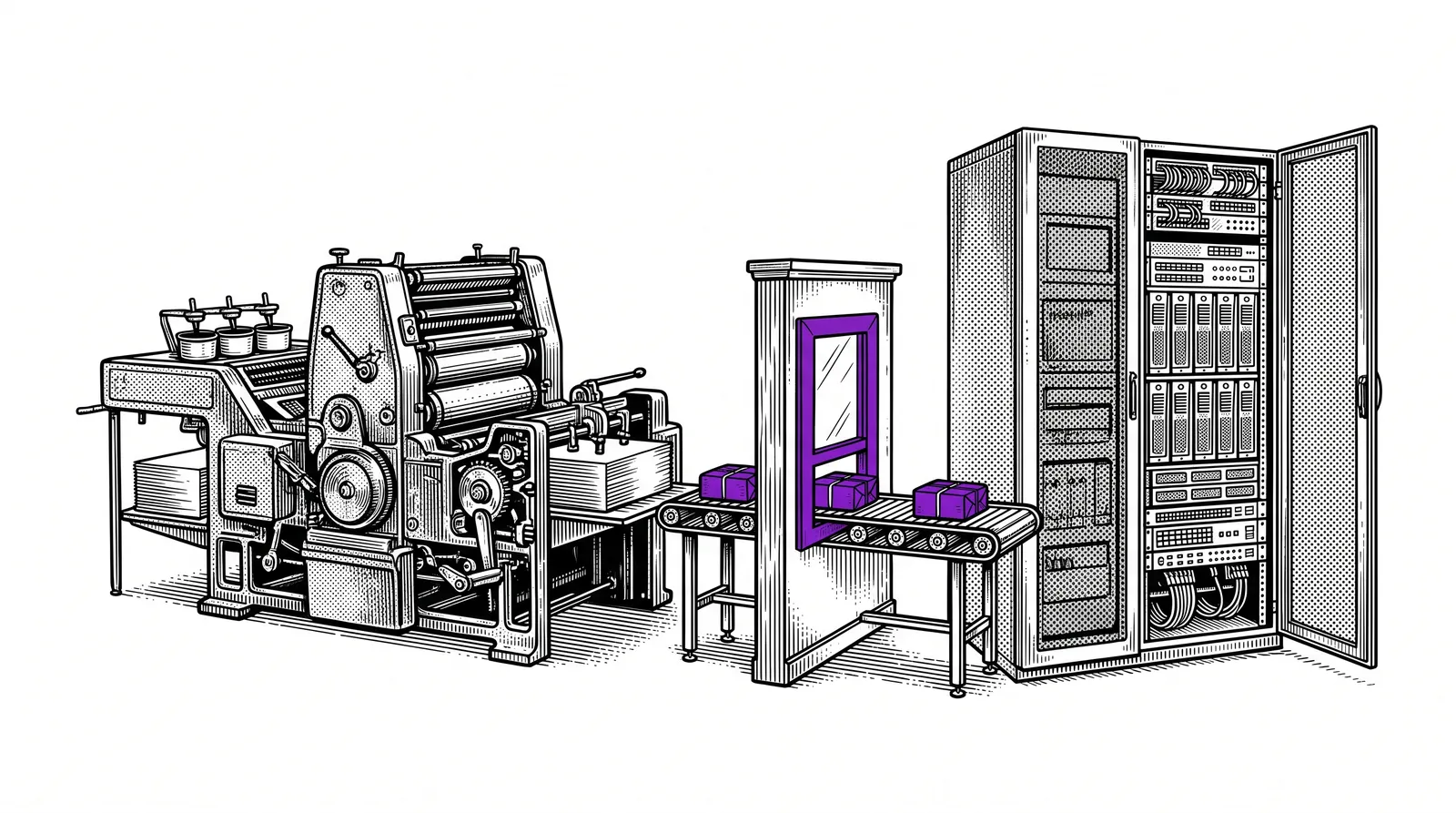
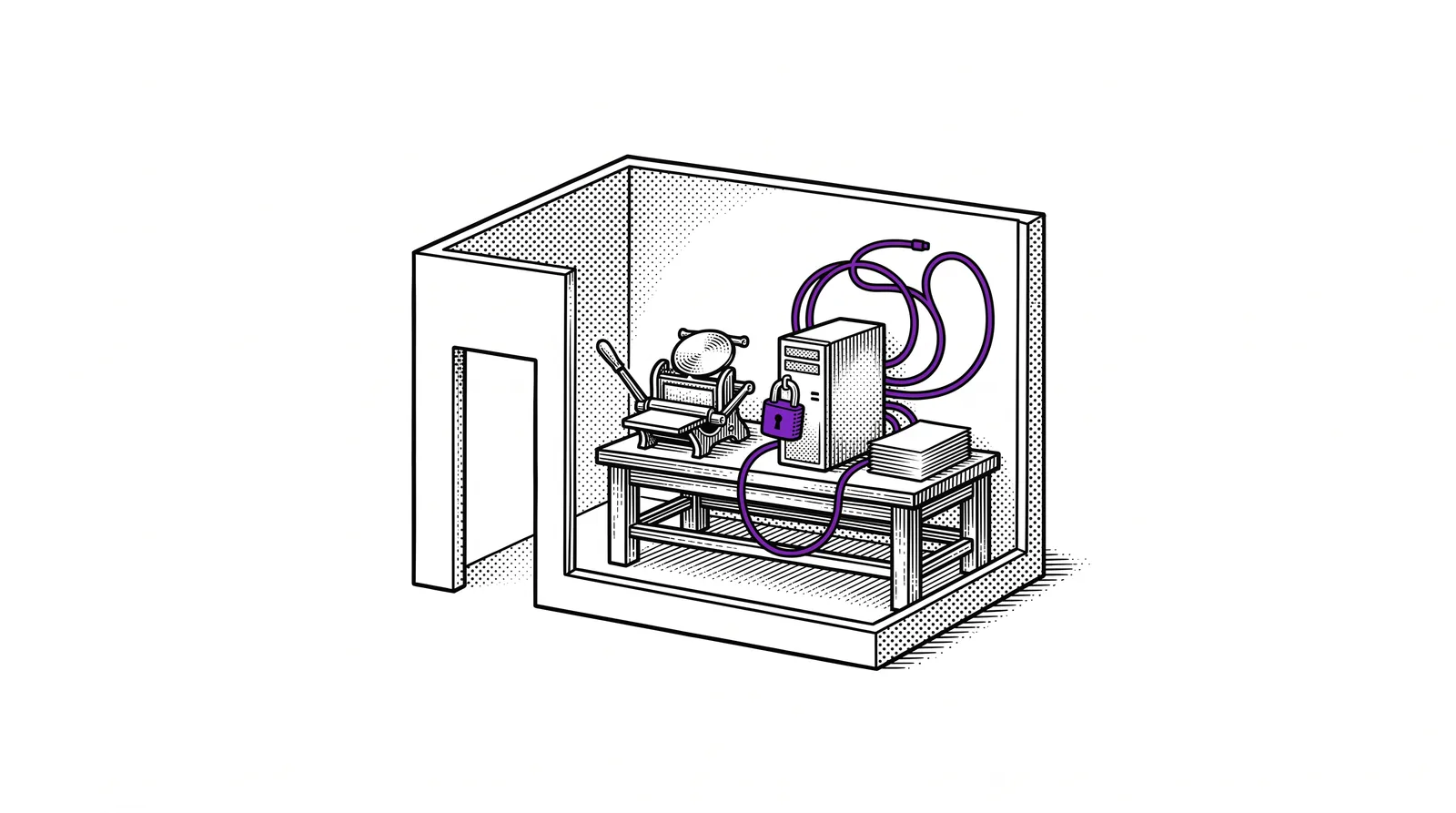
Standard AI tools such as ChatGPT or Claude are enormously powerful, but they do not know your company. They do not know what a business card costs at your printing company, which paper types you have in stock, or how your order process works. A custom chatbot does.
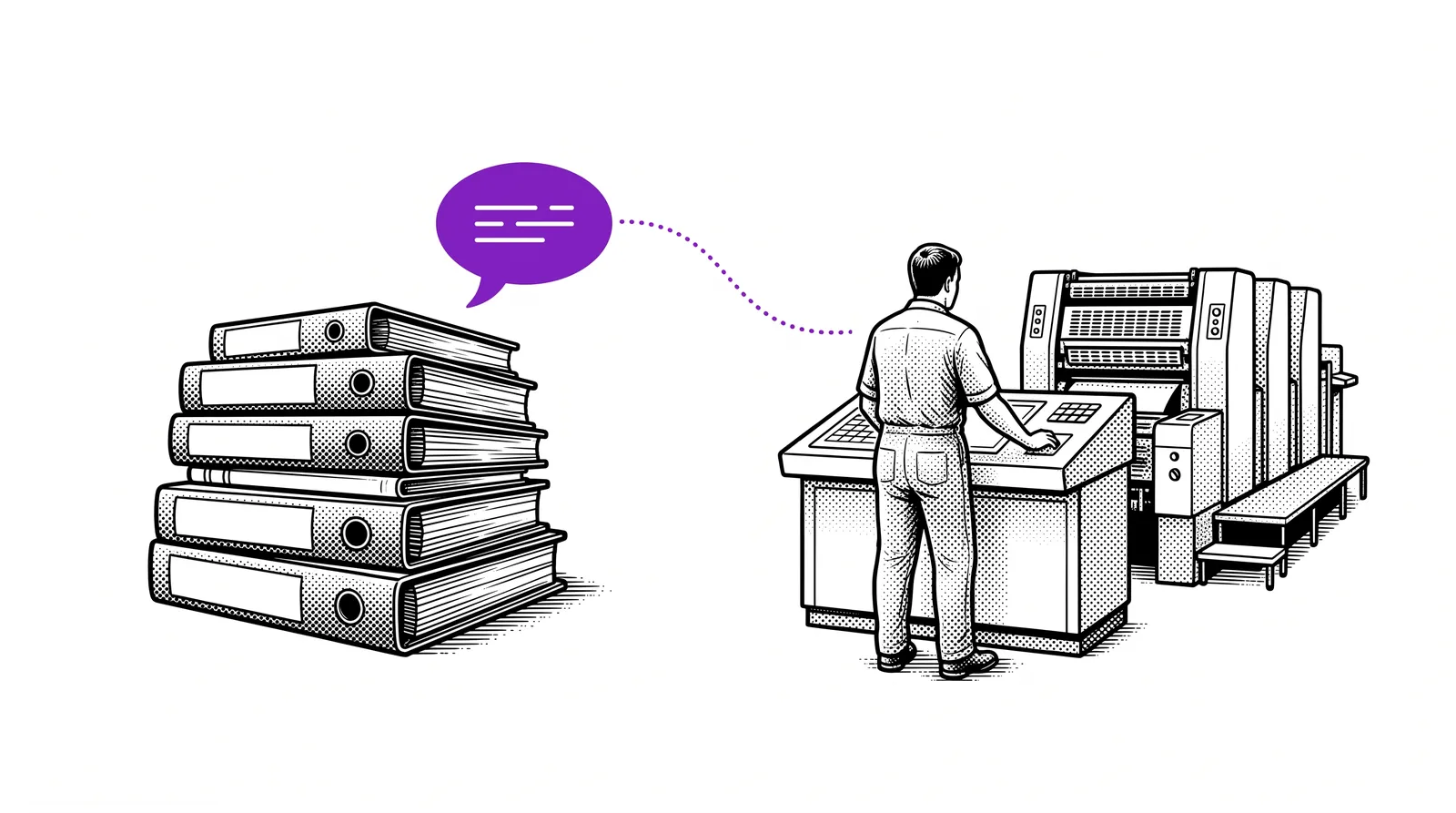
You feed the chatbot with your own knowledge: price lists, product specifications, work procedures, frequently asked questions and technical manuals. The result is an assistant that gives answers as if it had been working for you for years.
The difference: A standard chatbot says "A business card usually costs between EUR 30 and EUR 80." Your custom chatbot says: "500 business cards on 350g silk coated cost EUR 45 excl. VAT with us, delivery time 3 working days."
Retrieval-Augmented Generation (RAG)
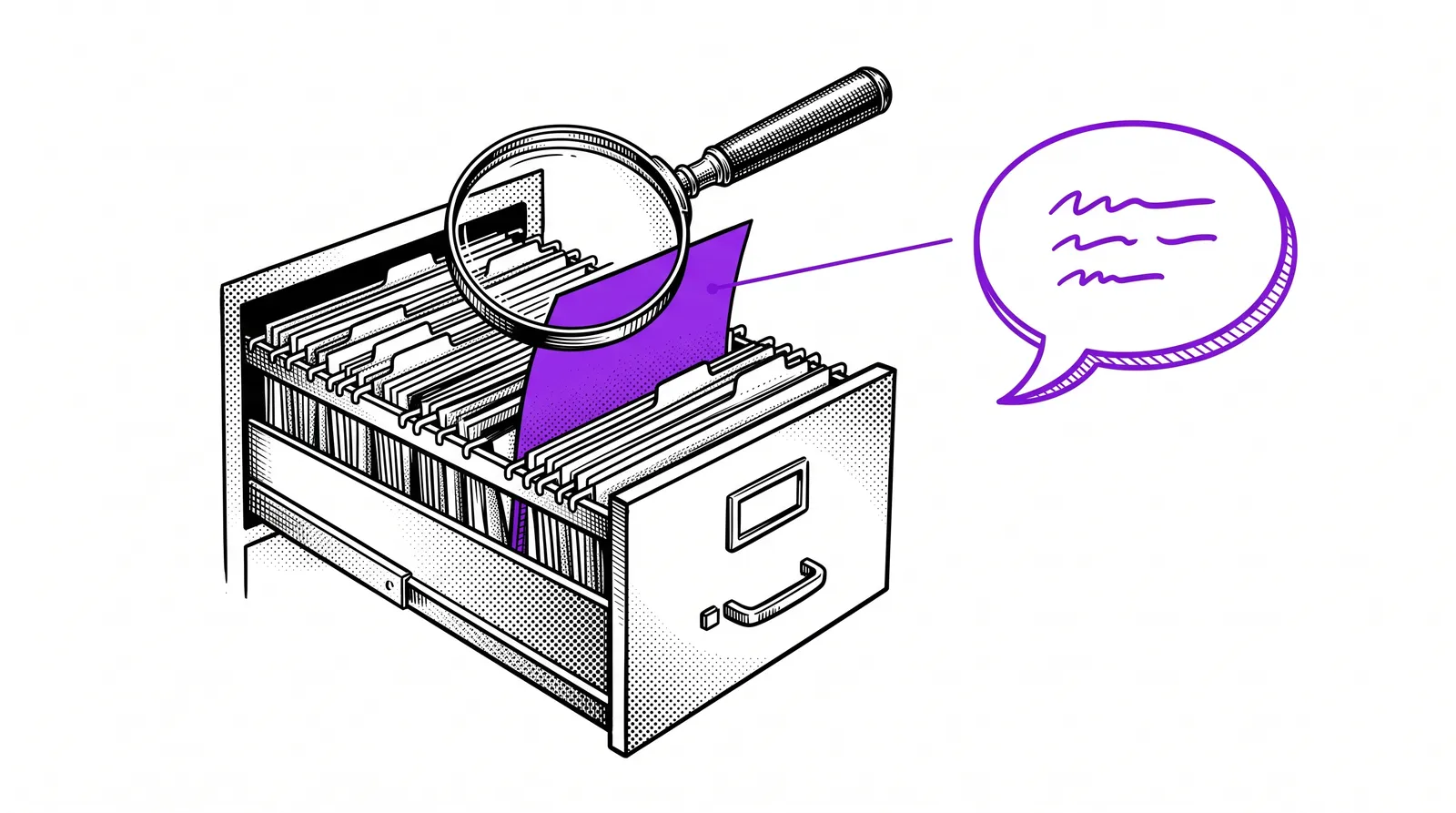
The technique behind a custom chatbot is called RAG. With every question the chatbot first searches your knowledge base, finds the relevant information and formulates an answer with it. That way it combines the language skills of AI with the specific knowledge of your company.
Why your own assistant for your printing company?
A printing company assistant saves time, reduces errors and makes sure knowledge is not lost when employees leave.
Customers get immediate answers to questions about prices, delivery times and specifications. No waiting, no being put through, available 24/7.
New employees ask the chatbot their questions instead of disturbing colleagues. The assistant knows all the procedures and technical specs.
Experienced operators who retire take knowledge with them. In the chatbot that knowledge stays available to the team forever.
The chatbot can check orders for technical feasibility: does the format fit on the press? Is the file in the right colour profile? Does the spine match the page count?
The business case: An average printing company spends 2 to 4 hours a day answering recurring questions. A chatbot takes over the majority of those. That is direct time saved that you can invest in production and innovation.
Building your knowledge base
The power of your chatbot stands or falls with the quality of your knowledge base. Here you learn which documents you need and how to prepare them.
Which documents to collect?
Start with the information that is requested most often. That is usually: price lists and rates, product specifications and options, file delivery requirements and file specifications, delivery times per product type, frequently asked customer questions and technical manuals for your machines.
Structuring documents
AI works best with well-structured text. Use clear headings, bullet lists and short paragraphs. Avoid scanned PDFs without a text layer. Convert to Markdown or plain text where needed. The clearer the source, the better the answer.
Keeping the knowledge base up to date
Plan a monthly moment to update your knowledge base. Prices change, processes are adjusted, new products are added. A chatbot that gives outdated information is worse than no chatbot.
Pro tip: Ask your sales team for a list of the twenty most frequently asked customer questions. Make sure your knowledge base contains a clear answer to each of those questions. That is your minimum viable knowledge base.
Building the chatbot with AI tools
There are several ways to build your chatbot, from no-code platforms to fully custom solutions.
Build agents that have access to your documents as a knowledge base. You define the personality, the instructions and the sources. Craft Agents can run Skills and call MCP servers.
Upload your documents into a Claude Project. The chatbot automatically uses those documents as context for every question. Ideal for starting quickly without a technical setup.
For maximum control you build your own RAG pipeline with the Anthropic API. You manage the vector database, the retrieval logic and the prompt structure. More work, but complete freedom.
Tools such as Voiceflow, Botpress or Typebot offer visual builders with which you assemble a chatbot without code. Upload your documents, define flows and publish.
Our recommendation: Start with Craft Agents if you already work with Claude. It combines power and simplicity. For a quick proof of concept a Claude Project with your core files is ideal.
Connecting Agents and Skills
A chatbot only becomes really powerful when it does not just answer but can also carry out actions. You do that with Agents and Skills.
What are Skills?
Skills are specific abilities that you add to your chatbot. A Skill can calculate a quote, create an order in your MIS system, or run a preflight check on a delivered file. You define the Skill in Markdown with instructions, and the agent carries it out.
MCP servers as the bridge
MCP servers (Model Context Protocol) connect your chatbot to external systems. An MCP server for your MIS gives the chatbot access to order data. An MCP server for your price list lets it look up real-time prices. You build the bridge between AI and your business systems.
Example: quote agent
Imagine: a customer asks "What do 1000 A5 flyers, double-sided on 170g silk coated, cost?" Your chatbot looks up the right price line through an MCP server, applies any discounts based on the customer number and answers with an exact price and delivery time. That is the power of Agents plus Skills plus MCP.
Architecture: Chatbot (Craft Agent) + Knowledge base (documents) + Skills (actions) + MCP servers (data) = an assistant that knows your company inside out and can actually carry out tasks too.
Practical Skill examples
Concrete Skills that you can build for your printing company chatbot.
The chatbot calculates prices based on format, paper type, print run and finishing. Connect it to your price matrix through an MCP server or a structured JSON file.
The chatbot checks delivered files for resolution, colour profile, bleed and fonts. Reports problems and suggests solutions to the customer.
Customers ask for the status of their order. The chatbot looks up the order number in your MIS through an MCP server and gives a current status overview.
Answer questions about file delivery, file requirements, paper choice and finishing options based on your technical documentation.
Tip: Start with one or two Skills and expand gradually. A chatbot that does two things perfectly is more valuable than a chatbot that does ten things halfway.
Training and testing your chatbot
Launching a chatbot without thorough testing is like printing a book without a proof. Test extensively before you go live.
Drawing up test questions
Make a list of at least fifty questions that customers or colleagues would ask. Vary the wording: some people ask formally, others informally. Also test edge cases: what if someone asks for a product you do not offer? What if the question is vague?
Evaluating answers
Check every answer against three criteria. Is it factually correct? Does it fit the tone of your company? Does it refer to the right sources? Mark answers that fall short and improve the underlying knowledge base or instructions.
Refining system prompts
The system prompt determines the behaviour of your chatbot. Define its role ("You are the digital assistant of Drukkerij De Vos"), its tone (professional but approachable), its limits (no promises about deadlines without an MIS check) and its fallback ("When in doubt I will refer you to our sales team").
Golden rule: Have at least three different people test your chatbot before you go live. Everyone asks different questions and discovers different weak spots. The more eyes, the better.
Integration into your work process
A chatbot nobody uses is a missed opportunity. Make sure it is available in the right places and that your team knows how to work with it.
Channels
Integrate the chatbot as a widget on your website. Visitors ask questions about products, prices and delivery times without calling or emailing.
Make the chatbot available to your team through an internal portal. Operators look up technical specs, sales staff check prices.
Connect the chatbot to your team chat. Colleagues ask questions in a dedicated channel and get an immediate answer.
Through the WhatsApp Business API your chatbot can answer customers on the platform they already use every day.
Encouraging adoption
Give your team a short demo. Show how quickly and accurately the chatbot answers. Make it a habit: start every day with the chatbot instead of searching through folders or disturbing colleagues. Collect feedback and improve weekly.
Measuring is knowing: Keep track of which questions are asked most often, which answers are rated as incomplete and how much time your team saves. That data helps you improve your chatbot continuously.
Advanced integrations
Once your basic setup works, you can expand your chatbot with powerful connections.
Connection with your MIS system
Through an MCP server you connect your chatbot to your Management Information System. The chatbot can then look up order status, calculate delivery times based on current production capacity and even create orders after confirmation by the customer.
Automatic follow-ups
Configure your chatbot to send follow-ups automatically. A customer who requested a quote but has not replied gets a friendly reminder after three days. An agent schedules this through an n8n workflow.
Multi-language support
Do you work with international customers? Claude supports dozens of languages. Your knowledge base is in Dutch, but the chatbot automatically answers questions in the customer's language: French, German, English or even Japanese.
Analytics and reporting
Log all conversations and analyse them monthly. Which products are asked about most often? Which information is missing? Where does the customer drop off? Those insights are worth their weight in gold for your sales and marketing strategy.
The future: Chatbots keep getting smarter. With every interaction you learn what customers want. In a year your chatbot is not just an answering machine but a strategic instrument that helps you develop better products and services.
Further reading and sources
Useful sources to learn more about chatbots, agents and knowledge bases.
Build AI agents with Anthropic's platform. Combine knowledge bases, Skills and MCP servers into a working assistant.
AI-powered coding assistant. Ideal for building custom MCP servers and RAG pipelines.
The open protocol through which AI models communicate with external systems. The basis for every advanced chatbot integration.
Open-source workflow automation platform. Connect your chatbot to hundreds of services without code.
More guides, masterclasses and practical AI applications for the printing industry.
The best assistant is one
that knows your company inside out.Give AI your knowledge,
and it gives your team
and customers superpowers.