What is a Custom GPT?
A Custom GPT is a version of ChatGPT that you configure yourself with your own instructions, knowledge and behaviour, specifically for your tasks.
Imagine this: you open ChatGPT and instead of explaining every time what your company does, which products you offer and how you calculate your prices, you have an assistant that already knows all of that. That is exactly what a Custom GPT does.
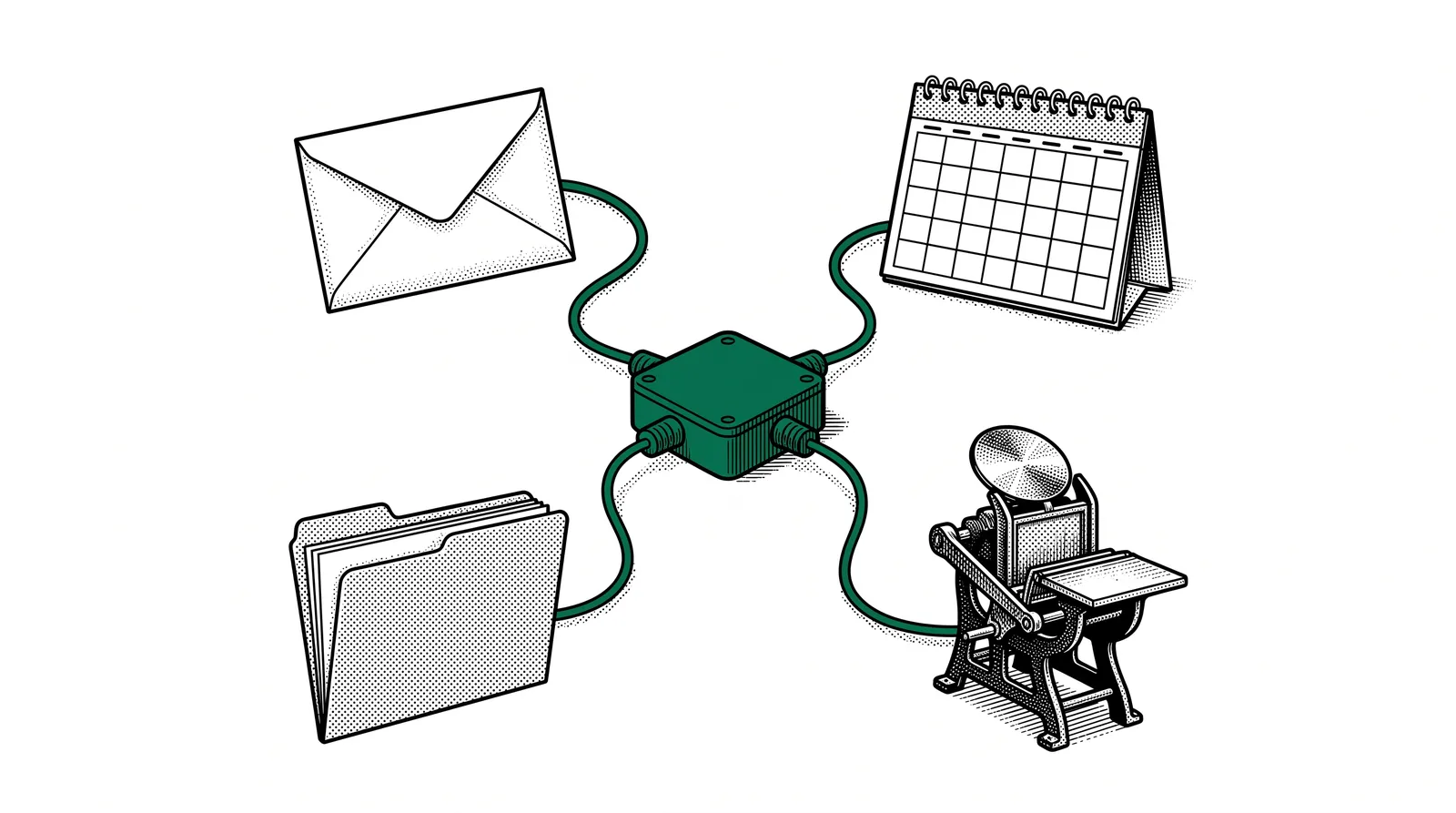
You give the AI a name, a clear role and instructions on how it should respond. Then you upload knowledge files such as price lists, product specifications or frequently asked questions. From then on your Custom GPT answers every question based on that specific knowledge.
In short: A Custom GPT = ChatGPT + your company knowledge + your instructions. The result is an AI assistant that knows exactly what you need, without you having to provide context every time.
What is a Gem in Google Gemini?
Google offers the same concept under the name "Gems". A Gem is a personalised version of Gemini with its own instructions and access to documents in Google Drive. It works in a similar way: you configure the assistant, give it instructions and link relevant documents.
This guide covers both platforms, so you can choose what suits you best. Whether you have a ChatGPT Plus subscription or prefer to work with the free Google Gemini.
Why a Custom GPT for your printing company?
A printing company handles dozens of questions every day about prices, delivery times, paper types and file specifications. A Custom GPT answers those questions instantly and consistently.
Saving time
How much time do you spend each week answering the same questions? "What do 500 business cards on 350g cost?" or "Which file format should I supply?" A Custom GPT answers straight away based on your price list and specifications.
Consistency
Every employee sometimes gives a slightly different answer. With a Custom GPT everyone gets the same, correct information. The assistant always follows your guidelines and always uses the most recent data.
Centralising knowledge
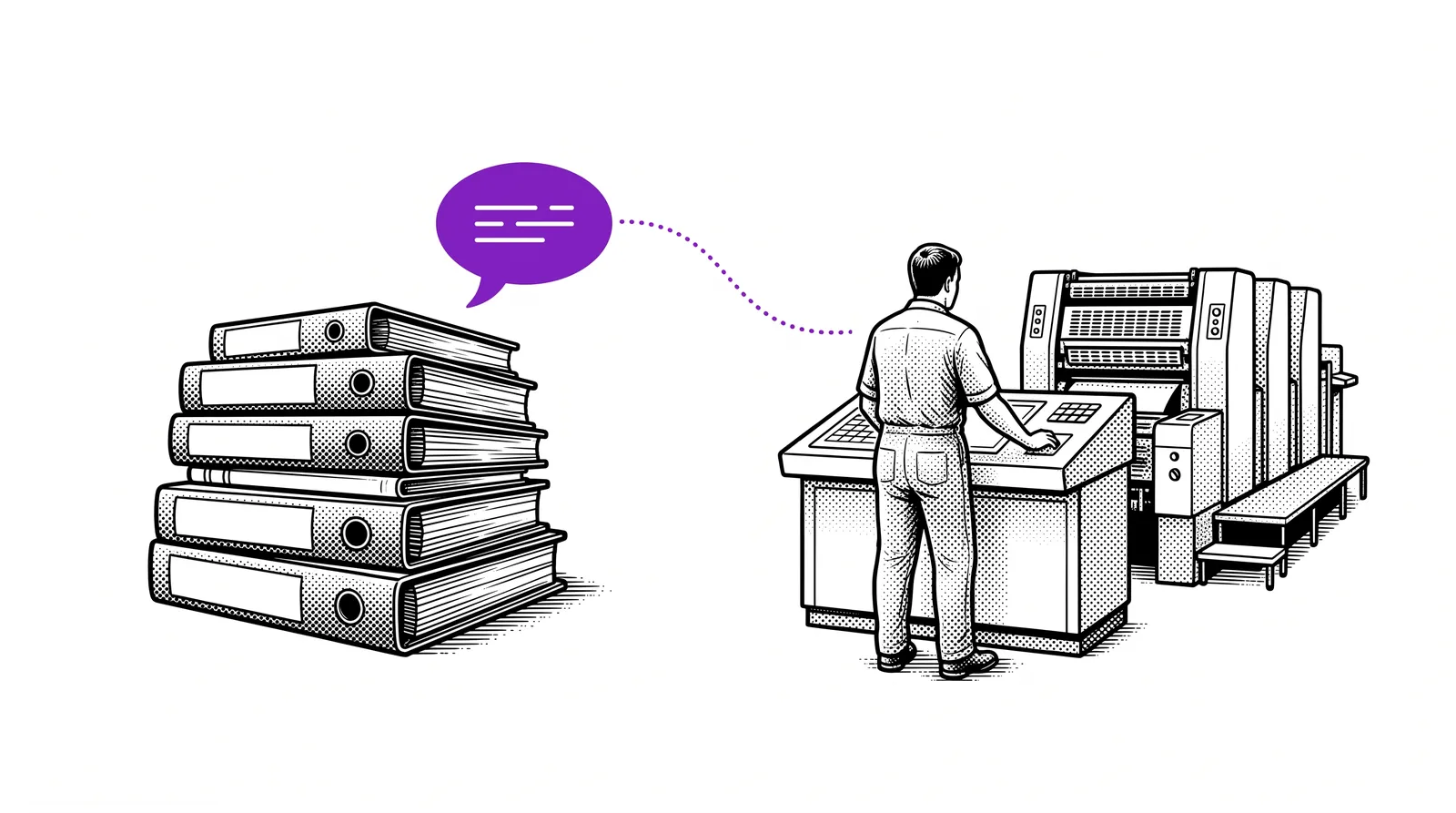
A lot of company knowledge sits in the heads of experienced employees. By loading that knowledge into a Custom GPT (price lists, FAQ documents, production guidelines) you make it accessible to the whole team.
Practical example: A customer calls with the question: "What does an A5 brochure cost, 24 pages, 135g silk, run of 1000?" Instead of searching through Excel tables, your employee types the question into the Custom GPT and gets an accurate answer within seconds.
Building a Custom GPT in ChatGPT
You build your first Custom GPT in five steps. You need a ChatGPT Plus, Team or Enterprise subscription.
Log in at chat.openai.com. Click "Explore GPTs" in the sidebar and then the "+ Create" button at the top right. You are now in the GPT Builder.
Go to the "Configure" tab. Give your GPT a clear name, for example "PrintPro Assistant". Write a short description: "Answers questions about our print products, prices and delivery times."
In the "Instructions" field you describe the behaviour. For example: "You are a friendly assistant for the printing company PrintPro. Always answer in Dutch. Use the supplied price list for quotes. If you do not know something, refer to info@printpro.be."
Click "Upload files" under Knowledge. Add your price lists (PDF or Excel), product specifications, FAQ documents and other relevant files. The GPT uses these as its knowledge source.
Test your GPT in the preview panel on the right. Ask a number of typical questions and check the answers. Happy with it? Click "Save" and choose whether to keep the GPT private, share it with your team or make it public.
Building a Gem in Google Gemini
With Gems, Google Gemini offers a free alternative. You can link documents from Google Drive and you do not need a subscription.
Go to gemini.google.com and log in with your Google account. Click "Gem Manager" in the menu on the left and then "New Gem".
Choose a name such as "PrintBot" and write detailed instructions. Describe the role, the tone (formal or informal), the language (Dutch) and which kind of questions the Gem should answer.
Add relevant files from your Google Drive. Think of spreadsheets with pricing information, PDF catalogues or shared documents with production guidelines. Gemini indexes these automatically.
Ask questions that your customers or colleagues would typically ask. Check that the answers match your source data. Adjust the instructions if the Gem answers too vaguely or at too much length.
Save your Gem and share the link with colleagues. Anyone with a Google account can use the Gem. Handy for teams that already work in the Google ecosystem.
Tip: Put your price lists and specifications in Google Sheets. That way you can update them easily and the Gem automatically picks up the latest version.
Practical example: OfferBot
A Custom GPT that works as an internal quoting assistant for a printing company. Employees type a question and get a price indication straight away.
The concept
OfferBot is a Custom GPT fed with the complete price list, paper specifications and FAQ of a printing company. An employee types, for example: "What do 2000 A5 flyers cost, double-sided, 170g gloss?" and OfferBot calculates the price based on the supplied data.
Which files do you upload?
Excel or PDF with prices per product, format, paper type and run length. This is the core of the knowledge base.
Overview of available paper types, weights and finishes. Helps when advising customers.
Frequently asked questions about delivery times, file submission, file formats and payment.
Technical requirements for supplied files: colour profile, resolution, bleed, file type.
Example instructions for OfferBot
"You are OfferBot, the internal quoting assistant of DrukWerk BV. Always answer in Dutch. Use the price list from the attached Excel file. State the price excluding VAT with every quote. Always mention the delivery time. If a product is not in the price list, say: 'This product is not in my current price list. Contact sales@drukwerk.be for a tailored quote.'"
OfferBot in practice
This is what a typical conversation with OfferBot looks like.
"I have a customer who wants 500 business cards on 400g matt, double-sided full colour. What does that cost and when can they be delivered?"
"500 business cards 85x55mm, 400g matt, double-sided full colour: EUR 45.00 excl. VAT. Standard delivery time: 5 working days. Express delivery (2 working days): +EUR 15.00. Supply as PDF with 3mm bleed, CMYK colour profile."
More uses than quotes alone
A GPT that guides new customers through supplying files and choosing the right product.
A GPT fed with manuals and procedures. New employees find answers quickly.
A GPT that helps customers choose between paper types, finishes and formats based on their needs.
A GPT with your house style and tone of voice that writes blog posts, social media and newsletters in your style.
Please note: A Custom GPT is not a replacement for human contact. It is a tool that handles routine questions, so your team has more time for complex advice and personal service.
Tips and pitfalls
With these do's and don'ts you get the most out of your Custom GPT or Gem.
Do's
Prices change, products get added. Make sure your GPT always works with the most recent information. Plan a monthly moment to update your files.
State in your instructions: "Always answer in Dutch." Without this instruction the GPT can sometimes answer in English, certainly if you use English source files.
Use questions you actually get in practice. This quickly shows where your GPT works well and where the instructions need adjusting. Keep a list of test questions.
Don'ts
A GPT that gives outdated prices is worse than no GPT. Set up a fixed process: as soon as the price list changes, you upload the new version.
"Be helpful" is too vague. "Answer customer questions about our products, use the price list and refer to sales@company.be for custom work" is concrete and effective.
Advanced tips
Once the basics are in place, you can make your Custom GPT even smarter with these techniques.
Use conversation starters
Both ChatGPT and Gemini let you set example questions that users can click straight away. Put the most common questions here: "What does a run of 1000 flyers cost?", "Which paper do you recommend for a brochure?" or "What are the artwork specifications?" This lowers the threshold for colleagues who are less familiar with AI.
Structure your knowledge files
Use clear headings, tables and sections in your documents. The better your files are structured, the more accurately the GPT can retrieve information. An Excel with the columns "Product | Format | Paper | Run | Price" works much better than an unstructured text file.
Provide example answers
Add one or two examples to your instructions of what an ideal answer looks like. The GPT learns from these which style, structure and level of detail you expect. This is called "few-shot prompting" and improves the quality of answers considerably.
Limit the scope
State clearly what the GPT should and should not do. "Only answer questions about print and graphic products. For questions about other subjects, say: 'Unfortunately I cannot help you with that. Please contact our team.'" This prevents the GPT from talking nonsense about subjects it has no knowledge of.
Pro tip: Build several Custom GPTs for different purposes. One for quotes, one for artwork submission, one for internal use. Specialised GPTs perform better than a jack of all trades.
ChatGPT vs Gemini
Both platforms let you build a personalised AI assistant. These are the main differences.
| Feature | ChatGPT (Custom GPT) | Google Gemini (Gem) |
|---|---|---|
| Price | ChatGPT Plus required ($20/month) | Available for free |
| Knowledge sources | Upload files (PDF, Excel, text) | Google Drive integration |
| Sharing | Via link, GPT Store or team | Via link to team members |
| Context | Up to 128K tokens per conversation | Up to 1M tokens (long context) |
| Ecosystem | Plugins, Actions, API connection | Google Workspace integration |
| Strength | Extensive configuration, large community | Free, long context, Drive connection |
When do you choose ChatGPT?
If you already have a ChatGPT Plus subscription, want to give complex instructions, want to upload files that are not in Google Drive, or want to share your GPT publicly through the GPT Store. ChatGPT also offers more advanced options such as Actions (API connections) and plugin integrations.
When do you choose Gemini?
If your team already works with Google Workspace (Gmail, Drive, Docs), if you do not want to pay for an extra subscription, or if you want to provide very long documents. Gemini's long context window (up to 1 million tokens) makes it ideal for processing extensive catalogues or technical manuals.
Our advice: Try both. Build the same assistant in ChatGPT and in Gemini, ask the same questions, and compare the answers. That way you quickly discover which platform works best for your specific situation.
Further reading and sources
Useful sources to keep learning and experimenting with Custom GPTs and Gems.
Official OpenAI documentation on building and configuring Custom GPTs. Including best practices and examples.
Google's manual for building Gems. Step-by-step explanation with integration in Google Workspace.
Discover thousands of Custom GPTs that others have built. Inspiration for your own project and ready to use straight away.
Extensive guide on writing effective instructions for AI assistants. Essential for good results.
More guides, masterclasses and practical AI applications for the printing industry.
You do not need to be a developer
to build an AI assistant.You need your company knowledge,
good instructions,
and ten minutes of time.