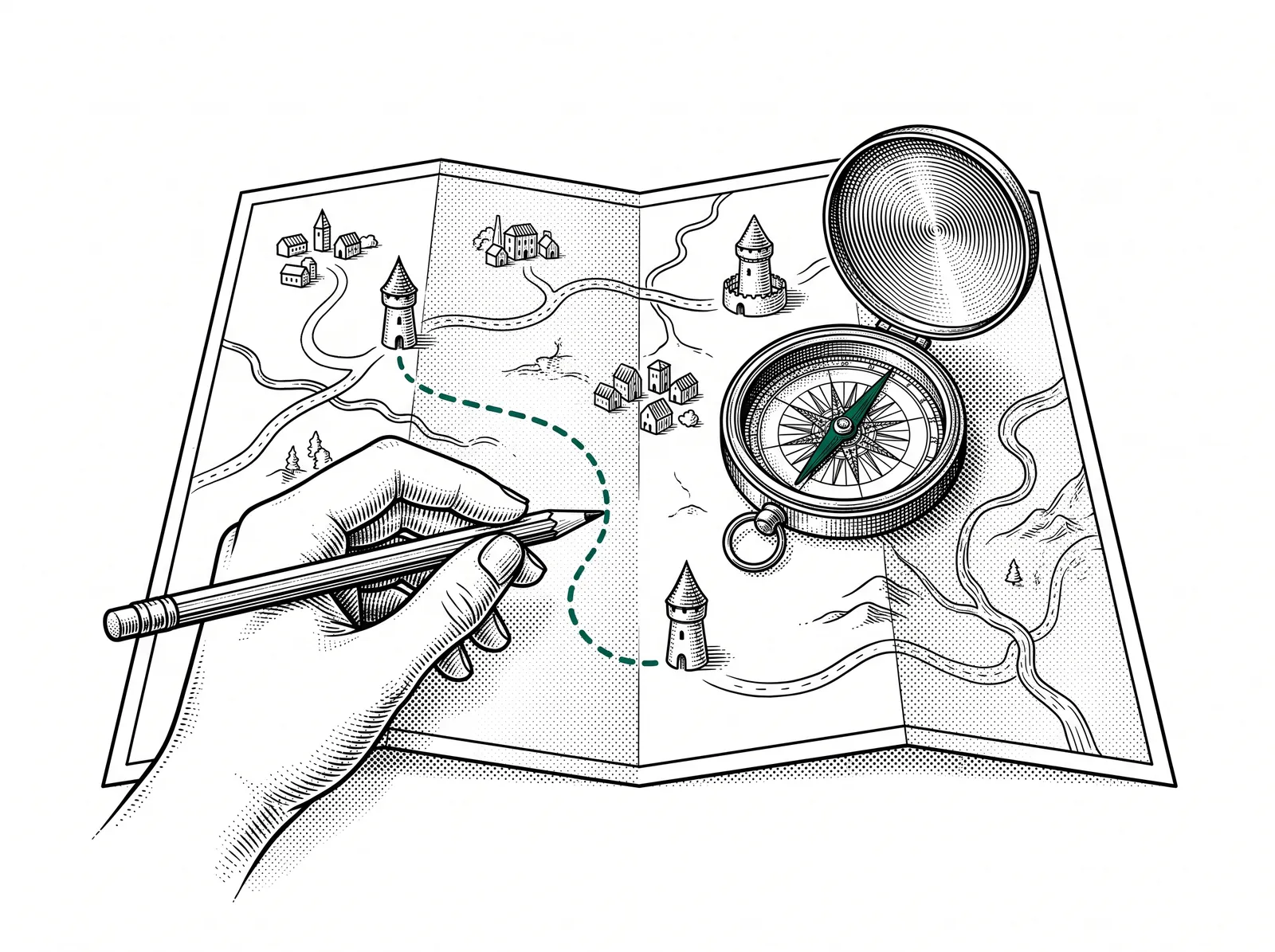
Who does what and which tool goes with which task? Where do you start yourself? You go home with an AI assistant you built yourself that day on your own documents.

Who it is for
Made for everyone in and around printing companies, from business owner to prepress, planning, marketing and design. No prior knowledge needed.
The day suits the whole printing industry: print, sign and display, labels, packaging, finishing and fulfilment, but also suppliers, designers, advertising agencies, publishers and education. The day works just as well outside it (healthcare, manufacturing, logistics, government, SMEs), only the examples come from print practice.
What you learn
The day runs like a walk: you set off from the overview and you end with something you built yourself. Everything is shown live and you work along on your own laptop.
The players
Who is who in the AI landscape and what is each player good at? You also see why those relationships shift every month.
Under the hood
Tokens, context windows and model choice, explained without mathematics, so you understand why an answer sometimes goes off the rails.
The tools live
ChatGPT, Claude, Gemini, Copilot, NotebookLM, Gamma, Nano Banana and Higgsfield, side by side on the same kind of task.
The right question
Building prompts that work, hands-on on your own material instead of on made-up examples.
Build your own assistant
You build a Custom GPT, a Gemini Gem or a Copilot agent on top of your own documents.
Stay in control
What happens to your data and what the AI Act asks of you. You also see how you can work safely and locally.
The summit
The trainer's own AI agents live at work, as a picture of what is possible further on.


What you can do afterwards
After this training:
- You have your own AI assistant running, built on your documents and ready for further use.
- You consciously choose a tool for a task, instead of always opening the same window.
- You write prompts that produce usable work, and you quickly see why an answer is wrong.
- You know which information you do and do not put into a public tool, and why.
- You have a toolbox with all the links and prompts of the day and the full deck as a reference. You also have a clear picture of your next step.
After this day you have your own AI assistant running on your own material.
Practical
- Duration
- 1 day, from 09:30 to 16:00.
- Approach
- Everything is shown live and you work along all day on your own laptop. No button-pushing course, no prior knowledge needed.
- Location
- In-company at your premises, or open session at VIGC.
- Group size
- In a small group, so there is time for your own material.
- What to bring
- A laptop you can log in on and a document of your own from your work: a quote, a job ticket, a product sheet or a customer email. With that you build your own assistant in the afternoon.
- Dates and registration
- Request the training via the form below, or email directly to geert.bammens@vigc.be.
Want a taste already? Read the guide Custom GPTs or look up a term in the AI glossary.