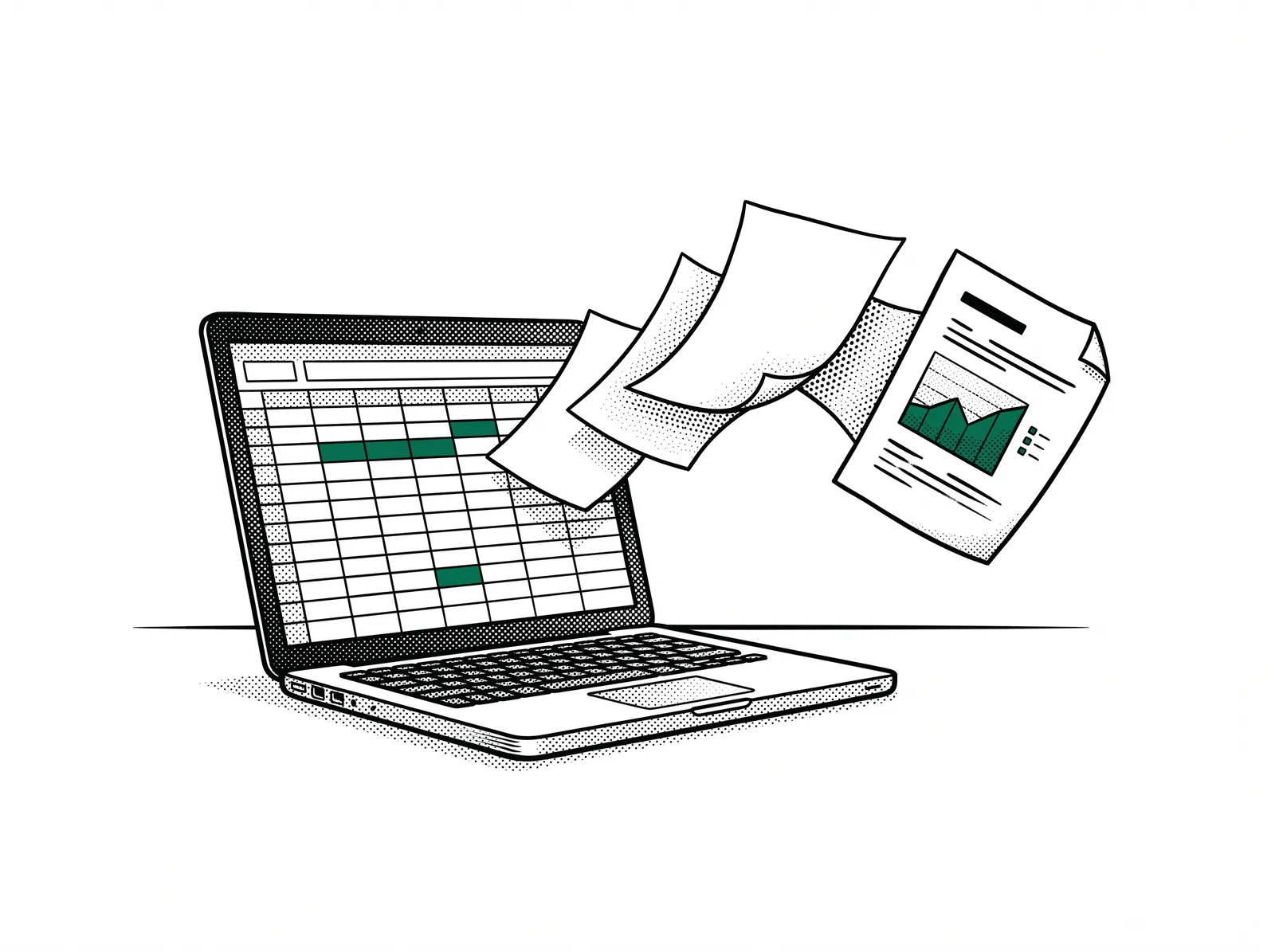
You build up step by step: first one file, then two combined, then three together in one report. That report is text with a table and a chart. All on your own figures, so you can carry on Monday with what you build today.
Who it is for
For everyone who lives in Excel: the business owner who puts his figures together every month, the estimator with his quote files, the planner with his timesheets, the accountant who sets three exports side by side.
No programming involved. You work in pairs so nobody gets stuck alone.

What you learn
One day, six stops. You build up: from one worksheet to three files that together become a report. Excel stays your base all day.
Where Excel stops, and why you keep it anyway
Formulas only you still understand and tabs that point to other tabs. A report that costs half a day every month. We look at your files and mark where the manual work sits. Excel stays your base, Claude becomes the assistant next to it.
Claude next to your worksheet, with one file
You open Claude next to Excel and give it one file. Summarise, check, find outliers, ask for a clean table or a chart back. You learn to ask precisely what you want, and to check the answer before you believe it.
Combining two files
Quotes next to invoices, planning next to timesheets. You let Claude lay two files on top of each other: match on a common column and show the differences. What used to be an evening of VLOOKUP you now do in a conversation.
Three files: from data to report
Now it gets real: three sources together, per customer, per machine or per month, with a conclusion in plain language. You build the monthly report you always wanted: text with a table and a chart, in one go.
The result back in Excel
What Claude makes comes back as a worksheet: clean columns and formulas you understand, in a layout your colleagues can simply open. You remain the owner of the file, and of the figures.
Letting it run by itself: a recurring task
You set down in a short instruction file how you want it, so the same question gives the same result next month. New export in, report out. You take that file home with you.


What you can do afterwards
When you walk out after this day you still work in Excel, but differently. In concrete terms:
- You can give Claude one Excel file and get a summary, a check or a chart out of it in minutes.
- You can match two files on a common column and see the differences, without writing a formula.
- You can build a report from three sources in the words of your company: text with a table and a chart.
- You can put the result back in Excel as a clean worksheet, so colleagues can carry on with it.
- You can set down a recurring task so it is ready in one go next month.
- You know what to check before you forward a figure, and where Claude can make mistakes.
This is ready when you walk out
- Your own monthly report, built on your own figures
- An instruction file for your recurring task
- A cheat sheet with the questions that work, and those that do not
- Excel, unchanged, with an assistant next to it
After this day Excel stays your base, but what took hours you now get out of it in minutes.
Practical
- Duration
- 1 day, from 09:00 to 17:00.
- Approach
- Hands-on on your own files, all day in pairs: someone who knows Excel well next to someone who already uses Claude, so nobody gets stuck alone. No programming experience needed.
- Location
- In-company at your premises or as an open session at VIGC.
- Group size
- 6 to 12 participants.
- What to bring
- Your own laptop with Excel, and three real files from your company: quotes, invoices, a planning, timesheets, sales figures. You work with those all day, so what you build is usable on Monday. You may leave out sensitive columns beforehand.
- Tools
- Excel as you already use it, and Claude next to it: in the browser or as a desktop app is enough, nothing to install in advance. If you want to go further, you can do the same steps with Claude Code.
Want to read more? The guide Talking to your production data shows how a question in plain language becomes a calculation.