What is Vibe Coding?
Vibe Coding is a new way of building software in which you describe in plain language what you want, and AI writes the code for you.
The term was coined in early 2025 by Andrej Karpathy, former AI director at Tesla. The idea is simple: you "feel" the direction your project should take (the "vibe") and let AI do the technical work.
Instead of writing every line of code yourself, you describe what you want in plain language. "Build a website with a contact form and a dark house style." The AI then generates the complete code, the design and the functionality.
In short: Vibe Coding = you describe, AI builds. You do not need to be a programmer to make software. You need an idea, a clear description, and the right tool.
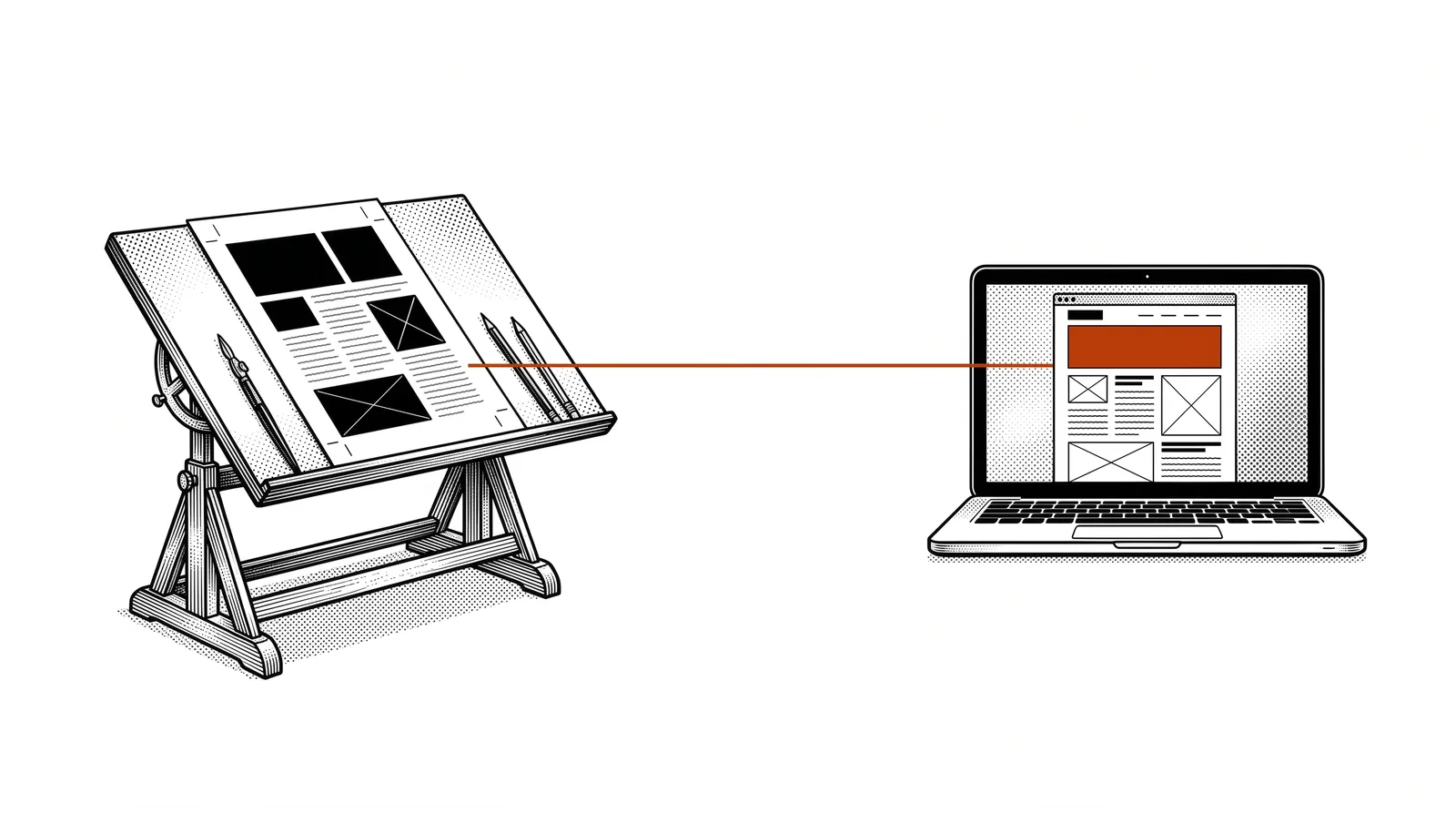
The difference with traditional programming
In traditional programming you write every line of code yourself. You need to know the programming language, understand how systems work together, and spend hours debugging when something goes wrong. With Vibe Coding you do none of this. You are the architect, AI is the contractor.
This does not mean the result is any worse. The AI writes the same code a developer would write, often even faster and with fewer errors. The difference is that you can focus on what you want to achieve, not on how it works technically.
Why is this a game changer?
Vibe Coding democratises software development. Anyone with a good idea can now build.
Speed
What used to take weeks or months can now be done in hours or days. A complete website with forms, database and design? An afternoon's work. An internal dashboard for your production figures? A morning.
No technical threshold
You do not need to know HTML, CSS, JavaScript or Python. You describe in Dutch what you want and AI does the rest. This opens the door for business owners, marketers, graphic designers and anyone who has so far depended on developers.
Working iteratively
Not happy with the result? Just say: "Make the header bigger" or "Add a search function." You work in a conversation with the AI, just as you would talk to a colleague. Every adjustment is a new sentence, not hours of coding.
The impact: Companies that use Vibe Coding can innovate faster, save costs on external development, and give their team more autonomy. The question is not whether you will use it, but when.
The tools
There are several tools you can use for Vibe Coding. Each has its own strengths.
Anthropic's AI assistant as your personal developer. Works in the terminal and can build complete projects, create files and write code.
A code editor with built-in AI. Ideal if you want a bit more control over the process and want to see the code while it is being written.
A browser-based platform that generates complete web apps from a description. Perfect for quick prototyping without installing anything.
Comparable to Bolt, with a focus on good-looking designs. Describe your app and get a working prototype with a professional UI.
An online development environment with AI assistant. Good for small projects and experiments you can share online straight away.
Specialised in generating UI components. Describe an interface element and get production-ready code.
Our recommendation: Start with Bolt or Lovable if you have never touched code. They work in the browser and you see results straight away. Want more control? Move on to Claude Code or Cursor.
Your first project step by step
Let us build a simple website together with Vibe Coding. We use Bolt as the example.
Go to bolt.new in your browser. You do not need an account to start.
Type for example: "Build a landing page for a printing company called PrintPro. Modern look, dark colours, with a contact form and a section about our services."
Within seconds the AI generates a complete website with design, text and functionality. You can see straight away in the preview what it looks like.
Not quite what you want? Say: "Make the header blue instead of black" or "Add a testimonials section." The AI adjusts it straight away.
Happy with it? With one click you put the website online. Most tools offer free hosting for your project.
Tip: Start small. Your first project does not need to be a masterpiece. The goal is to learn the process and gain confidence in the tools. You will be amazed at what you can achieve with your very first project.
Writing good prompts
The quality of your result depends on the quality of your description. These are the basic rules.
Be specific
Not: "Build a website." But: "Build a website for a bakery with a menu page, online ordering and a photo gallery. Use warm colours and a handwritten font."
Describe the goal
Do not just tell the AI what you want to see, but also why. "This is for customers who want to order a cake quickly from their phone" gives the AI context to make better choices in design and functionality.
Work in steps
Start with the basics and refine afterwards. First the structure, then the design, then the details. This gives you more control and prevents the AI from trying to do too much at once.
The golden rule: Write your prompt as if you were briefing a designer you have never met. The more clearly you describe what you want, the better the result.
Example of a good prompt
"Build an internal dashboard for our printing company. It should show this week's production figures in charts, a list of current orders, and a button to create a new order. Use a professional look with our house style colours: dark blue (#1B5E7B) and teal (#1B8A93). It should work on desktop and tablet."
Prompt templates
Use these templates as a starting point for your own projects.
"Build a [type] website for [company/purpose]. It should contain [pages]. Use [style/colours]. The target audience is [who]. It should work on [devices]."
"Build a dashboard that shows [data] in [charts/tables]. Users should be able to perform [actions]. It should update automatically [frequency]."
"Build a [type of tool] that lets [users] do [action]. The input fields are [fields]. After filling it in, [result] should happen."
"Build an app that lets [users] [function]. There should be a [login/registration]. The data is stored in [database]. The design should be [style]."
Pro tip: Always add examples to your prompt. "Similar to [well-known website]" or "In the style of [reference]" helps the AI enormously to understand your vision.
Practical examples
Concrete examples of what printing companies and graphic businesses can build with Vibe Coding.
A website where customers can track their orders, upload files and view invoices. Built in an afternoon.
A tool where customers can calculate a quote themselves based on format, paper type and run length. Directly on your website.
An internal screen that shows in real time which orders are in production, which are finished and where the bottlenecks are.
A landing page for trade fairs or open days with registration form, programme and directions.
Case: Printelligence itself
The website printelligence.online was built entirely with Vibe Coding. The complete site, including all pages, the design and the interactive elements, was made by describing what was needed. No external developer, no months-long project.
This guide you are reading now was also laid out in HTML with the help of Claude Code. The layout, typography and colours were all generated from a description of the desired house style.
Tips, pitfalls and best practices
Learn from the experiences of others to build faster and better.
Do's
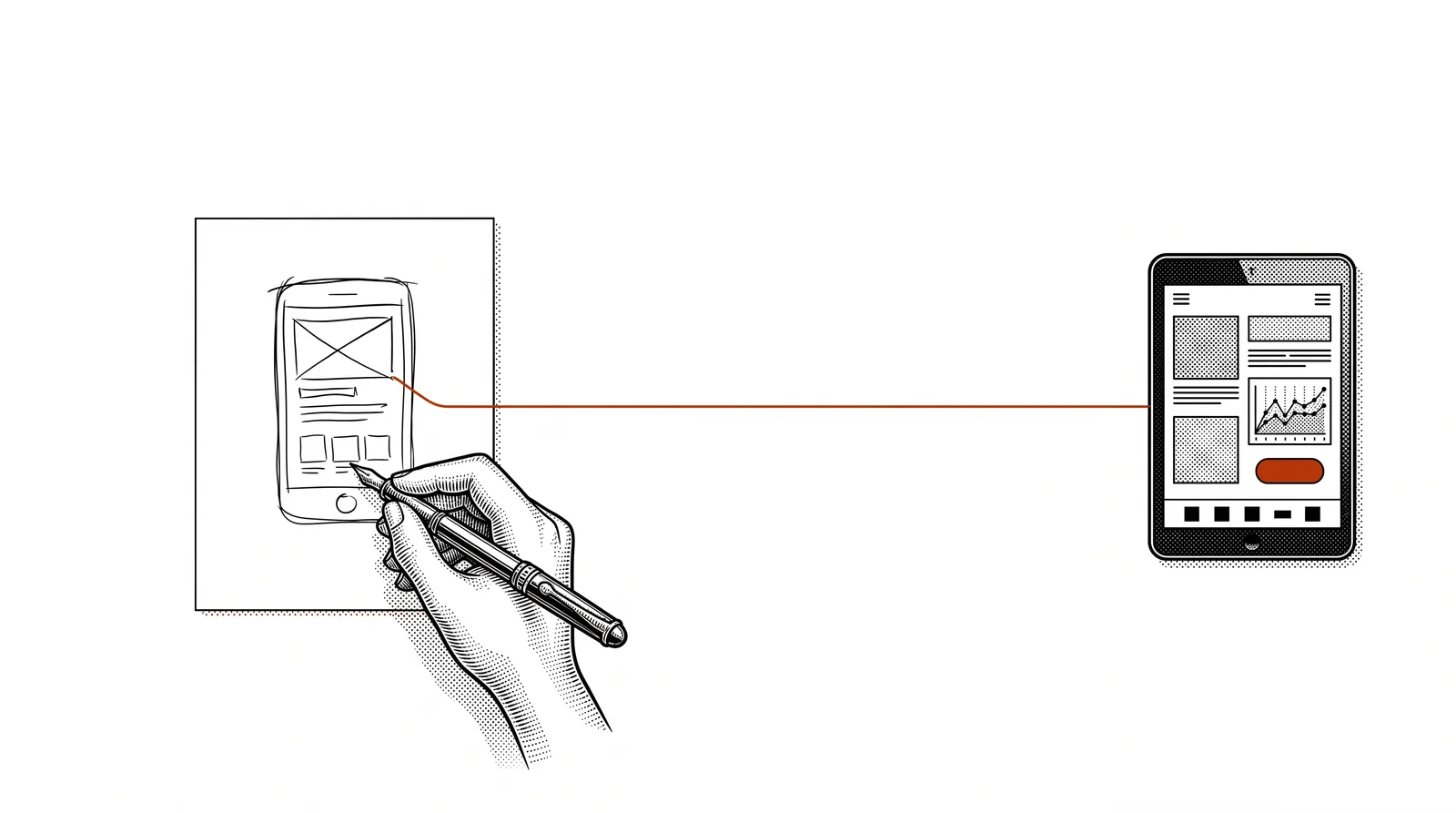
Even a rough drawing on paper helps the AI understand what you want. Describe the layout and structure before you think about details.
Ask the AI explicitly for responsive design. Check the result on your phone, tablet and desktop.
If you are happy with an intermediate step, save it before you go on. That way you can always go back if a change does not work out.
Don'ts
Do not describe your whole project in one prompt. Work in steps: first the basics, then the details, then the refinement.
If something does not look right, describe exactly what is wrong. "The button does not work" is less useful than "The send button on the contact form does nothing when I click it."
Advanced tips
Once you have mastered the basics, you can achieve even better results with these techniques.
Use a house style document
Make a file with your colours, fonts and design rules. Give this to the AI with every project. That way you always get a consistent result that fits your brand. At Printelligence we use a huisstijl.md file that we give to Claude.
Work with references
Show the AI a screenshot or URL of a design you like. "Build something that looks like this website, but with our colours" is a powerful prompt that saves a lot of time.
Combine tools
Use Bolt or Lovable for the first prototype and then refine with Claude Code or Cursor. Each tool has its own strengths: browser tools are fast for prototypes, code editors give more control for the finishing.
Version control
Use Git (through Claude Code or Cursor) to keep track of your project. That way you can always go back to an earlier version and see exactly what has changed. This sounds technical, but Claude Code does most of it for you.
The next step: Once you are comfortable with Vibe Coding, you are ready for the next level. With MCP servers and APIs you can connect your applications to real data and external services. That is the advanced Builder level.
Further reading and sources
Useful sources to keep learning and experimenting with Vibe Coding.
Anthropic's AI-powered coding assistant. Available as CLI, desktop app and IDE extension.
AI-first code editor built on VS Code. Ideal for those who want more control.
Browser-based Vibe Coding platform. Get started straight away without installing anything.
AI web app builder with a focus on design and ease of use.
More guides, masterclasses and practical AI applications for the printing industry.
You do not need to be a developer
to build software.You need an idea,
a good description,
and the right tool.