Why build a website with AI?
A professional website no longer needs to cost thousands of euros or take months. With AI you build it yourself, exactly the way you want it.
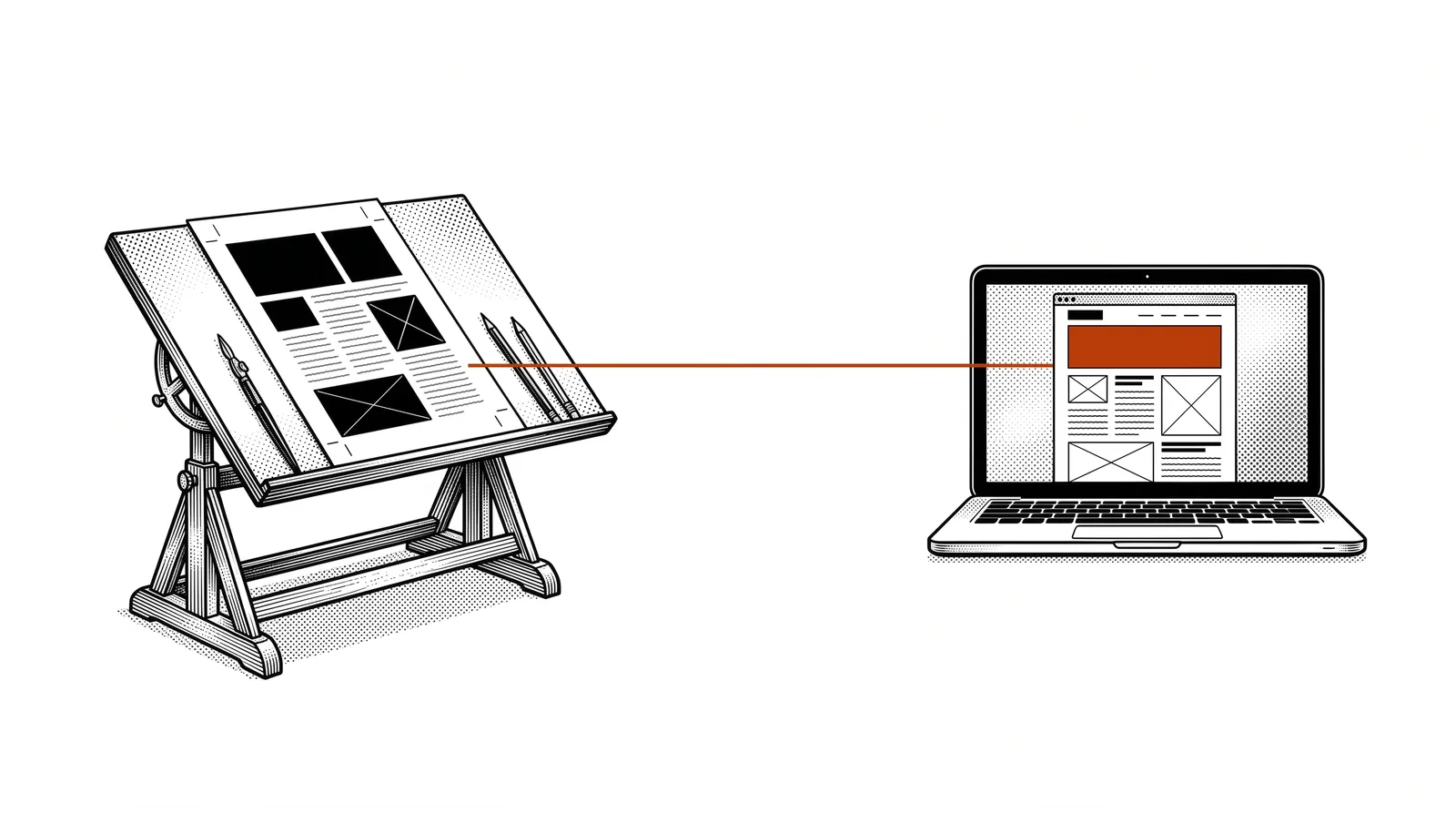
Traditionally you pay a web agency that translates your wishes into a design and then into code. Every change costs time and money. With AI-driven web design you work directly: you describe, AI designs and builds.
The benefits
From idea to working website in hours instead of weeks. Iterations take minutes, not days.
No expensive agencies or freelancers needed. You only invest in the AI tool and your own time.
You decide every detail. Not happy? Describe the change and see it happen straight away.
You no longer depend on third parties for updates or small changes to your site.
Important: AI does not replace a good sense of design. You still need to know what you want to communicate and who your target audience is. AI is the tool, you are the architect.
The design process
A good website does not start with code, but with a clear plan. This is the process we follow at Printelligence.
What should the website achieve? Inform customers? Sell products? Generate leads? Your goal determines the structure.
Who are you building for? A technical audience expects a different website than consumers. Adjust language, design and navigation.
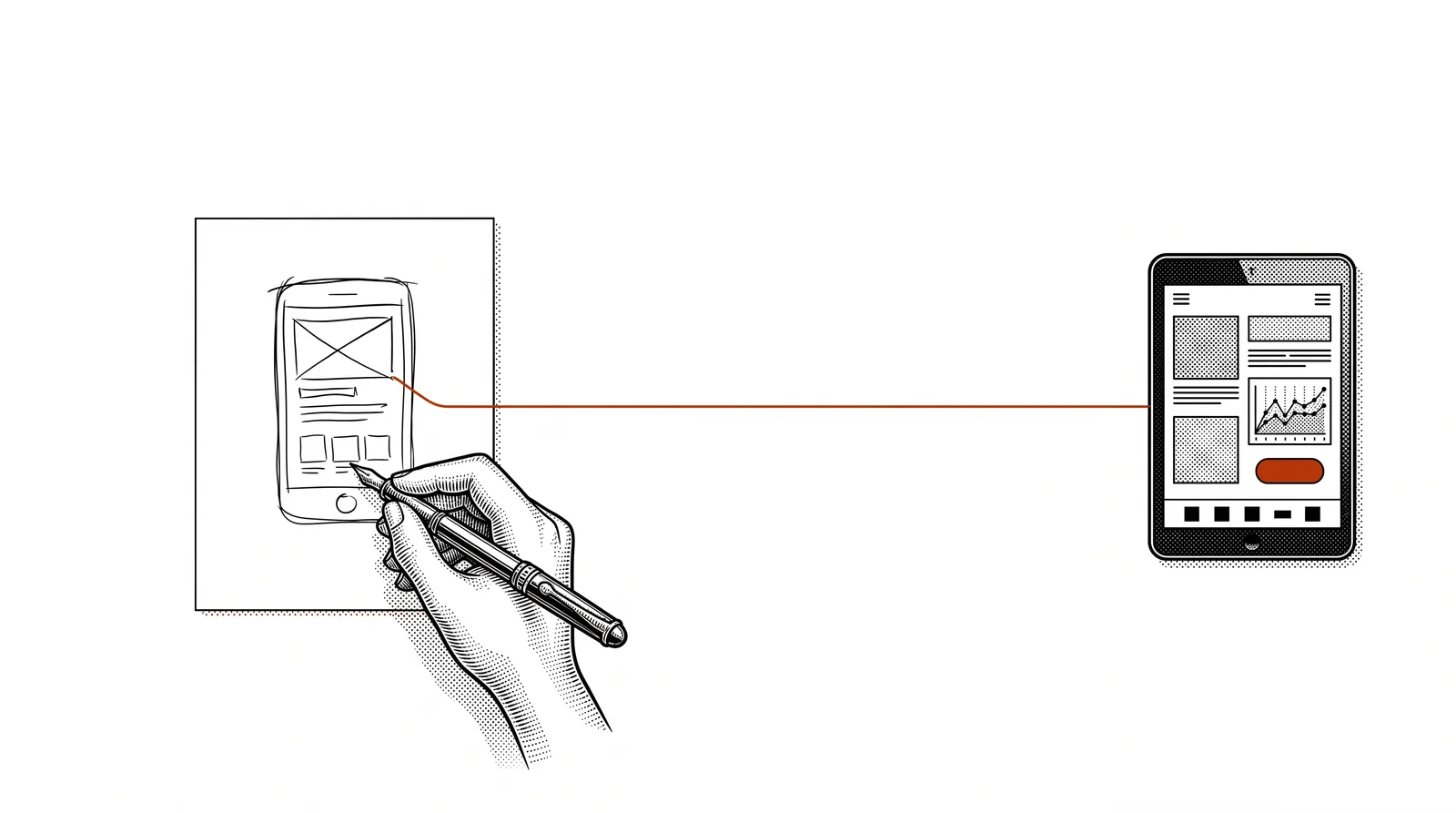
Sketch which pages you need. Homepage, about us, services, contact. Keep it simple: less is more.
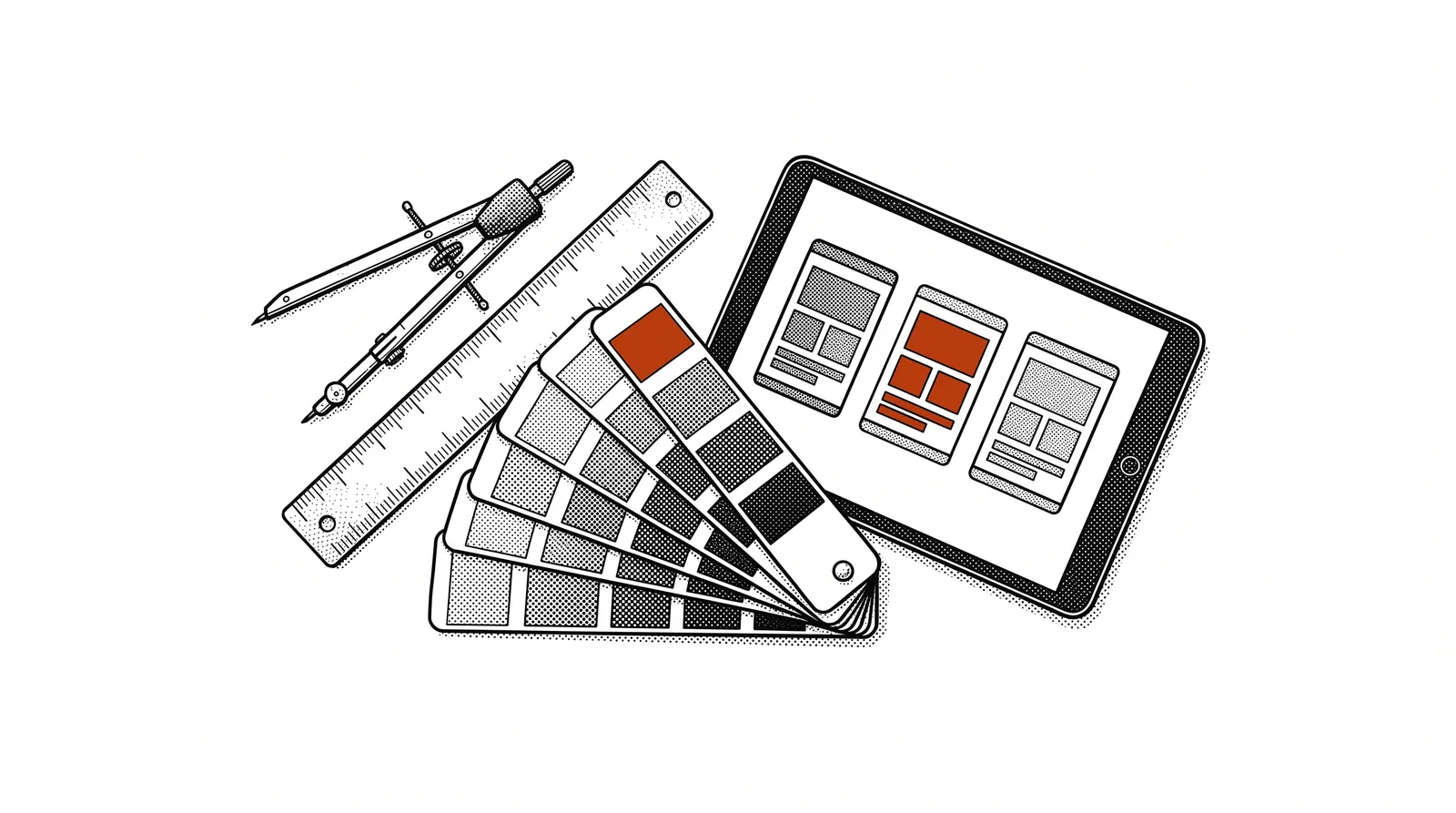
Colours, fonts, logo. If you do not have those yet, AI can help with that too. Consistency is the key.
Texts, photos, logos. You can ask AI to write texts, but your own photos always give a more personal result.
Pro tip: Collect 2-3 example websites you like. This gives the AI a clear direction and saves many iterations in the design process.
AI tools for web design
There are several tools you can use to design and build a website. Each has a different approach.
Google's AI design tool. Generate complete screens from a description, adjust them and export as code.
Browser-based builders that generate complete working websites from a text description.
Generate HTML, CSS and JavaScript from descriptions. Ideal for custom designs with full control.
Specialised in UI components. Perfect for individual sections or page elements.
The design tool par excellence, now with AI plugins that can generate and refine designs.
Design-to-website tool. Design visually and publish directly as a working website.
Our workflow: At Printelligence we use Google Stitch for the design and Claude Code for the final code. Stitch quickly generates visual mockups, Claude Code builds the production version with the right house style.
From design to working code
Your design is ready. Now it has to become a real, working website. These are the steps.
HTML: the structure
HTML is the language that defines the structure of your website. Headings, paragraphs, images, links: everything is described in HTML. You do not need to write this yourself. Describe your page to the AI and it generates the HTML for you.
CSS: the design
CSS determines what your website looks like: colours, fonts, spacing, layout. Say: "Use a dark blue background with white text and rounded corners" and the AI writes the CSS.
JavaScript: the interaction
JavaScript makes your website interactive: form validation, animations, dynamic content. For many websites you need minimal JavaScript. The AI adds it where needed.
Responsive design
Your website has to look good on every screen: desktop, tablet and mobile. Always ask the AI explicitly for responsive design. Test the result on different screen sizes.
You do not need to remember this. The AI knows HTML, CSS and JavaScript perfectly. Your task is to describe what you want to see and how it should work. The technical translation is the AI's job.
Putting your website online
Your website is built. Now the world needs to be able to see it. These are your options.
Option 1: Free hosting through the tool
Platforms such as Bolt, Lovable and Vercel offer free hosting. You click "Publish" and your website is online. Ideal for prototypes and small projects.
Option 2: Your own hosting
For a professional result you want your own hosting with your own domain name. Providers such as Combell, TransIP or Cloudflare offer reliable hosting from a few euros a month.
The process
Choose a domain name that fits your company. e.g. yourcompany.be or yourcompany.nl
Choose a hosting package. For a static website (HTML/CSS) the cheapest package is enough.
Via FTP (File Transfer Protocol) or the web interface of your hosting you upload the files to the server.
Check that everything works: links, forms, images. Check on mobile and desktop. Done? Your website is live!
Domain, hosting and FTP
Three terms you need to know to put your website live. Here is a simple explanation.
Just as your house has an address, your website has a domain name. e.g. printelligence.online. This is what people type in to visit your site.
Hosting is the place where your website files are stored. A server that runs 24/7 so your website is always reachable.
FTP is the way you move files from your computer to the server. Tools such as FileZilla make this easy.
Popular providers in the Benelux
| Provider | Hosting from | .be domain |
|---|---|---|
| Combell | EUR 3.99/month | EUR 7.26/year |
| TransIP | EUR 2.00/month | EUR 7.49/year |
| one.com | EUR 2.99/month | EUR 9.99/year |
Free alternative: Cloudflare Pages and GitHub Pages offer free hosting for static websites. Ideal to start without any costs.
FTP in practice
This is how you upload your website to your hosting. We use FileZilla as the example.
FileZilla is a free FTP program. Download it from filezilla-project.org and install it.
Your hosting provider gives you a server address, username and password. Enter these at the top in FileZilla.
Click "Connect". On the left you see your local files, on the right the server. Navigate to the public_html or www folder.
Drag your website files from left to right. Wait until the upload is finished. Your website is now online!
AI alternative: With Claude Code you can also upload directly from the terminal with FTP commands. Describe your hosting details and Claude handles the upload for you. At Printelligence we use this method for quick updates.
Common mistakes
Always upload to the right folder (public_html or www). Make sure your main page is called index.html. Check that all images have been uploaded too. Test the website after uploading on another device.
Maintenance and updates
A website is never "finished". This is how you keep your site up to date.
Regular updates
Keep your content current. Outdated information damages your credibility. Plan a monthly moment to check your texts, prices and contact details.
SEO basics
Search engine optimisation does not need to be complicated. Make sure you have clear titles, descriptive texts and fast loading times. Ask the AI to optimise your pages for search engines.
Analytics
Install Google Analytics (free) to see who visits your website, which pages are popular and where visitors come from. The AI can add the necessary code for you.
Security
Make sure you have an SSL certificate (the padlock in the browser). Most hosting providers offer this for free through Let's Encrypt. Without SSL visitors trust your site less and Google ranks you lower.
Maintenance plan: Set aside 1 hour every month for website maintenance. Check content, test forms, look at analytics and make any updates. With AI, changes take minutes instead of hours.
Websites for the printing industry
Specific applications and tips for printing companies and graphic businesses.
Show your finest print work with large photos and project descriptions. AI can generate a gallery that makes your work shine.
Let customers request a quote online with a form that asks for format, paper and finishing.
A page where regular customers can place repeat orders, upload files and track orders.
Promote open days, trade fairs or workshops with a professional landing page and registration form.
Case: printelligence.online
The Printelligence website was built entirely with AI. The design was made in Google Stitch, the code was generated by Claude Code, and the site is hosted at Combell via FTP. The whole process, from first design to live website, took less than a working day.
Every page, every theme and every guide you find on the site was made with the same techniques described in this guide. It is living proof that Vibe Coding and AI-driven web design work.
Further reading and sources
Useful sources to learn more about AI-driven web design.
Google's AI design tool for generating screens and design systems.
AI-powered coding assistant for building complete websites from descriptions.
Browser-based website builder with AI. Get started straight away without installing anything.
Free FTP program for uploading your website to your hosting.
More guides, masterclasses and practical AI applications for the printing industry.
From design to live website.
No agency needed.
No months of waiting.
You describe, AI builds.